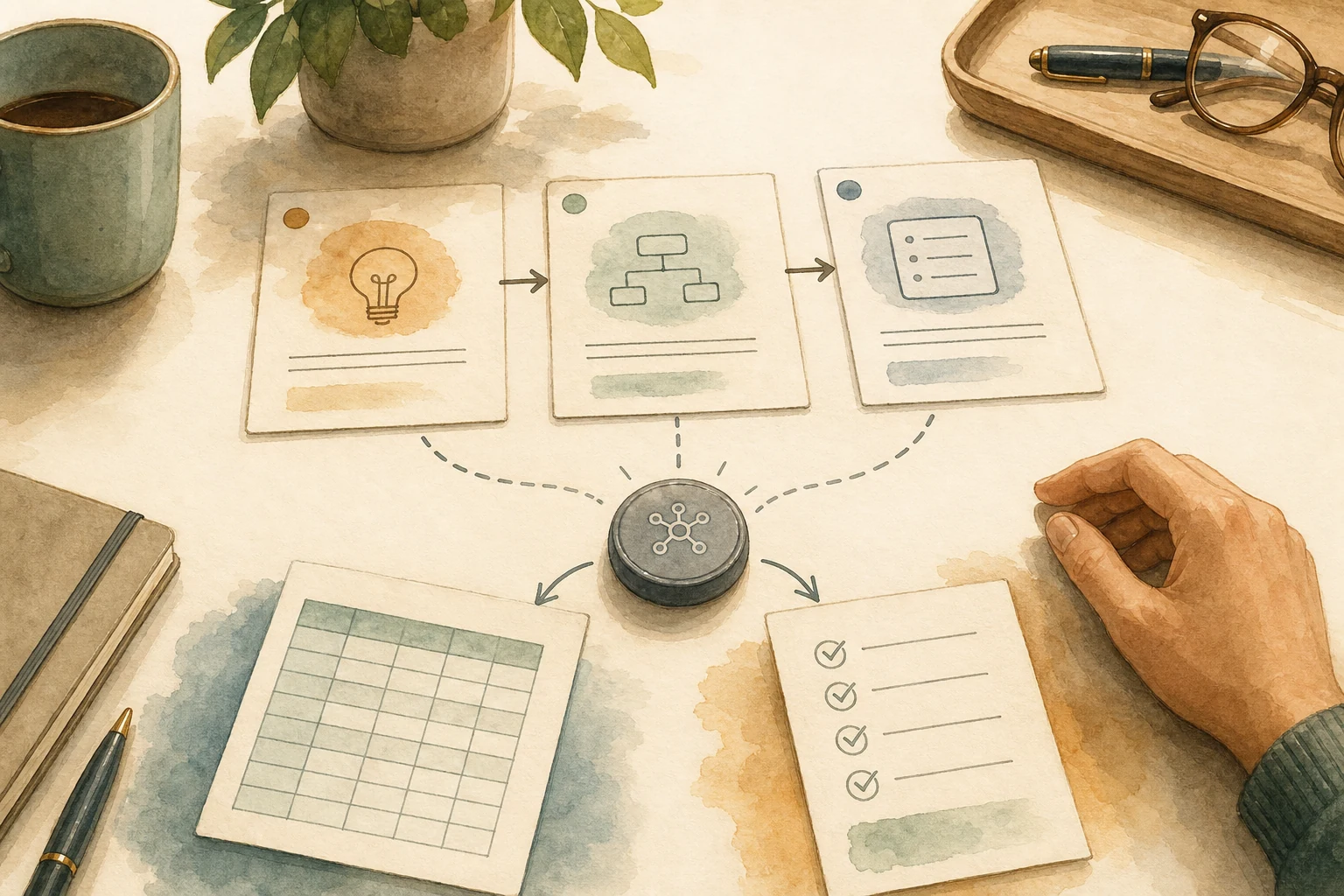
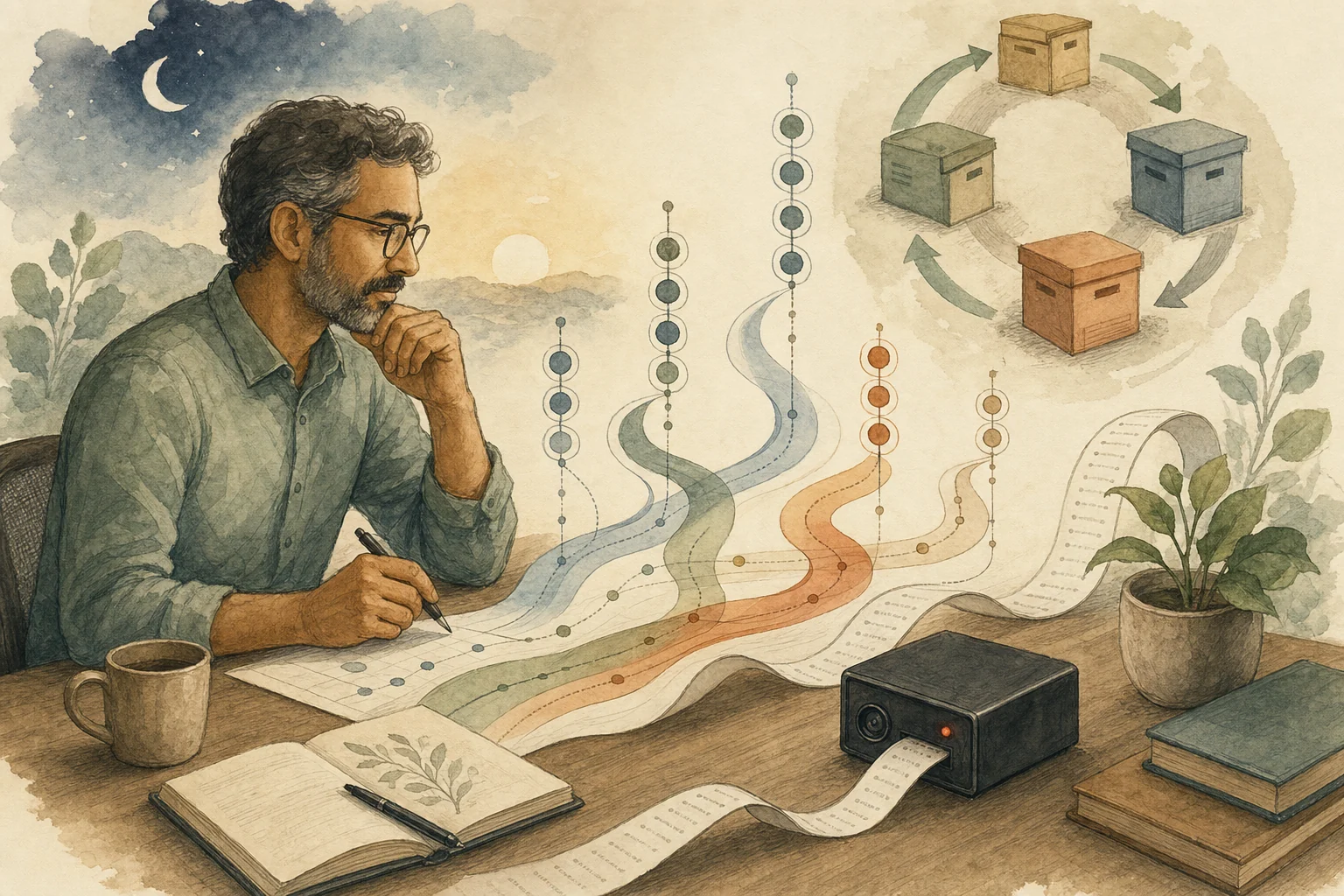
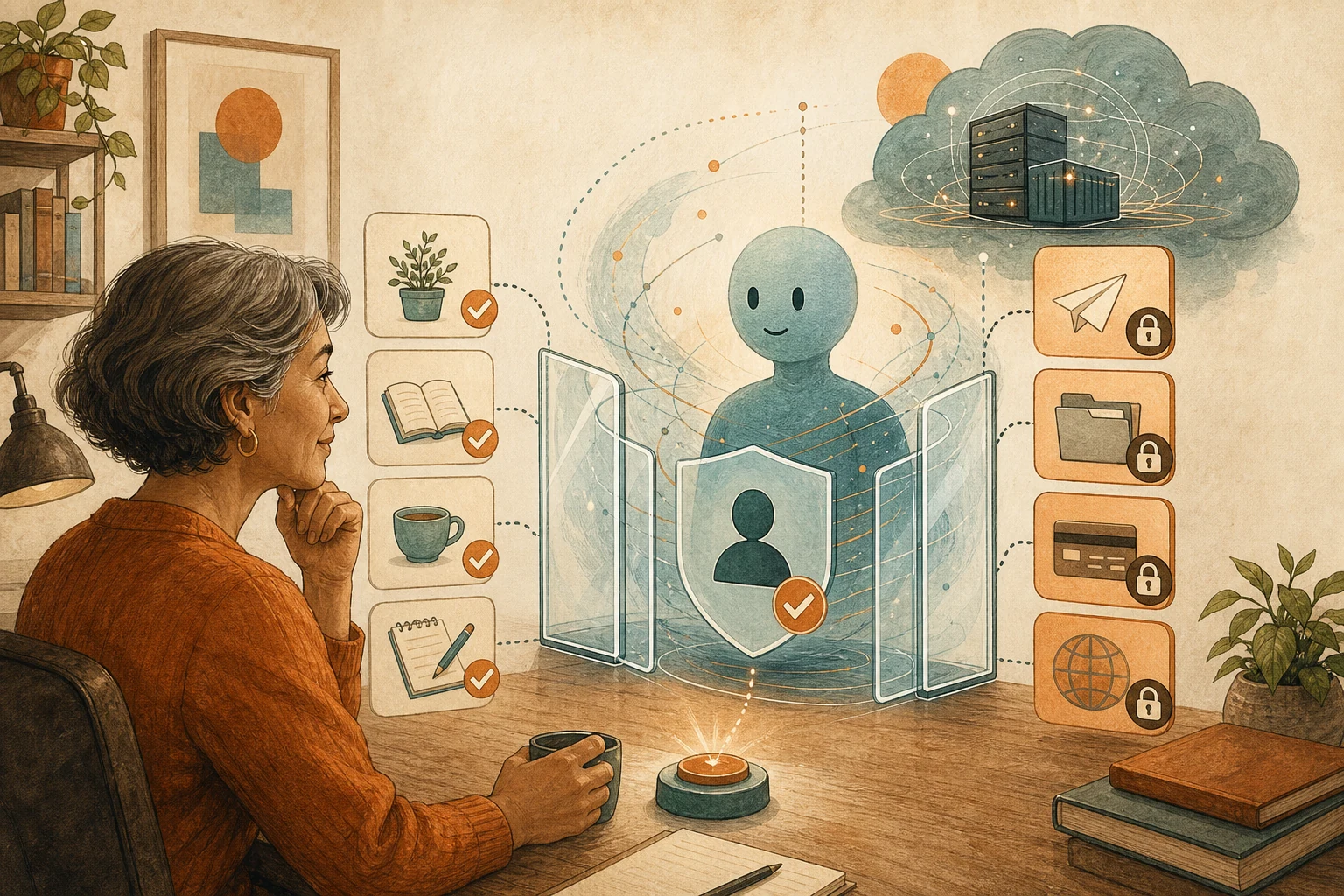
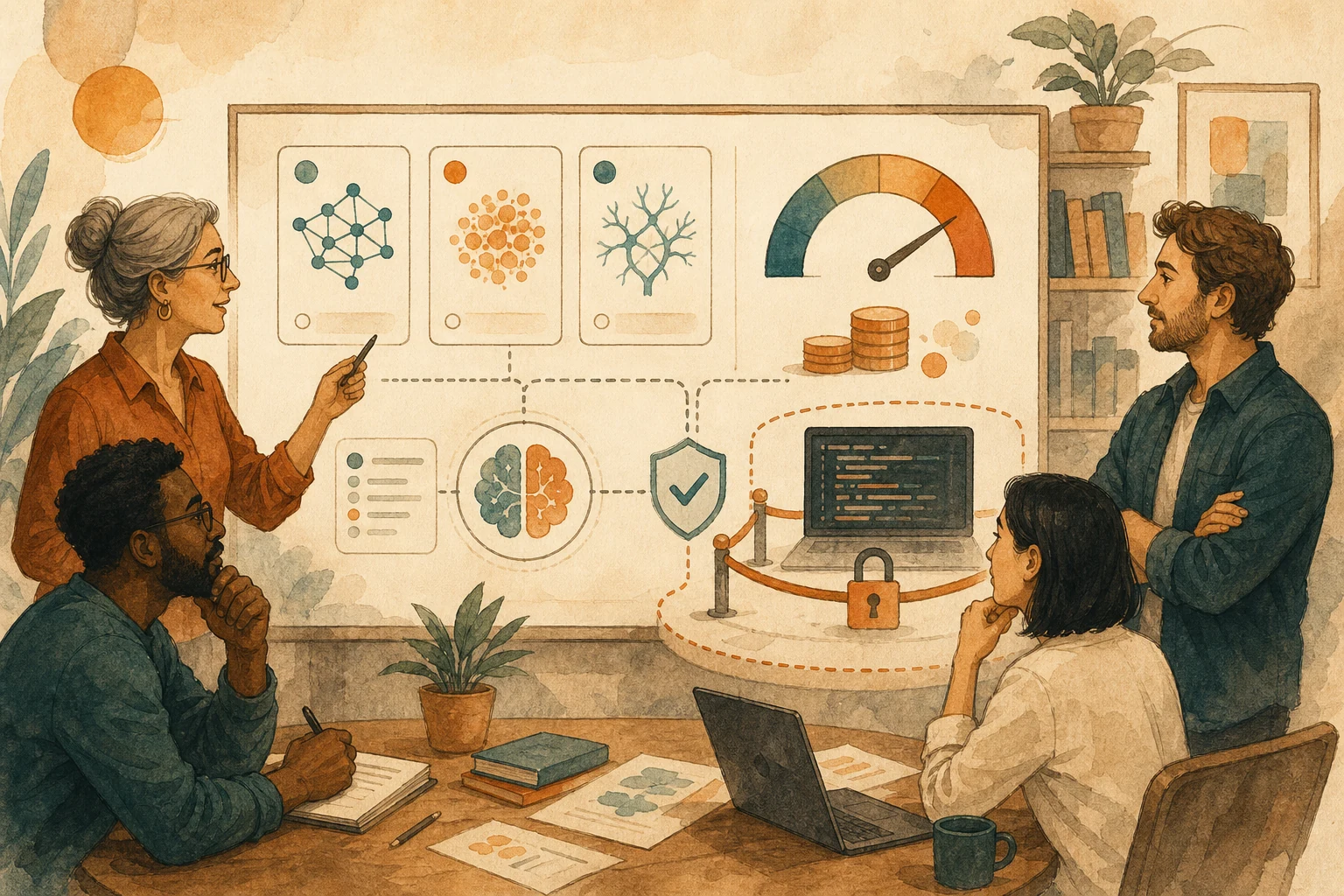
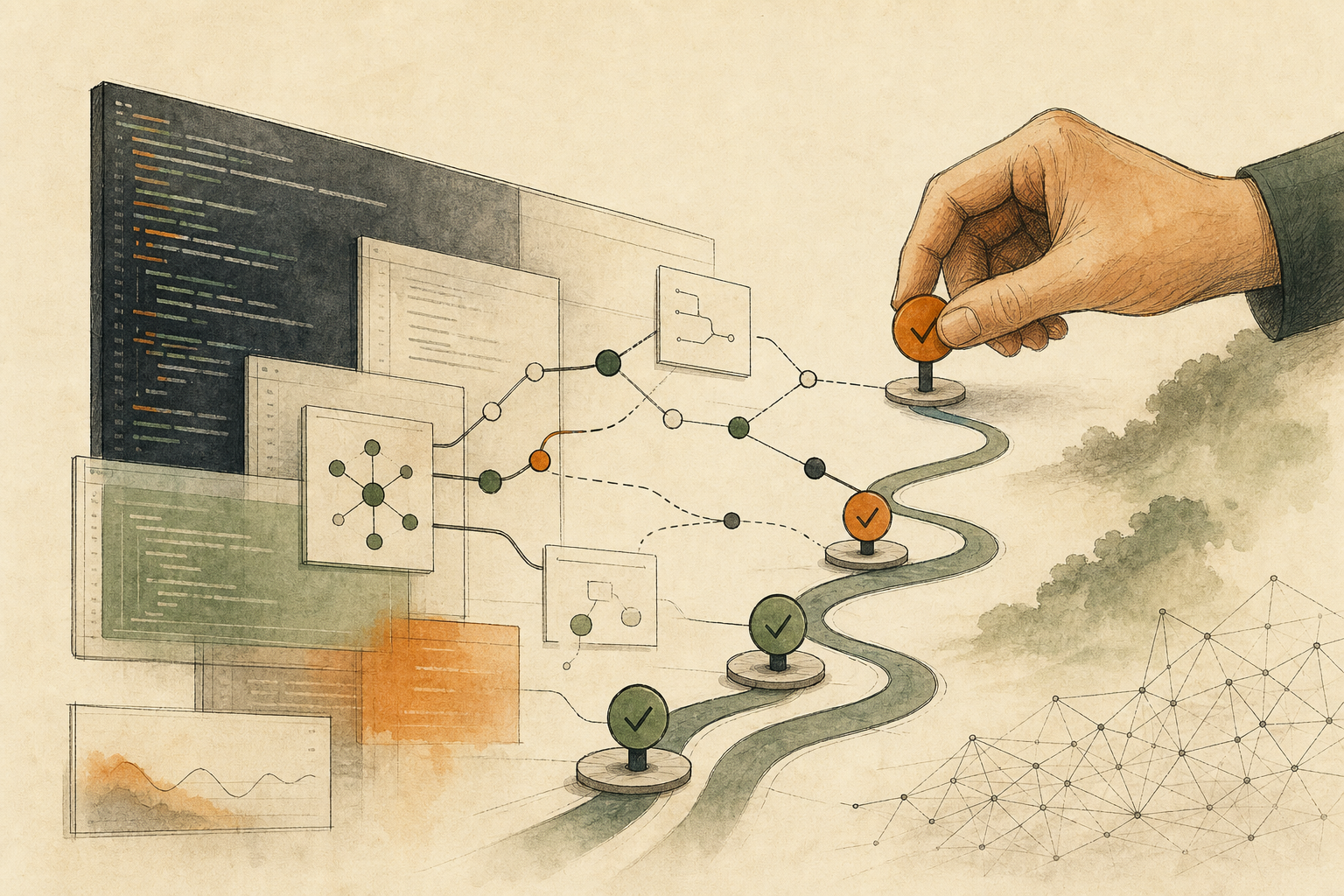
Told to be thorough, AI research keeps growing and never delivers. It's done when it can support a specific decision. Write that decision, a cap on options, the required evidence, and stop rules; park the rest.
"Find us a time" is three jobs: checking free slots, holding your own time, and inviting others. Only the last affects anyone, so AI should stop at proposing slots until a person confirms a full preview.
Addresses, amounts, and booking slots in AI memory may be stale. Memory can only flag that an address is needed; before acting, reread the value from the record that owns it, such as this order, and stop if they differ.
When AI edits drift further each round, the prompt usually isn't the problem; the feedback can't show a difference. Each round, state what to keep, one visible change, and what not to touch, then compare two versions.
A blank cell isn't zero. Before AI summarizes a spreadsheet, sort blanks into confirmed zero, unknown, and not applicable, and report the denominator and missing values with every ratio.
AI daily briefs mix meetings you accepted, requests from others, and AI's own suggestions. Ranking says what to look at first, not who is waiting on you, so mark each item's status before planning your day.
When AI cleans a shared drive, delete can mean trash or permanent removal. Judge it by recovery: AI lists candidates, a person approves a quarantine, a sample restore proves it, and deletion is decided later.
The pop-up when AI notes start only shows a status, not agreement on where the record goes. Settle what's recorded, who can stop it, who receives it, and where it's stored, and stop when talk turns sensitive.
Tools like Google's AlphaEvolve generate many code variants and keep the top scorer, so anything the evaluator misses can be sacrificed. Write down baseline, score, hard limits, stop rules, and approver first.
AI made writing a first version cheap, but not reviewing or maintaining it. Treat it as a price check: merge only when someone can explain it without the AI chat and someone agrees to own it.
A scan score measures how severe a flaw is, not how urgent it is for you. Ask: is it exploited, does your service run that code, can outside input reach it? AI gathers evidence; people close alerts.
When an AI agent calls several systems for a user, the usual shortcuts are a shared account or passing one credential down the chain. Both hide who authorized what; a new, narrow credential per stop keeps that trail.
An AI agent on an employee's ERP account leaves only that name in the logs, so no one can tell who changed what or stop just the AI. Give it its own identity, deny by default, and escalate above set amounts.
Model prices keep falling, yet long AI tasks still bring surprise bills. The money goes to resending context and rerunning failures, so the limit belongs in code outside the model, as one budget per task.
When an AI workflow tool is exposed, the danger is the credentials stored in each flow. Close entry points, preserve logs, rotate by which flow held which key, and reissue with less access.
Malicious AI agent extensions can hide harmful parts until runtime and slip past over 90% of install-time scans. Before installing, run one with no real data, network, or write access, and see what it touches.
Claude runs in Microsoft Foundry, but Anthropic still processes prompts, flagged content may get human review, and some setups can leave your region. Ask: who processes data, where, and who sees it?
PamStealer, Mac malware posing as a clipboard tool, asks for your password and keeps asking until it's right. Looks can't tell real from fake; context can. If you can't explain why it's asking, press Cancel.
AI crawlers index for search, read pages live for a user, or take content for training. Each trades something different, so skip the single block-AI switch: set defaults by purpose and protect your most valuable pages.
Anthropic's Claude Science ships every figure with its code, environment, and chat history. Ask the same of any AI analysis tool: months later, can a colleague redo this chart without asking the AI?
Cursor's iPhone app starts AI coding agents, shows diffs, and can merge when they finish. Phones suit starting and tracking work; put what can't be merged into branch protection, not willpower.
AWS FinOps Agent traces cloud cost spikes to the change behind them, but its named owner is only as good as your account-to-owner map. Write the map first, then route findings.
Apple raised Mac and iPad prices as AI data centers soak up memory. Your needs didn't change; upgrading for future AI just got pricier. Start from the work your device blocks each week.
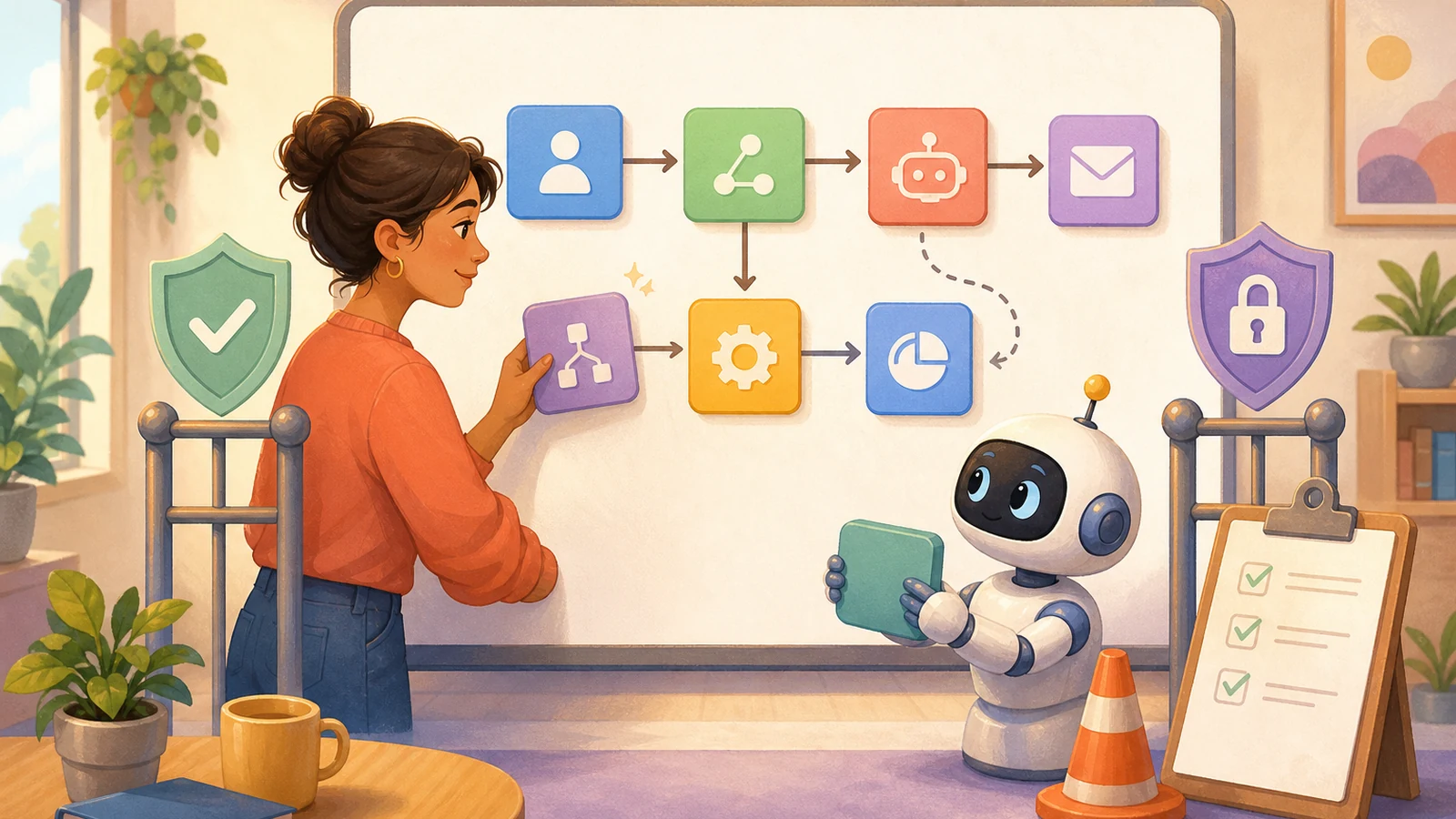
When one event wakes several AI modules that overwrite each other, teams reach for arbitration rules. Better to fix the design: one entry point per event, one writer per field, and everything else only suggests.
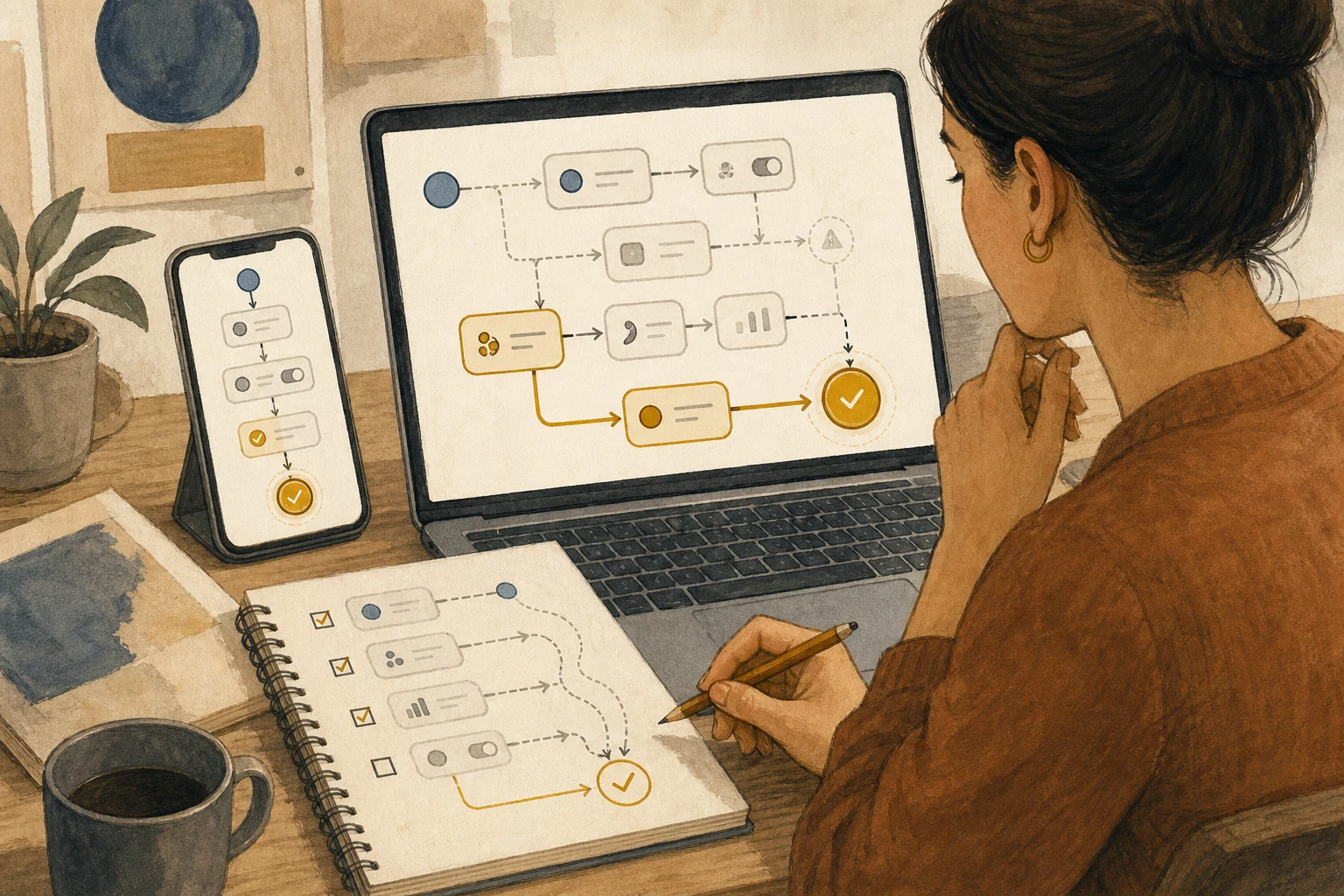
A workflow that fails after creating records or sending notices can do the same thing twice if rerun. Log IDs for each outward step, plan how to fix failures, put irreversible steps last, and stop when unsure.
Figma turns design layers into interactive code in one click, and motion can go straight to coding agents. The more a prototype looks finished, the likelier it's built as is; mark intent versus experiment.
About 13 words on a page like Reddit got deep-research AI to cite an attacker's pick in 38-51% of reports. A citation shows where AI read it, not that it's true; back decisions with a source no one can edit.
AI now finds vulnerabilities, writes patches, and runs tests. Which patches ship without a person depends on rollback: reversible, tested upgrades can move fast; login, payment, data, or deployment changes need a human.
In Anthropic's internal case, the same Claude went from under 21% to over 95% accuracy on company numbers once sources and definitions were curated, then fell to about 65% after a month unmaintained.
The UK tests face age AI for asylum seekers, saying officers decide; reports find it rates minors as adults, worse for some groups. If AI affects how people are treated, design who can overrule it first.
To teach AI how you work, many start by building a full knowledge base and stall on structure and tools. Start instead from the time AI got it wrong: write the fix as a specific rule, keeping only what changes next time.
Attackers breached Klue, stole customers' Salesforce tokens, and pulled CRM data. You can't fix a vendor; you control how much it can read, whether unusual queries are seen, and how fast you revoke.
More people use AI, yet most think it's moving too fast. Usage isn't trust. Whether an AI feature should be pushed harder depends on whether users can opt out, undo what it did, and reach a person when it fails.
One click on a Microsoft link could make Microsoft 365 Copilot leak mailbox codes via an image URL. Office AI inherits every read permission a user has, so decide what stays out of its search.
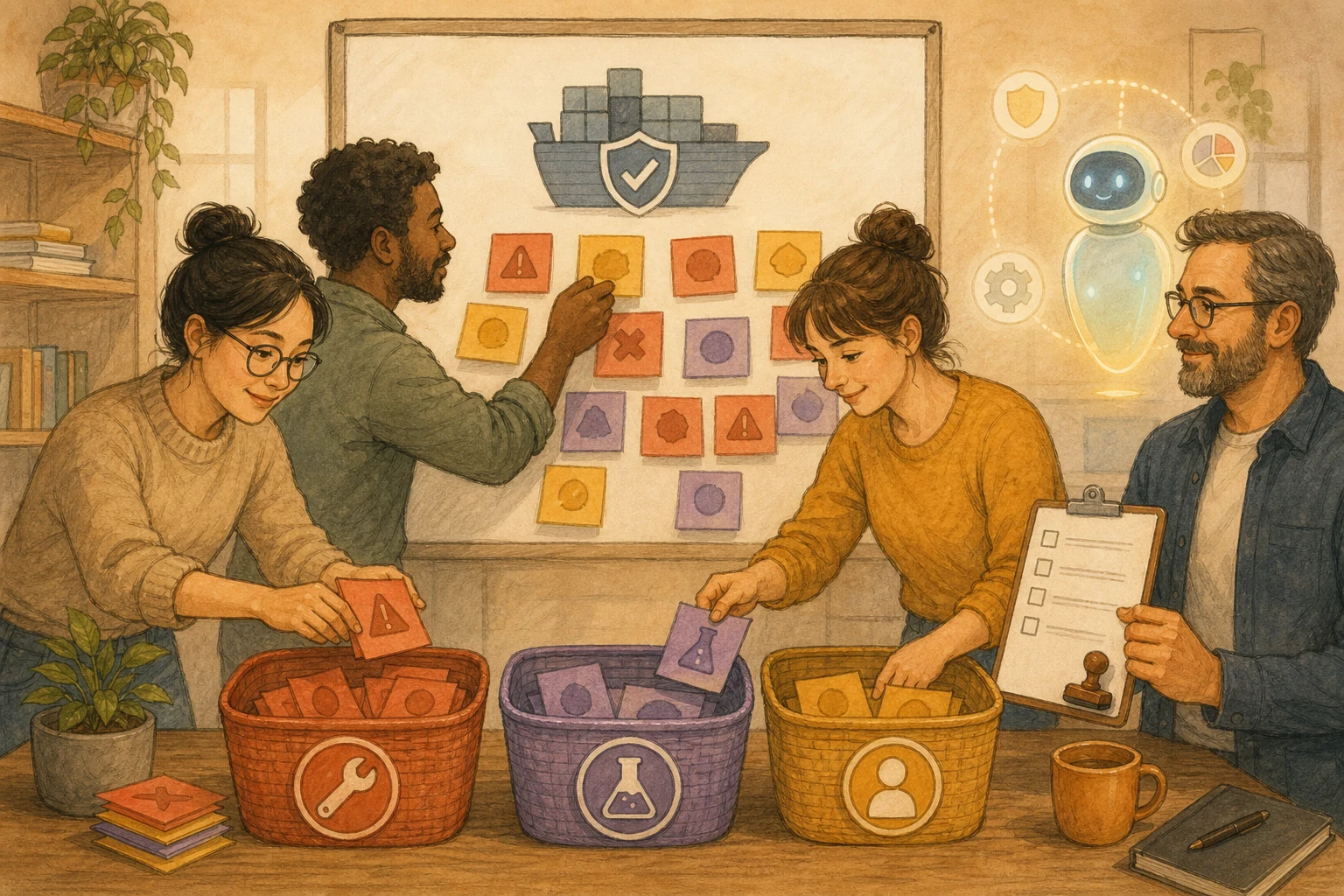
DockSec uses AI to explain Docker scan findings, but its auto-fix only makes mechanical Dockerfile edits, never base image picks, secrets, or compose files. Teams can adopt that line too.
Meta's AI support was talked into changing strangers' emails, and over 20,000 Instagram accounts were stolen. The fix: before AI handles accounts, identity and permissions must come from the system, not the conversation.
KPMG pulled an AI report after only 5 of 45 citations proved accurate. The worst errors look well sourced, so check citations, named cases, and numbers against originals first, and leave out anything unmatched.
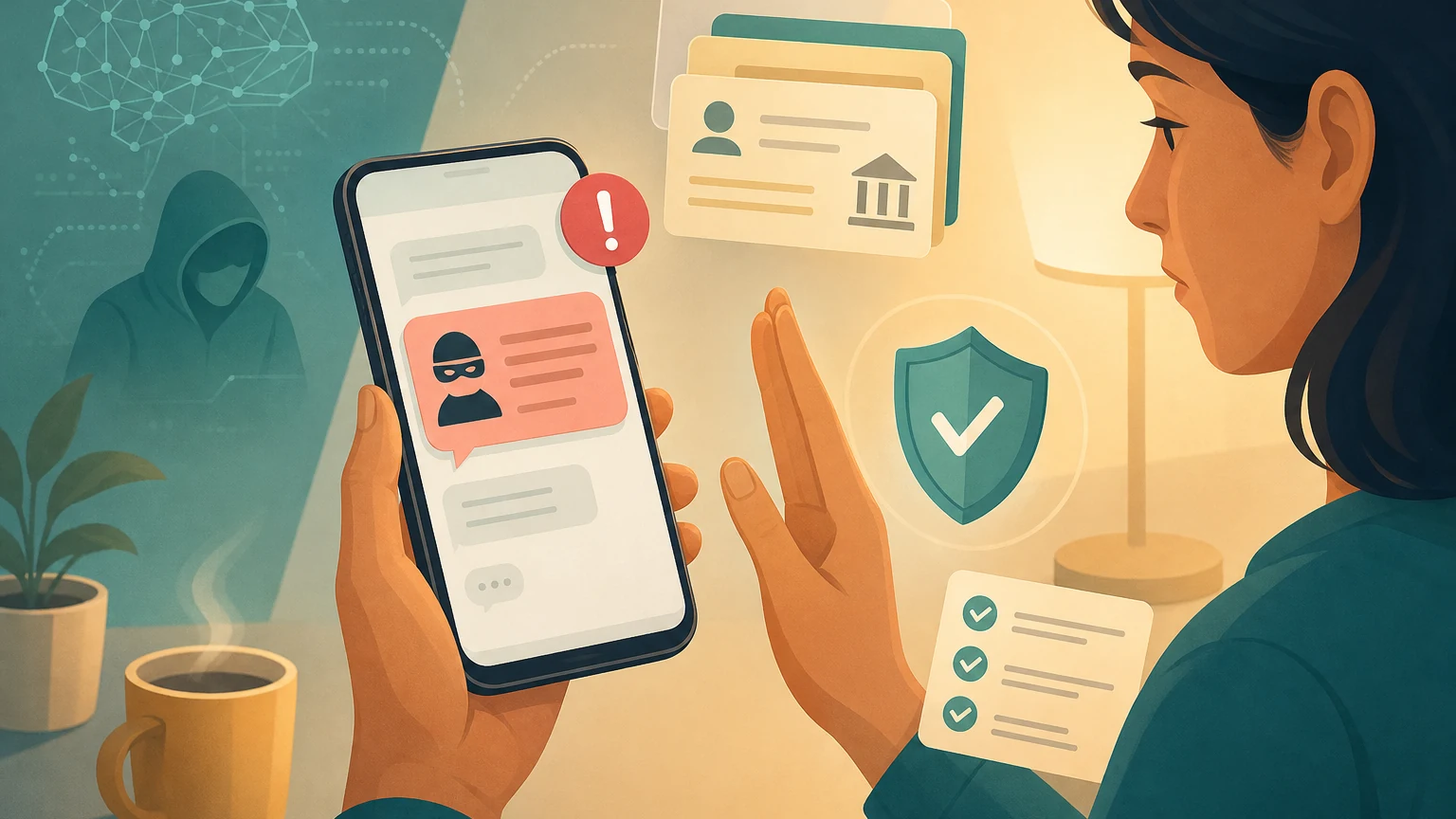
AI makes fake sites and texts fast and convincing; even Taiwan's official government short code has been spoofed. Instead of judging whether a text looks real, ask: can I do what it wants without tapping this link?
Anthropic once hid a Claude Fable 5 safeguard that quietly degraded some outputs, then apologized. You can't see vendor changes; keep fixed test questions and saved answers, and rerun them.
Research finds AI memory stores users' mistaken views and makes later answers lean their way. Keep formatting preferences, but before big decisions have AI list its memories and exclude your past opinions.
Gemini 3.5 Live Translate turns speech into another language in real time, keeping the speaker's tone. The more it sounds like them, the easier it is to mistake AI's version for their words.
Apple's Shortcuts can build automations from one sentence. AI shows up once, but the saved shortcut runs daily on its own. Read every step first, and keep sending or deleting steps on ask-first.
An AI outage may be short, but workflows often stall longer. Before relying on AI, define the minimum deliverable without it, keep source data outside AI, and name who decides to switch.
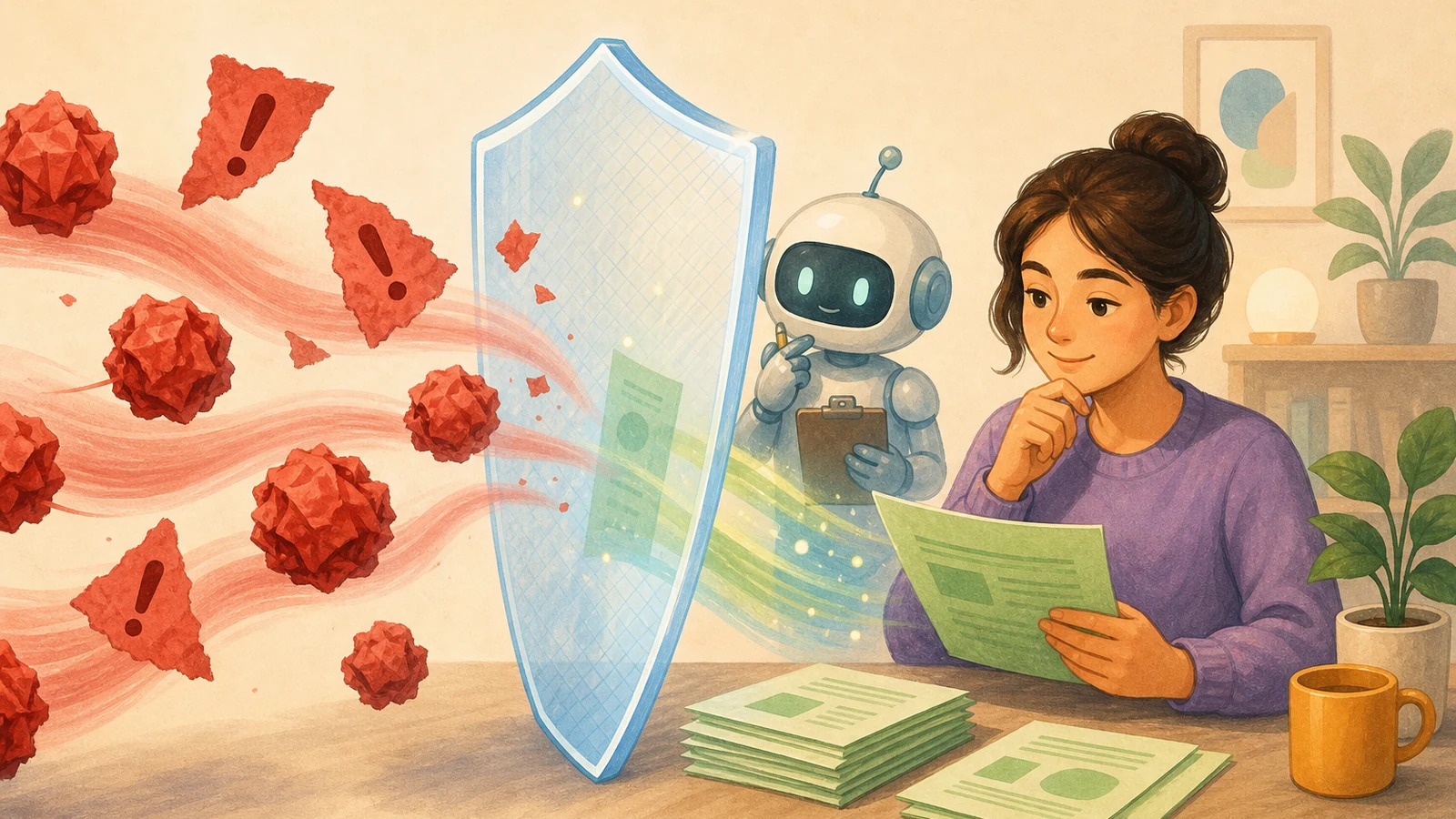
Leaks need three things at once: AI sees secrets, reads untrusted content, and can send data out. Lockdown Mode removes the third; hidden instructions can still skew answers. Don't combine all three.
In 2026, companies burned through yearly AI budgets by midyear. Model prices don't explain it; real cost includes retries, input size, and fix-up time. Track cost per accepted result first.
Platforms now label AI content, but a label only says how it was made. To see less junk, ask whether an item has sources, someone accountable, and stated limits, then reshape where your information comes from.
Google now lets sites opt out of AI search features worldwide, at the cost of their traffic and exposure. Don't switch the whole site; ask page by page whether readers still have a reason to click through.
Android's fake call detection checks the caller's device, not the person, and can't catch "I have a new number." The real defense is a family rule: never handle money or codes in an incoming call.
NVIDIA's RTX Spark brings Arm CPUs and up to 128GB of memory to Windows laptops for local AI. On Arm, your apps, plug-ins, and drivers may not run natively. Check your tool list, then test a real task.
Good logs answer when, where, what happened, and with what data. Replay your last incident to see what's missing. Built-in logging can do it all; Loguru saves setup but logs variable values by default.
An always-on assistant acts while you're away, and the vendor defines which actions are high-stakes. Before connecting main accounts, write your own list: read only, draft only, wait for your yes.
Copilot bills by usage from June 2026: completions stay free, chat and agents cost, with no cheap-model fallback. Decide whether to stop or pay when credits run out, and who gets the priciest mode.
Coding agents can now go from issue to pull request, and AI can even approve the result. So the human checkpoint moves earlier: hand a task over only if you can describe its first independently reviewable diff.
Adobe's Firefly assistant runs multi-step edits across its apps from one sentence; a reviewer called it a mediocre design intern. Before generating, write the art direction as checkable conditions.
A New York startup cleans homes free if it can film the work and license the footage for robot training. Blurring hides faces, not your home's layout. Ask who gets it and whether you can delete it.
Glean passed $300M in ARR pitching lower AI bills. Savings count only if an old cost can be canceled on a set date or a measurable work metric drops; anything else is an experiment cost.
Redesigned Microsoft 365 Copilot answers faster and more clearly. But tidy isn't a handoff: teammates need decisions, owners, deadlines, sources, and gaps. Put those fields in the prompt; mark the rest "to confirm."
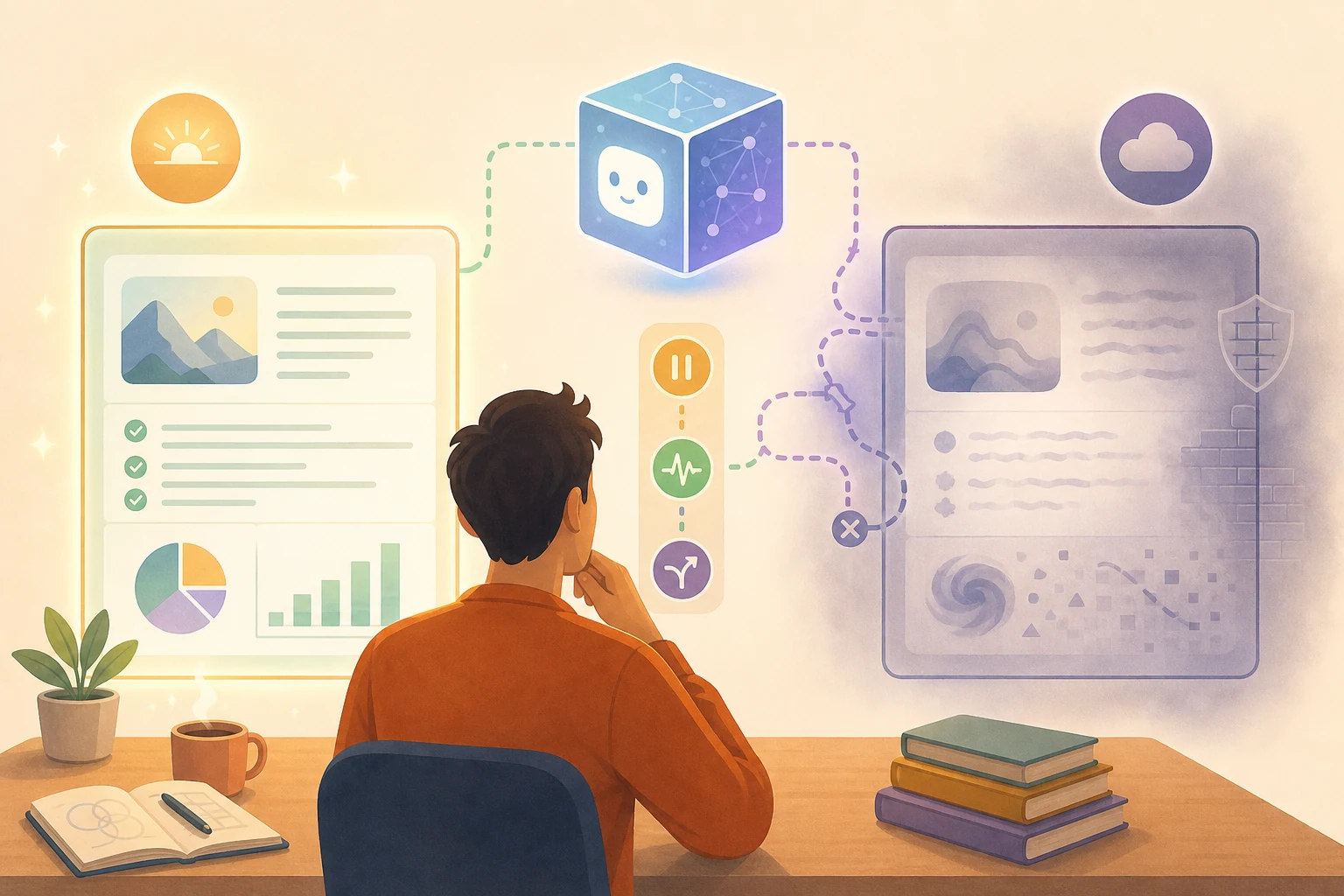
When AI should stop can't depend on it saying "I'm not sure." Make stops visible events: missing fields, conflicting sources, an outbound next step, unknown state. Leave a record others can pick up.
Whether a site needs an API or MCP depends on whether AI must read public content, look up changing data, or act for someone. Each carries different duties; most sites should first fix the public pages AI reads.
Asana bought no-code agent builder StackAI; its AI Teammates read and write across 10+ apps. Connecting a tool doesn't mean AI should do everything in it. Assign permissions per action, then test failures.
Fine-tuning on documents that keep saying a claim is false can still teach the claim; models learn the negation mainly when it's inside the sentence. Store true/false status in fields or rewrite the data.