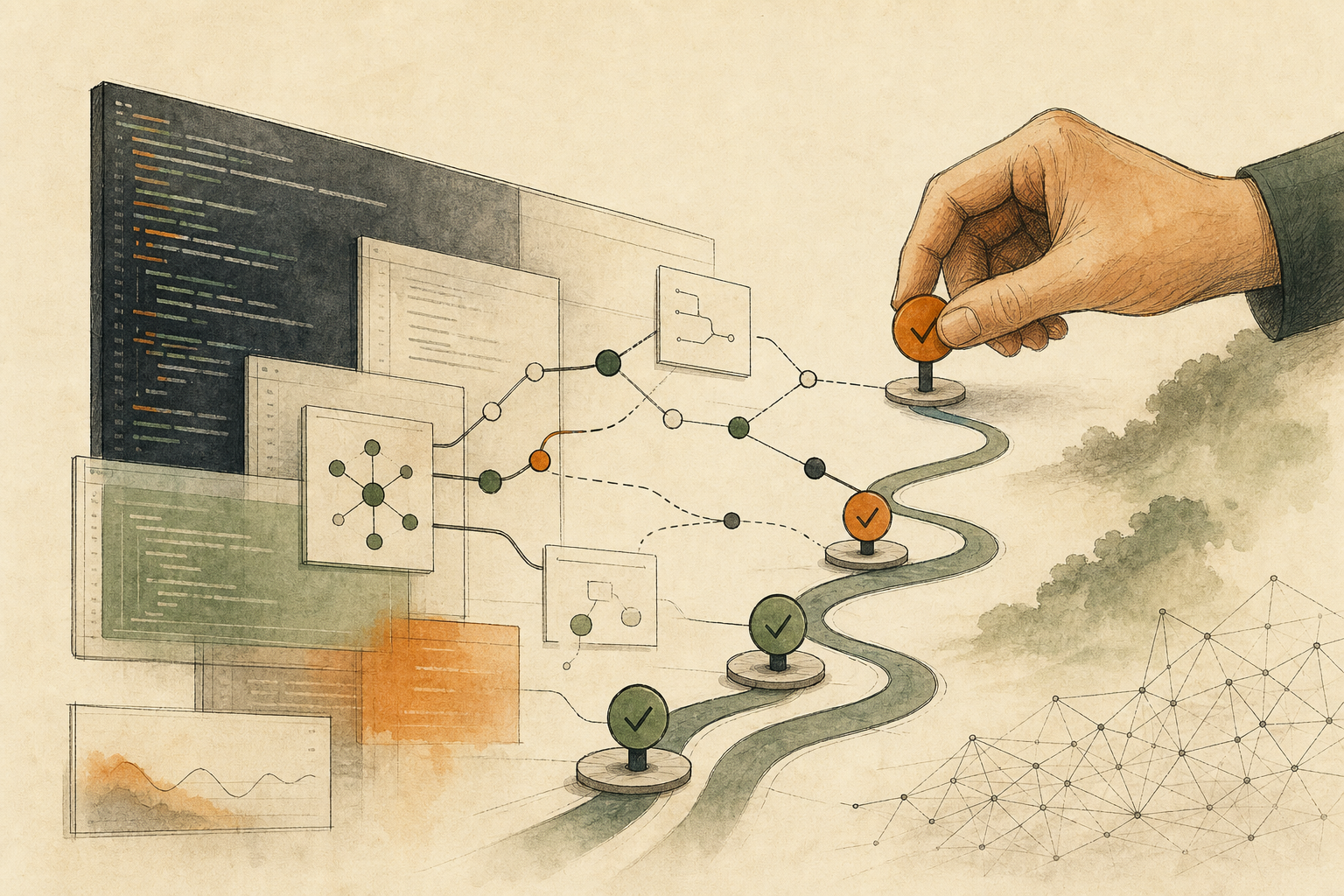
An engineer finds an extension for an AI agent that solves exactly what the team is stuck on this week: sorting issues automatically and generating changelogs. The documentation is thorough, it has plenty of GitHub stars, and a run through a security scanner shows no warnings. He’s ready to install it in the team’s shared environment.
Extensions like this are called skills, plugins, or MCP servers, depending on the product; the last of these is an interface that lets AI tools connect to outside data and functions in a standard way. What they share is that once installed, the agent, an AI assistant that carries out several steps in a row on its own, calls them whenever it decides they’re needed, and brings along the current task, files, and permissions when it does.
If the scanner showed nothing, is it fine to install? A study published in July 2026 gives an uncomfortable answer: no. An extension’s risk appears once it runs, and an install-time scan can’t see that moment. The more reliable judgment is to run it once in an environment with no real data, no network, and no write access, and see what it actually touches.
A scanner only sees what the tool looks like at install time
Scanners are genuinely useful. SkillSpector, open-sourced by NVIDIA, is a scanner built specifically for agent extensions. It looks for suspicious patterns such as data exfiltration, supply-chain risks, and prompt injection, which means hiding instructions in text to make an AI do something it shouldn’t. But its documentation is honest about its limits: it does static analysis only and never executes the extension it scans.
Static analysis looks at what an extension appears to be: suspicious strings in the code, file structures that match known malicious patterns. The problem is that appearances can be disguised.
The dangerous part can wait until runtime
A paper titled “Cloak and Detonate,” published in July 2026 on arXiv, a public preprint platform for research papers, put this to the test. The researchers designed a disguise technique: pack the malicious parts away so they’re invisible at install time, and have them restore themselves automatically when an agent actually runs the extension. They tested 1,613 malicious extensions against eight scanners, and this technique got past every scanner more than 90% of the time.
The same paper also proposes a countermeasure: instead of judging an extension by how it looks at install time, run it inside an isolated sandbox and track whether sensitive data leaves the system boundary. With this approach, the researchers report catching 97% of attacks with a 2% false-positive rate, and 87% detection on real-world malicious extensions.
Put the two sets of numbers side by side and the message is clear: whether an extension is dangerous depends on what it does when it runs, not on what it looks like when it’s installed.
Run it once in an empty room
So treat the scanner result as an entry requirement: if it fails, there’s no need to look further. If it passes, do one isolated trial run before installing it in your everyday environment. Small teams don’t need a research-grade sandbox; this order works.
Set up a fake working environment. Don’t use a real project as the first test subject. Build a small fake project that mimics the real structure, and plant a few decoys in it: a fake config file, fake customer data, a fake API key (the key that lets a program access a service). Give the extension one clear task, such as “summarize this project’s changes.” That way you see not only whether it completes the task, but whether it goes near the decoys.
Open permissions in three layers, and don’t go higher if the first layer is enough. Layer one: read files only, no network. Layer two: allow connections to a few specified domains. Layer three: allow writing, and only to a designated output folder. Many AI development tools already have this kind of restriction built in; Claude Code’s sandbox, for example, has the operating system enforce which files and domains commands can reach. If the extension can do its main job at layer one, there’s no reason to give it more.
Record four kinds of traces. Which files it read and wrote; which domains it connected to; which tools or commands it called; and whether the final output contains anything it shouldn’t know. If it touches a decoy, or connects somewhere the documentation never mentioned, the answer is don’t install.
One clean trial run doesn’t mean safe forever
An isolated trial only shows behavior from that one run. A determined malicious extension can wait for specific conditions, such as signs of a production environment, before acting, so one clean trial doesn’t mean it’s safe forever. That’s why, after a trial passes, everyday use should keep the same permission limits and records, rather than opening everything up once the trial is done.
Risk also doesn’t come from one extension alone. An extension that only reads issues and another that opens pull requests automatically may each look fine, but when an agent calls both in the same workflow, reading and writing are chained together. For how to divide permissions among several modules, see When Several AI Modules Fight Over One Task, Fix Who Can Write. Whether to let a tool fix things automatically after a scanner flags a problem is a separate checkpoint for people to decide; see An AI Container Scanner Draws the Line Itself: Mechanical Edits Can Be Automatic, Base Image Changes Need a Person.
The next time someone wants to install a third-party extension, ask them to bring three things: the extension’s source and pinned version, the one task it’s meant to do, and which files and domains it actually touched during the isolated trial. Only when all three can be answered does it go into the team environment.
AI handoff card
Ask AI to plan an isolated trial run for an extension This prompt asks about the extension you want to install and what it’s for, helps you design fake data, permission layers, and the traces to record, and then judges from the trial result whether to install.
I'm about to install a third-party AI agent extension (a skill, plugin, or MCP server) for my team. The scanner found no problems, but I want to do an isolated trial run first.
The method comes from this article: https://boosterminiclass.com/en/posts/ai-agent-skill-install-runtime-risk-checklist/
Its view: static scans can't see behavior that only appears at runtime, so before installing, run the extension once in an environment with no real data, no network, and no write access, see what it actually reads, where it connects, and what it calls, and then decide.

Ask me 3 questions first:
1. What is the extension, what is its source and version, and what single task should it do?
2. Which file, network, and write permissions does its documentation say it needs?
3. What environments do we have for an isolated trial (for example a container, a test machine, or a sandbox built into our AI tool)?

Based on my answers, give me:
- A design for a fake project: which structures to mimic and which decoys to plant (fake config files, fake customer data, fake API keys);
- The three-layer permission order for the trial, and what to watch at each layer;
- The four kinds of traces to record, and which findings mean don't install;
- A conclusion format for colleagues: install / install with limits / don't install, with reasons.
Don't assume I have tools or environments I haven't mentioned. If information is missing, ask me first.
A trial only shows the behavior seen that one time. Whether to install is still up to the person responsible for the environment.
References
- arXiv: Cloak and Detonate: Scanner Evasion and Dynamic Detection of Agent Skill Malware — https://arxiv.org/abs/2607.02357 (2026-07-02)
- NVIDIA (GitHub): SkillSpector README — https://github.com/NVIDIA/SkillSpector [accessed: 2026-10-11]
- Claude Code Docs: Configure the sandboxed Bash tool — https://code.claude.com/docs/en/sandboxing [accessed: 2026-10-11]