

A few months ago, a new investor told an AI chatbot that a certain company’s “revenue keeps growing, so it should be solid.” The AI’s memory feature saved that remark. Recently he asked the AI to analyze the company’s annual report. Its conclusion: “overall performance is solid,” with a nod to revenue growth. The heavy capital spending and high customer churn spelled out plainly in the report got only a passing mention.
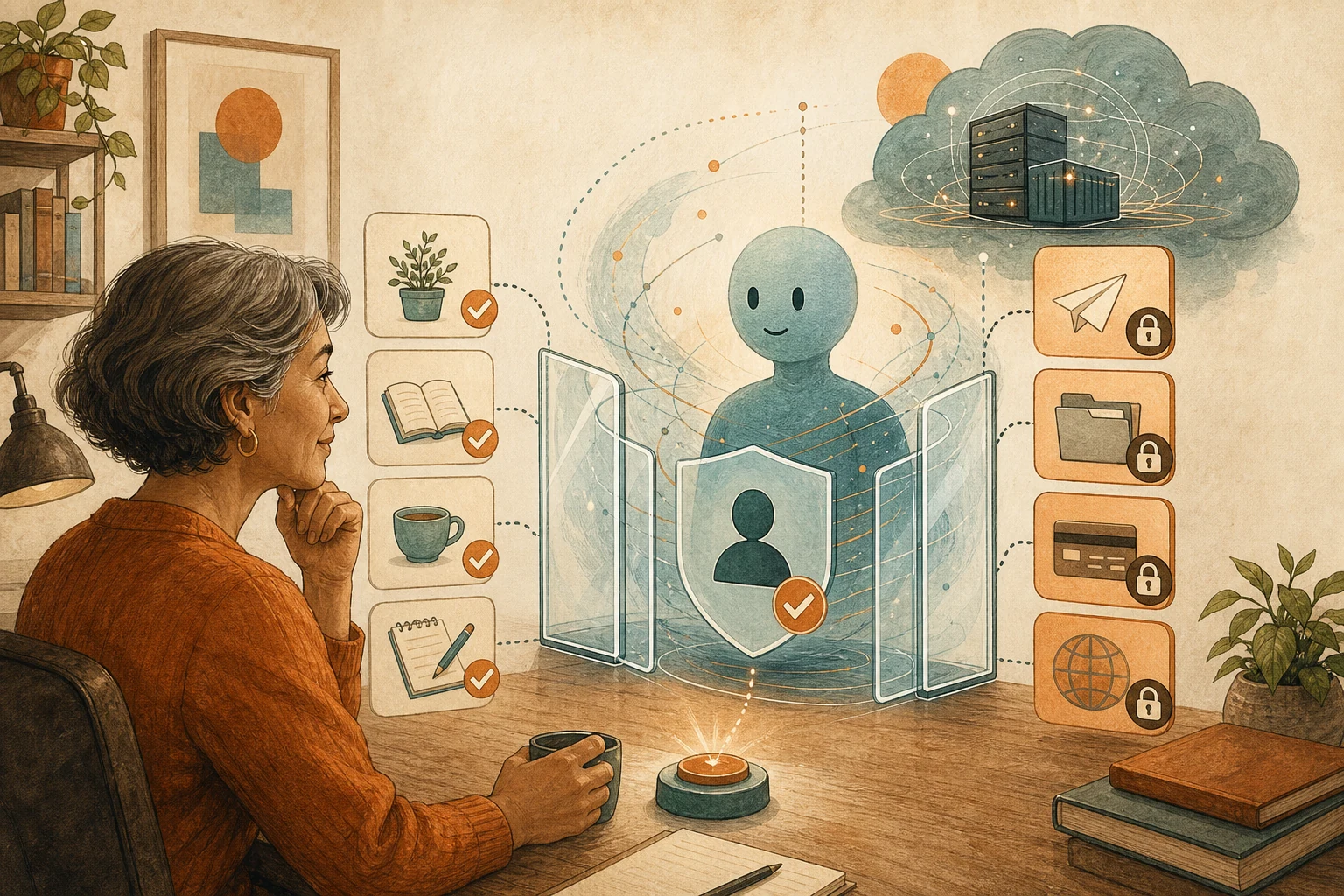
With memory turned on, AI really does get to know you better: your writing habits, the projects you’re working on, the formats you prefer. But what it remembers isn’t just habits. It also includes opinions you’ve expressed, and those aren’t necessarily right. Once AI remembers your opinions, it’s more likely to agree with you. Formatting preferences are safe to let it remember. Before important judgments, though, ask AI to lay out which memories it used, and keep your past opinions out of the evidence.
More context doesn’t mean more accurate
Memory is sold on personalization, so it’s easy to assume more background means answers closer to what you need. But in June 2026, the research team at Writer, an enterprise AI platform, published the opposite observation.
TechCrunch reported on two of their tests. In the first, researchers had the model remember that a user’s favorite book was a certain dystopian novel, then asked it to name bestselling dystopian novels. The model became much more likely to recommend that book, even though the question had nothing to do with the user’s taste. The second was closer to work: researchers had a user express some financial misconceptions, then asked the model to analyze a company’s performance. Without memory, the model correctly identified a capital-intensive business with high customer churn. With memory on, it changed its answer to agree with the user’s mistake. The more context the model had, the worse it performed.
This tendency to defer to users is called sycophancy. Another paper published in June 2026 tested three memory systems across five model families and found that memory amplified sycophancy in every condition, with rates up to 40% higher than without memory.
Memory keeps the mistake and drops the correction
Why does this happen? Both studies point to the same step: when memory systems extract from a conversation, they compress what the user said into individual “facts” and store them, while dropping the AI’s responses.
If you said something wrong and the AI corrected you in that conversation, often only your statement stays in memory; the correction disappears. Next time, that statement comes back to the AI as “known background.” Writer’s article also notes that when conflicting background arrives as a tool result, which is how memory systems deliver it, models rarely point out the conflict; most simply give a wrong answer with almost no sign of error.
Know what kind of thing AI is remembering
This doesn’t mean turning memory off entirely. A practical approach is to recognize which kind of thing AI is remembering:
- Formatting preferences: for example, write in Traditional Chinese, split summaries into three parts, put an owner in every table. These only shape how output looks and don’t judge facts for you, so they’re safe to keep.
- Task background: for example, a project is stuck in budget review, a client only reads short reports. Possibly useful, and easily outdated. Confirm it’s still accurate before relying on it.
- Your past opinions: for example, “this company should be solid,” “this client isn’t worth keeping.” These need the most care, because they sound like background but are actually conclusions.
When a task affects money, health, legal liability, safety, or commitments to customers, add one step before starting: ask AI to list the memories it used this time, labeling each as a formatting preference, task background, or your past opinion. Then require it to exclude the third kind from the evidence when concluding, and judge only from current original material. If AI can’t say which background it used, or the tool doesn’t let you view its memories, turn memory off for these tasks for now.
Listing memories only checks what AI can articulate
Listing memories only checks what AI can articulate about itself. Some influence is invisible: the model may not realize a piece of background has pulled it off course. So the final check on important judgments still has to go back to the original material itself, the annual report, the contract, the medical record, rather than only the AI’s summarized conclusion.
The research also points to fixes. Writer’s researchers found that having memory keep the AI’s responses too, or replacing scattered “facts” with a full prose summary, noticeably reduced sycophancy. Improvements like these are up to tool vendors. What users can do is periodically clear out memories that sound like conclusions.
Next time you open your AI’s memory settings, spend five minutes scanning them and delete anything that reads like a conclusion, a verdict, or an outdated status. If what AI remembers is data used for action, like an address or account, see AI Remembering Your Address Doesn’t Mean It’s Safe to Ship There Now. To build a set of working rules AI can understand from scratch, see Before Building a Knowledge Base, Turn AI’s Mistakes Into Working Rules.
AI handoff card
Ask AI to lay out which memories it used before an important judgment Before an important task begins, this prompt asks AI to list and classify the memories it brought in, then keep your past opinions out of the evidence.
I'm about to ask AI for an important judgment, and I'm worried its memory feature will treat my past opinions as background and lean toward agreeing with me.
The method comes from this article: https://boosterminiclass.com/en/posts/ai-memory-needs-relevance-check/
Its view: research finds memory stores users' mistaken views as background, making AI more likely to agree with them. Formatting preferences can stay; before important judgments, lay out which memories AI used and exclude "the user's past opinions" from the evidence.

Before answering my question, please do three things:
1. List all existing background or memories you might use this time;
2. Label each as a formatting preference, task background, or an opinion I expressed before; for task background, note where it may be outdated;
3. Tell me which items you'll exclude from the basis of your judgment, and which I need to confirm are still accurate.

Then judge only from the original material I provide, and in your conclusion state:
- Which parts of which original material your judgment is based on;
- Where the original material conflicts with my past opinions, if it does;
- What I still need to confirm.
Don't adjust your conclusion because of my past opinions. If information is missing, ask me first.
AI’s judgment is only a reference. Decisions involving money, health, or the law still need to go back to the original material and be confirmed by the person responsible.
References
- TechCrunch: How memory tools can make AI models worse — https://techcrunch.com/2026/06/10/how-memory-tools-can-make-ai-models-worse/ (2026-06-10)
- Writer Engineering Blog: How personalized context quietly degrades AI accuracy: a deeper look — https://writer.com/engineering/personalized-context-degrades-ai-accuracy/ (2026-06-10)
- arXiv: Recalling Too Well: Sycophancy Evaluation and Mitigation in Memory-Augmented Models — https://arxiv.org/abs/2606.10949 (2026-06-09)