

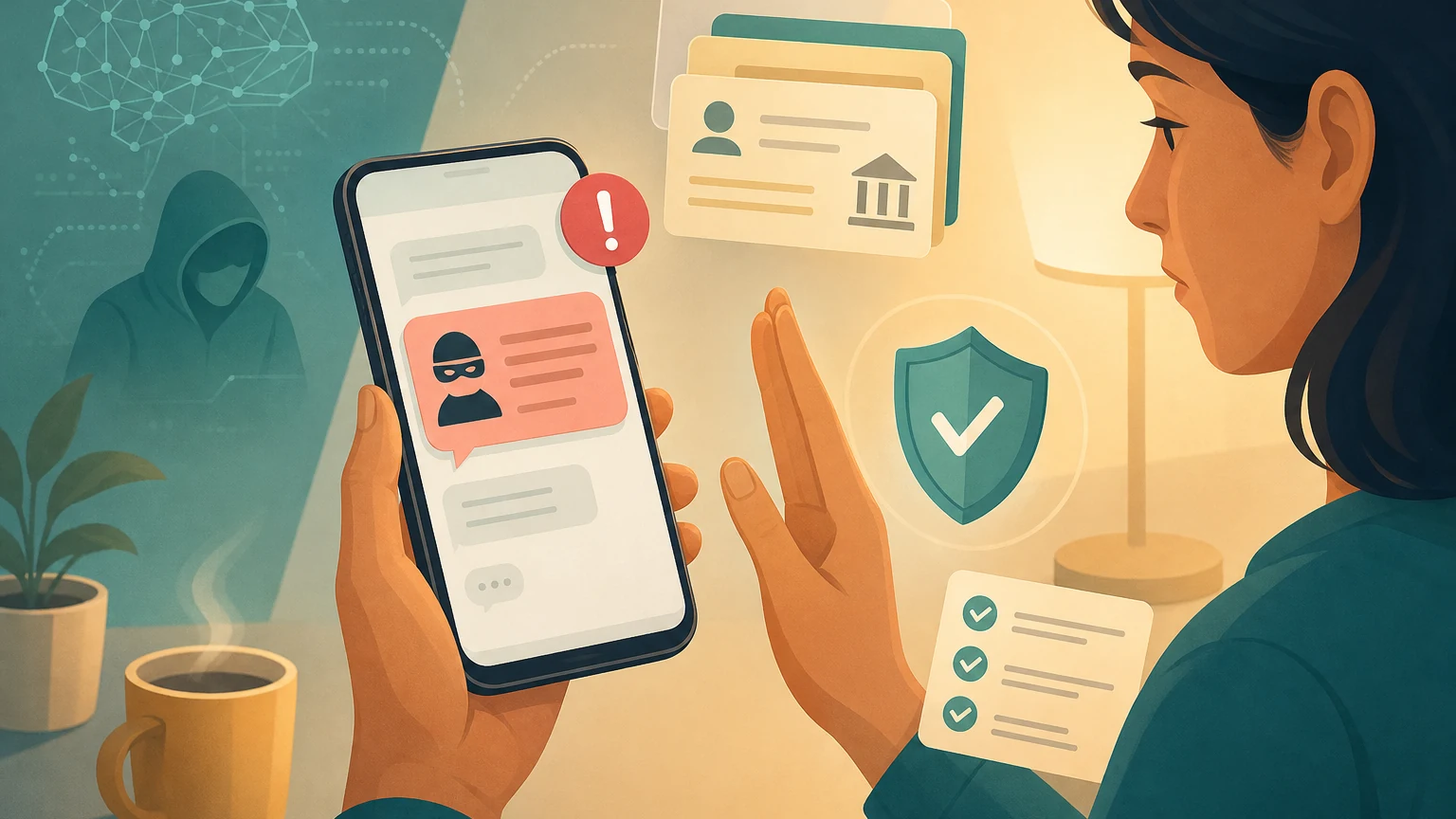
A text pops up saying your package is stuck, your account has a problem, a road toll is unpaid, or your bank needs you to confirm something right away. The screen looks like an official notice. Even the URL, logo, and tone do not seem sloppy. You only have one small uneasy feeling: it wants you to tap the link now.
On June 12, 2026, Google announced that it had sued a cybercrime organization called Outsider Enterprise, saying the group provided “phishing kits” for other scammers to use. A phishing kit can be understood as a complete set of tools for imitating websites and collecting account passwords and credit card information. Google said this network had created about 9,000 fake websites, more than 1.5 million malicious URLs, and sent 2.5 million text messages containing fake-site links to Android users in a 14-day stretch.
The most important thing for everyday readers is not the headline that “scammers are using AI too.” It is this: when AI makes fake websites and fake messages look more real, scam prevention can no longer rely only on instinct. You need a stop-and-check process you can use the moment a message arrives.
This lesson turns “When a Text Looks Real, Don’t Let an AI Scam Push You to the Next Step” into one practical reader question: After Google sued the AI scam network Outsider Enterprise, the real lesson is how to check notifications, links, payments, and help routes when a realistic text arrives. Use the rest of the article to separate what should happen before the team proceeds.
What makes AI scams dangerous is that they lower the cost of imitation
In the past, many scam texts gave themselves away through typos, strange wording, rough layouts, or odd URLs. Those clues are still useful, but they can no longer be your main line of defense. According to Google, Outsider Enterprise allowed people without much technical ability to quickly generate fake websites, fake text-message flows, and data-collection pages. In other words, a bad actor does not necessarily need to know how to build a website in order to create an entry point that looks like an official service.
That is the practical change after AI gets involved: it does not necessarily make scam tactics brand new, but it can make large volumes of imitation content faster, cheaper, and more convincing. For the person receiving the text, the question is no longer “Does this look rough?” but “Is this text leading me into a process I cannot verify?”
Imagine you are waiting for a package and happen to receive a text saying your address is incomplete. You are busy in a meeting and just want to fix it quickly. The scammer does not need you to believe a whole story. They only need you, in the few seconds when you are busiest and most eager to avoid trouble, to follow the process they have arranged: tap the link, enter your phone number, enter your credit card, enter a one-time verification code.
So the first principle is simple: any message that asks you to enter an account, make a payment, or submit a verification code through a text-message link should first be treated as something to verify, not something to complete immediately.
When you receive a suspicious text, break it into six questions
Do not rush to decide whether it is real or fake. A better method is to take the message apart first. Once you do that, you will notice that many scams are not caught by one single flaw, but by the whole process being too urgent, too closed off, and too demanding of your information.
| Checkpoint | What to look at | Warning sign |
|---|---|---|
| Source | Whether the sender, phone number, or display name can be independently verified | It only looks official by display name, but you cannot find the same notice in the official app or on a bill |
| Request | What it wants you to do | It asks you to log in immediately, pay, add a credit card, provide a verification code, or download a file |
| Link | Whether the URL is truly the official domain | The URL is very long, spelled almost like the official one, uses a short link, or has a domain different from the official website |
| Time pressure | Whether it asks you to handle it right away | It uses phrases like “due today,” “account will be disabled,” or “package will be returned” to push you to tap quickly |
| Personal-data fields | What it asks you to fill in after tapping through | It asks for your full name, birthday, address, credit card, security code, or one-time verification code |
| Exit route | Whether you can complete the same task without using the original link | It can only be handled through the text-message link, and the official app, customer service, or bill cannot find the same event |
The point of this table is not to turn you into a cybersecurity expert. It is to change “this feels real” into “can I verify this somewhere else?” As long as something involves payment, an account, a verification code, or personal information, the original text-message link should not be your entry point.
Use three risk levels to decide whether to ignore, verify, or get help immediately
Not every strange text deserves a lot of your time. What matters is sorting your response into levels.
| Risk level | Common situation | Your next step |
|---|---|---|
| Low risk | Ads, obvious gibberish, or an unfamiliar service you have never used | Do not tap the link; just block it or report it as spam |
| Medium risk | You might really have a package, bill, subscription, or account notice | Do not use the text-message link; open the official app, official website, or paper bill to verify instead |
| High risk | You have already entered a password, credit card, or verification code, or the message involves a bank, government service, or company account | Stop immediately, use official channels to change passwords, freeze cards or accounts, and keep screenshots of the text and URL |
Many people are scammed not because they have no awareness at all, but because they get stuck in a medium-risk situation: the event “seems like it really could be happening.” For example, you really are waiting for a package, really might have a toll, or really do have a subscription service. In that moment, the most reliable action is not to keep studying the text. It is to switch entry points.
Switching entry points means not tapping the original link. Open the official app yourself, type a known official URL into your browser, check your credit card statement, call the customer service number on the back of your card, or ask a family member or coworker to confirm through another trusted channel. If the official channel cannot find the same event, you should not continue with the original text.
Do not make AI the only judge
You might wonder: can I paste the text into AI and ask whether it is a scam? You can use it as an aid, but do not make it the final judge.
There are two reasons. First, AI may recognize common scam wording, but it cannot verify whether that account, package, or payment request is a real event in your life. Second, if you paste in the full text, phone number, link, personal information, or verification code, you may be handing sensitive data to another place that does not need it.
A safer approach is to paste only non-sensitive parts and ask AI to organize “which parts of this message need verification,” rather than asking it “is this definitely real or fake?” For example, you can hide the name, phone number, address, and verification code, and keep only the request and the general URL pattern. Then use the six checkpoints above and return to official channels to confirm.
If you are the person in your family or team who is more comfortable with technology, you can also turn this process into a short reminder. Three sentences you can send directly to family members are:
- Do not tap first: When you see a text message, do not tap the link first.
- Check the ask: First check what it wants you to hand over; stop if it asks for a password, credit card, or verification code.
- Switch channels: Use the official app, official website, or bill to check the same matter instead.
The truly effective defense is not that everyone understands AI scam technology. It is that everyone knows “the original link is not the entry point.”
If you already tapped or entered information, stop the bleeding first
If you or a family member has already tapped through, do not spend the first moments blaming yourself. The earlier you stop the bleeding, the smaller the damage.
| Stop-the-bleeding order | What to do |
|---|---|
| 1. Stop first | Do not enter any more information; do not follow later instructions to download an app, enable remote control, provide a verification code, or transfer money |
| 2. Keep evidence | Save the text message, URL, payment page, and call records, and write down what information has already been entered |
| 3. Then handle it | Change passwords, sign out of other devices, contact your bank or credit card company, freeze or replace cards, and report to the platform, telecom provider, or police if needed |
Do not reverse this order. Stop the process first; only then do you have room to decide the next step.
If this happened with a company account, customer data, or a work credit card, do not handle it only in private chat. Notify the person who is actually responsible for the matter: someone who can suspend accounts, alert security, contact the bank, or decide whether customers need to be notified. What scams fear most is not your perfect judgment, but your early interruption of the process.
AI makes scam content look more real, but it does not change the most basic safety principle: important matters should not begin from an unfamiliar link. When a text asks you to tap immediately, pay immediately, or hand over information immediately, the real first step is not to decide whether it looks official. It is to stop and switch to an entry point you can verify yourself.
AI handoff card
Use this trend follow-up decision to sort your next step This is not a summary prompt. Use it to map the article back to your workflow, constraints, data, and decision goal.
I want to apply this BMC mini lesson to my own situation: When a Text Looks Real, Don’t Let an AI Scam Push You to the Next Step

Specific problem this article handles: After Google sued the AI scam network Outsider Enterprise, the real lesson is how to check notifications, links, payments, and help routes when a realistic text arrives.
Article URL: https://boosterminiclass.com/en/posts/ai-scam-text-message-triage-checklist/

Do not only summarize the article. First ask me 3 questions to clarify:
1. the real workflow or decision I am dealing with;
2. which data, permissions, accounts, costs, or external actions are involved;
3. whether I need a stop/go decision, a trial checklist, a handoff template, or a risk tier.

Then check my situation with this article-specific framework: 1. First break the suspicious text into source, request, link, payment, time pressure, and personal-data fields; 2. Use a three-level risk table to decide whether to ignore it, verify it, or stop immediately and get help; 3. For high-risk messages, do not tap the original link; check through the official app, bill, customer service, or a known website instead; 4. If a family member or coworker has already entered information, freeze payments and accounts first, then preserve evidence and report it.

Please output:
- one sentence on whether I should proceed, run a limited trial, or pause;
- a comparison table applying the framework to my case, with ready / missing evidence / needs human review;
- one smallest step I can take today;
- where I need an owner, log, rollback path, or human review.
If the AI skips constraints or sources, ask follow-up questions before using the output.
References
- Google The Keyword: How we’re combatting AI scams with security, legislation and more — https://blog.google/innovation-and-ai/technology/safety-security/combatting-ai-scams/
- Ars Technica: Google sues Chinese cybercrime network that used Gemini to automate scams — https://arstechnica.com/google/2026/06/google-sues-chinese-cybercrime-network-that-used-gemini-to-automate-scams/
- TechCrunch: Chinese cybercrime operation that used AI to scam ‘hundreds of thousands of victims’ sued by Google — https://techcrunch.com/2026/06/12/chinese-cybercrime-operation-that-used-ai-to-scam-hundreds-of-thousands-of-victims-sued-by-google/