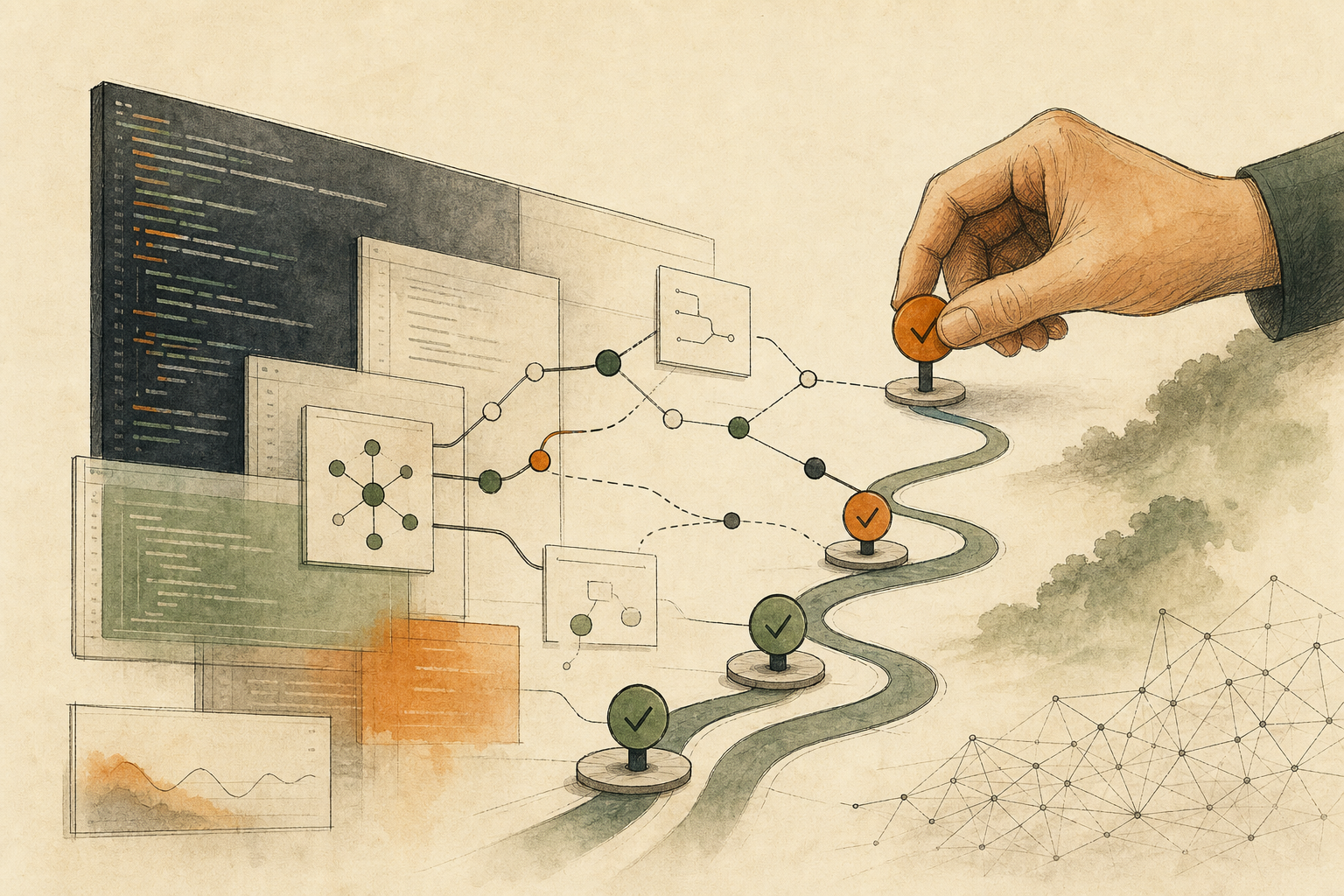


On Monday morning, three sets of messages land in a small development team’s channel at once: the continuous integration system, which builds and tests code automatically on every change, has new alerts, an image scan lists 30 high-risk vulnerabilities, and an AI security tool has prepared 12 patches ready to apply, each with test results attached. One button would ship them all.
The speed is real. In May 2026, OpenAI launched its Daybreak initiative, pairing its models with a code security tool to detect vulnerabilities in code repositories automatically, generate patches, and run tests under scoped permissions. Once patches can be produced at machine speed, the bottleneck shifts from “can it be fixed” to “which patches can ship without a person approving them.” The deciding factor isn’t how well AI writes them. It’s whether you can roll back if something goes wrong.
Passing tests isn’t the same as ready to ship
A patch from AI with test results attached looks already verified. But tests prove that “the parts the tests cover didn’t break,” not that “the change didn’t touch anything it shouldn’t.” A patch that bumps a package version might quietly change how login behaves; a patch that fixes a permission setting might suddenly hide data from some users. Existing tests won’t necessarily catch these.
In its coverage of Daybreak, Security Boulevard notes that the system returns audit-ready evidence to internal tracking systems for verification, but doesn’t say who verifies it or whether a person must approve before patches are applied. In other words, the tool can prepare the evidence, but deciding who approves release is still up to the team using it.
Let rollback decide how much to automate
In its guide to enterprise patch management, the U.S. National Institute of Standards and Technology (NIST) frames patching as preventive maintenance for technology and recommends that organizations build a strategy that makes patching routine, reducing the risk of compromise, data breaches, and operational disruption. Making patching routine means first separating what can move fast from what can’t.
One question sorts them: if this patch causes a problem, can you roll back to the previous version within minutes, with no lasting harm?
- Reversible, with clear scope: for example, upgrading one package that doesn’t touch sensitive features, covered by automated tests, with one-click rollback after deployment. AI can prepare these, and after a quick check they can be released fast.
- Reversible, but with unclear scope: the change spans several services, or tests cover only part of it. An engineer needs to confirm the scope before deciding.
- Not cleanly reversible, or harmful before rollback: patches that touch login, payments, credentials, customer data, encryption, database schema changes, or deployment scripts. Even if AI has tested them, these are always released only after review by the responsible person. Once a database schema has changed or data has leaked, rolling back the code doesn’t undo it.
Four questions before release
Every patch to be released should be able to answer four questions. If it can’t, it stays a draft:
- Scope: which service, which data flow, and which users does it affect?
- What changes: a version, a setting, a permission, or a process? Does it touch any of the sensitive areas above?
- Test evidence: are there automated tests or recorded manual checks that map to this change?
- Rollback: how do you roll back, who triggers it and when, and has it actually been rehearsed?
The AI Agent Security Cheat Sheet from OWASP, an open community focused on application security, also recommends that high-impact actions with outside effects need controls beyond a simple approval prompt, and that approval be bound to the specific action and parameters. For patches, that means the person approving should see exactly what this change does, not just click “apply all.”
When the vulnerability is being exploited right now
This split slows down patches in sensitive areas, and if a vulnerability is being actively exploited, slowing down carries its own risk. In that case, reduce exposure first in ways that don’t change code, such as temporarily disabling the affected feature or adding firewall rules, and then have a person review the actual patch. Urgency isn’t a reason to skip review.
Also, answering the four questions assumes the team has tests and deployment records. For a team without automated tests, or whose changes can’t be traced to specific commits, the first thing to fix is those foundations, not having AI patch more.
As a next step, take the list of patches AI proposed this week and mark each one: reversible with clear scope, reversible with unclear scope, or not cleanly reversible. Only the first group should be considered for speeding up. For deciding which vulnerability to fix first, see Don’t Rank Vulnerabilities by Score Alone: Check Execution Paths and External Input First. For container image scan results, see An AI Container Scanner Draws the Line Itself: Mechanical Edits Can Be Automatic, Base Image Changes Need a Person.
AI handoff card
Ask AI to split a batch of patches into fast-track and human-review groups This prompt asks about your system and patch list, classifies each patch by whether it can be rolled back, and lists the evidence still missing before release.
An AI security tool has given me a batch of vulnerability patches, and I want to decide which can be released quickly and which need human review.
The method comes from this article: https://boosterminiclass.com/en/posts/ai-security-patching-needs-human-triage/
Its view: whether a patch can ship without a person depends on whether you can roll back if it goes wrong. Reversible, clearly scoped, tested small upgrades can move fast; patches touching login, payments, credentials, customer data, encryption, database schemas, or deployment scripts are always released by a person. Before release, every patch should answer: scope, what changes, test evidence, and rollback.

Ask me 3 questions first:
1. What does each patch change (package version, settings, permissions, program logic)?
2. Do we have automated tests and one-click rollback in our deployment?
3. Is any of the vulnerabilities currently being exploited or especially urgent?

Based on my answers, give me:
- One row per patch: what changes / whether it touches sensitive areas / test evidence / rollback method / category (fast-track, needs engineer confirmation, must be reviewed by the owner);
- The evidence still missing for each before release;
- For urgent items that must be reviewed by a person, ways to reduce exposure first without changing code;
- The one foundation the team most needs to add (for example tests or a rollback mechanism).
Don't apply any patches or change any settings for me; release is the responsible person's decision.
Classification is only a starting point. Which patches go live is decided by the person responsible for system security.
References
- Security Boulevard: OpenAI Launches Daybreak Initiative to Automate Vulnerability Detection and Remediation — https://securityboulevard.com/2026/05/openai-launches-daybreak-initiative-to-automate-vulnerability-detection-and-remediation/ (2026-05-12)
- NIST: SP 800-40 Rev. 4, Guide to Enterprise Patch Management Planning: Preventive Maintenance for Technology — https://csrc.nist.gov/pubs/sp/800/40/r4/final (2022-04-06)
- OWASP Cheat Sheet Series: AI Agent Security Cheat Sheet — https://cheatsheetseries.owasp.org/cheatsheets/AI_Agent_Security_Cheat_Sheet.html [accessed: 2026-10-11]