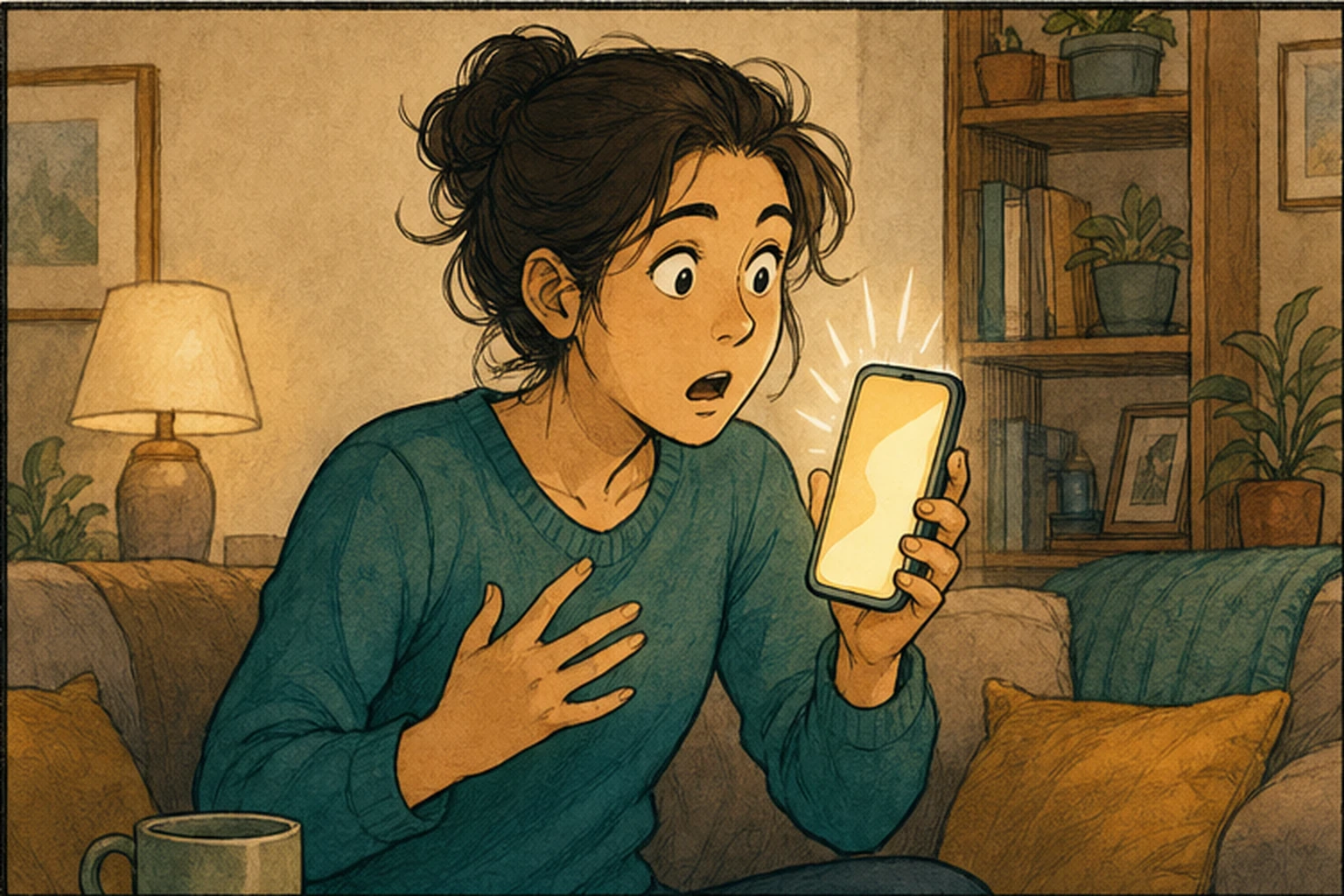
The phone rings and the screen says “Mom.” A familiar voice answers, sounding urgent: something has happened, and you need to transfer money right away. Imitating a voice with AI is no longer hard. The US Federal Trade Commission (FTC) warns that scammers use voice cloning to make requests for money or information more believable, so a familiar voice on the phone doesn’t mean it’s really them.
In June 2026, Google announced “fake call detection” for its Phone by Google calling app on Android. It helps, but it checks less than most people assume: it confirms whether the call really comes from your contact’s phone, not whether the person on the line is really them.
So when a familiar voice calls with an emergency, the most reliable defense isn’t on the phone. It’s a family rule agreed in advance: requests for money, verification codes, or account changes are never completed in an incoming call. Hang up and call back on the number you already know.
Detection checks the number, not the person
According to Google’s official explanation, the feature works like a “digital handshake” between two phones: when a contact calls you, their phone sends an encrypted confirmation signal in real time. If the caller’s number is spoofed, that signal is missing; your phone then asks the contact’s real phone whether it’s making a call, and if not, shows a warning advising you to hang up immediately.
This design can stop calls that “borrow a contact’s number,” but it has two preconditions. First, both people need to use Phone by Google, on Android 12 or later, with Google’s Contacts and Messages apps installed; rollout starts with Pixel phones. If anyone in the family uses an iPhone or another calling app, it won’t trigger.
Second, it only checks the number. If the scammer says instead, “My phone broke, I’m calling from a friend’s,” the call comes from an unfamiliar number to begin with, and detection has nothing to compare. That’s one of the most common openings in family impersonation scams.
Let the request trigger verification, not the voice
Whether the voice sounds right or the number matches can both be faked. What’s harder to fake is a process you and the other person agreed on in advance. Shift the question from “is this them?” to “what are they asking me to do?”:
Anything asking for money or codes: hang up and call back. Transfers, gift cards, verification codes, password changes, and document authorizations are never completed in an incoming call. After hanging up, reach the person through the number already saved in your contacts, the family group chat, or the company’s messaging tool, not a new number or link the caller gave you. If you can’t reach them, check with another relative or friend instead, and don’t go back to the original call just because it’s urgent.
The more urgent and secret, the more you stop. “Don’t hang up,” “don’t tell anyone,” and “if you don’t transfer now it’ll be too late” are all there to keep you on the same call. Reasonable requests can usually wait a few minutes for confirmation.
The phone’s warning is a bonus, not the bar. If you see a fake call warning, hang up as it says. If you don’t, that doesn’t mean the call has been verified.
Agree on the rule in advance and practice it once
This rule has to be agreed when nothing is wrong so it works when something is. Agree with family or your team: if anyone calls asking for money or codes, the person who answers will hang up and call back first, and the caller won’t take offense. Some families also agree on a code word only they know, as an extra check.
For older relatives or new coworkers, practicing once beats forwarding a news story: “If I call in a voice that sounds just like me and ask you to send money, what do you do first?” Only when they can answer “hang up and call your usual number” is the rule really in place.
When the other person’s account is compromised too
Calling back stops calls that impersonate someone you know, but if the person’s account or phone itself has been taken over, messages coming back through the trusted channel can also be fake. For large amounts, add another layer: in person, a video call, or a question only the real person could answer.
Scam links in texts and messaging apps follow the same principle: don’t let the message decide where you go next; see Scam Texts Look Real Now. Ask Whether You Can Skip the Link. If you review automated processes at work, you can look at instructions received by AI agents the same way; see Before AI Support Can Change Accounts, Identity Must Come From the System, Not the Chat.
AI handoff card
I want to agree with my family (or team) on a set of rules for "urgent calls from someone we know," to avoid losing money or verification codes to scams that use AI-imitated voices.
The method comes from this article: https://boosterminiclass.com/en/posts/android-fake-call-response-checklist/
Its view: a phone's fake call detection can only confirm whether the call comes from a contact's phone; it can't confirm whether the person on the line is really them, and it can't catch "I have a new number." The reliable defense is a rule agreed in advance: requests for money, verification codes, or account changes are never completed in an incoming call; hang up and call back on the number you already know.

First ask me: who the rule is for, what phones and communication methods they use, and the urgent scenarios most likely to be impersonated among us.
Then:
1. List the requests that are never completed in an incoming call;
2. For each important contact, set out one trusted callback method and a second contact to try if they can't be reached;
3. Write a casual three-to-five-sentence explanation of the rule that I can post in the family group chat;
4. Design a two-minute scenario exercise I can practice once with an older relative or a new coworker.
Don't ask me for anyone's phone number, account, or verification code; use placeholders.
References
- Google official blog: How Android helps keep you safe from impersonation scams with fake call detection — https://blog.google/security/android-fake-call-detection/ (2026-06-02)
- TechCrunch: Google rolls out fake call detection to protect against AI deepfake impersonation scams — https://techcrunch.com/2026/06/02/google-rolls-out-fake-call-detection-to-protect-against-ai-deepfake-impersonation-scams/ (2026-06-02)
- FTC official consumer advice: Family Emergency Scams — https://consumer.ftc.gov/scams/family-emergency-scams [accessed: 2026-10-11]