Before connecting AI to the case system, a customer support lead tested it on an anonymized refund ticket. The refund date was blank, the support log said the package had shipped, and the carrier lookup showed only “shipping label created.” The task given to AI was a single thing: draft a reply based on the current evidence.
The draft came quickly. Then AI got ready to call the email tool, write its guessed shipping status back to the case, and, while it was at it, open the same customer’s other tickets. If the workflow could only rely on the model saying “I’m not sure,” all three actions would already have crossed the line.
So when AI should stop and ask a person has to be written as events the system can see, not left to the model’s self-assessment. And when it stops, it should leave a record someone else can pick up.
A model’s self-assessment can’t be the only switch
Every vendor is improving whether models candidly say “I’m not sure,” but that isn’t suitable as the only switch. A model may confidently fill in a blank date, or average two conflicting shipping statuses into one plausible-looking answer.
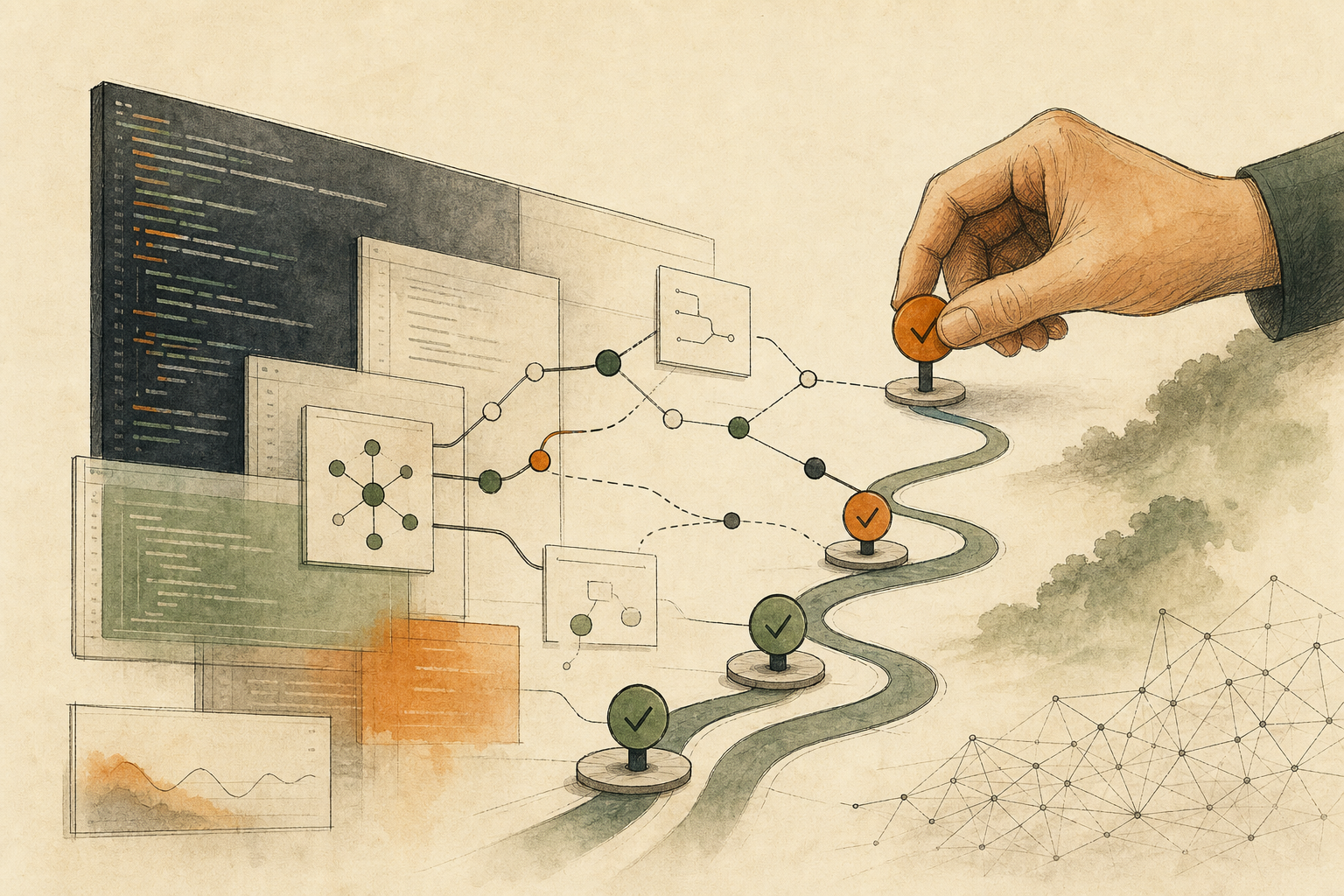
Anthropic’s engineering guide recommends that AI agents get “ground truth” from the environment at each step, such as the results of tool calls, and pause for human feedback at checkpoints or when they hit blockers, while also setting stopping conditions, testing extensively in sandboxes, and adding appropriate guardrails. OpenAI’s agent development kit shows a concrete implementation: sensitive tools can be marked in advance as needing approval, and execution pauses there, saves its state, and continues only after a person approves or rejects. Both point to the same thing: control points belong outside the model, where the system can recognize them.
Write four situations as stop events
A key field is missing. A field that decides the outcome is empty, such as the refund date. The right result marks the gap in the draft instead of filling in “today.”
Sources conflict. The support log and the carrier data disagree. The right result lists both values, times, and sources side by side for a person to judge, instead of picking one.
The next step sends something out. Sending email, writing back to a system, paying, deleting, and changing permissions are all moments when a draft becomes an external fact. Stop there and hand over an exact preview.
State is unknown after an interruption. A tool may have written successfully just before timing out. Check the current state first, then decide whether to continue or compensate; don’t simply rerun, or you may send a second email or make a second payment. For cleaning up halfway failures, see When Automation Stops Halfway, Find Out What Already Happened Before Rerunning.
Approval covers one action, not a whole category of work
“Please handle this complaint” isn’t an approval that can be executed. The approval should list the recipient, the draft version, the order and shipping status it cites, the tool to be called, and what this call will change. If any item changes, the old approval no longer holds. That way nobody sees only the familiar “send” button without noticing the content or recipient has been swapped. OWASP, an international community that catalogs AI security risks, also recommends that high-impact actions be approved by a person before they run, and that authorization checks live in downstream systems rather than being left to the model.
If the workflow modifies code, what gets approved is this particular diff, its test results, and how to roll it back; see Can a Coding Agent Take This Issue? Only If You Can Describe the First Diff.
After stopping, the record has to be usable by the next person
Stopping with only “insufficient data, please confirm” dumps the whole investigation back on whoever picks it up. A stop record should include at least: the triggering event, which action it stopped before, what’s done and not done, the source of each conclusion, any external effects that may already have happened, the next owner, and a next step that adds no external effect.
You don’t need to list every exception at once when adopting this. Pick one real workflow, find its first outbound action, and run one break test each for missing fields, conflicts, and unknown state. Once the stop points, approval content, and records reproduce reliably, connect the next tool.
AI handoff card
I want to check a workflow that's already connected to AI, to confirm it stops when it should and leaves a record others can pick up when it does.
The method comes from this article: https://boosterminiclass.com/en/posts/claude-opus-4-8-honesty-matters-in-workflows/
Its view: when AI should stop can't depend on the model saying it's unsure; it has to be written as events the system can see: missing key fields, conflicting sources, a next step that sends something out, and unknown state after an interruption. Approval covers one exact action, and stopping should leave a record someone can take over.

Walk through the workflow I've authorized, read-only. Don't send, write back, delete, pay, or change permissions.
1. Find the step where content first becomes an external fact, and explain what it changes;
2. Check whether, before that, there are missing key fields, conflicting sources, or states that can't be confirmed after an interruption; cite the field, filename, or tool result you read for each, and mark anything you can't read as "not obtained";
3. Draft the approval content: the exact action to approve, the recipient or write location, the data it relies on, and who approves;
4. Write a stop record: triggering event, which step it stopped before, what's done and not done, external effects that may already have happened, the next owner, and a next step that adds no external effect.
End by choosing only one: continue within the original scope, narrow to a draft or read-only check, or stay paused for a person to decide. If state is unknown, check the current state first; don't simply rerun.
References
- Anthropic Engineering (official): Building effective agents — https://www.anthropic.com/engineering/building-effective-agents (2024-12-19)
- OpenAI Agents SDK official documentation: Human-in-the-loop — https://openai.github.io/openai-agents-python/human_in_the_loop/ [accessed: 2026-10-11]
- OWASP Gen AI Security Project: LLM06:2025 Excessive Agency — https://genai.owasp.org/llmrisk/llm062025-excessive-agency/ [accessed: 2026-10-11]