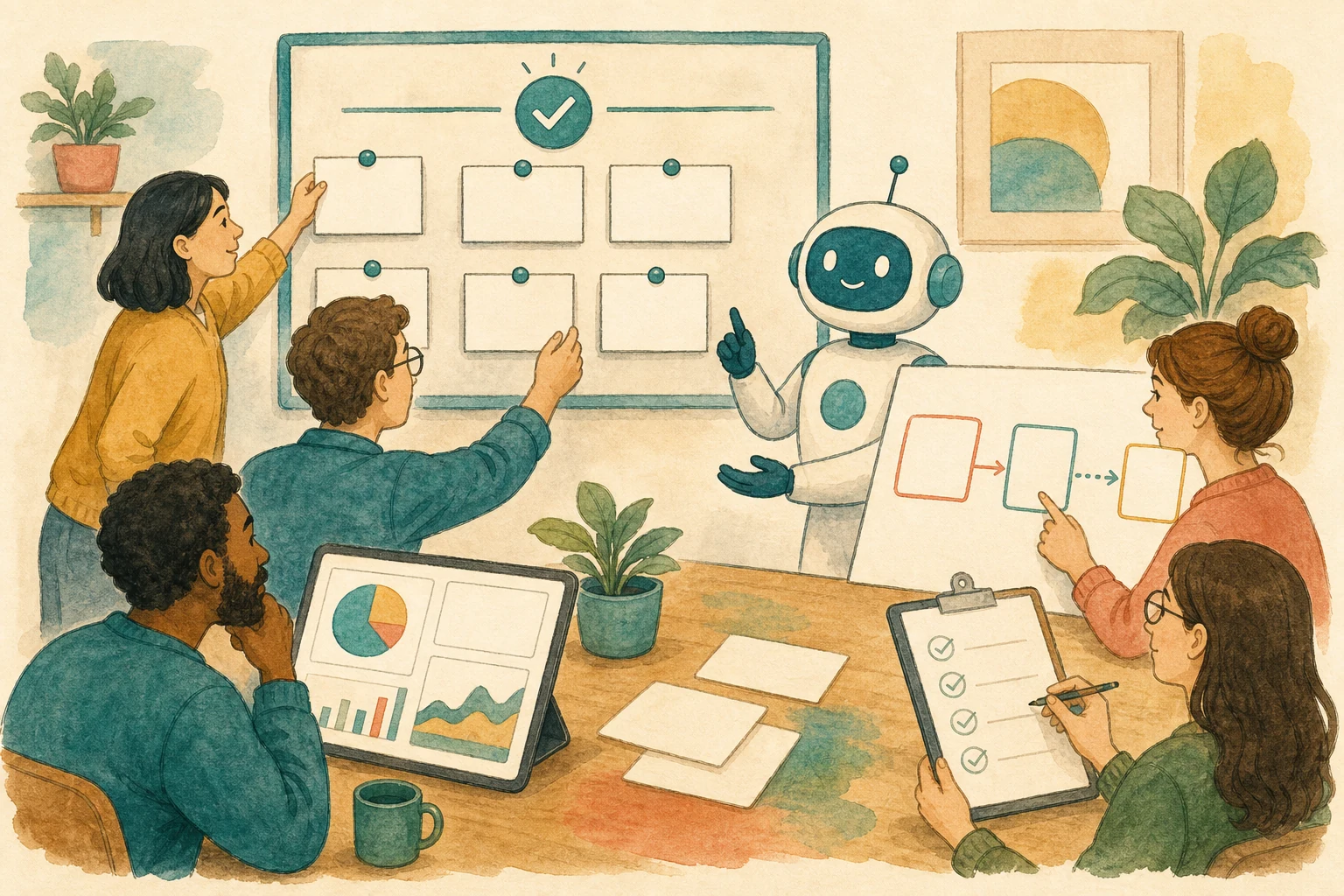

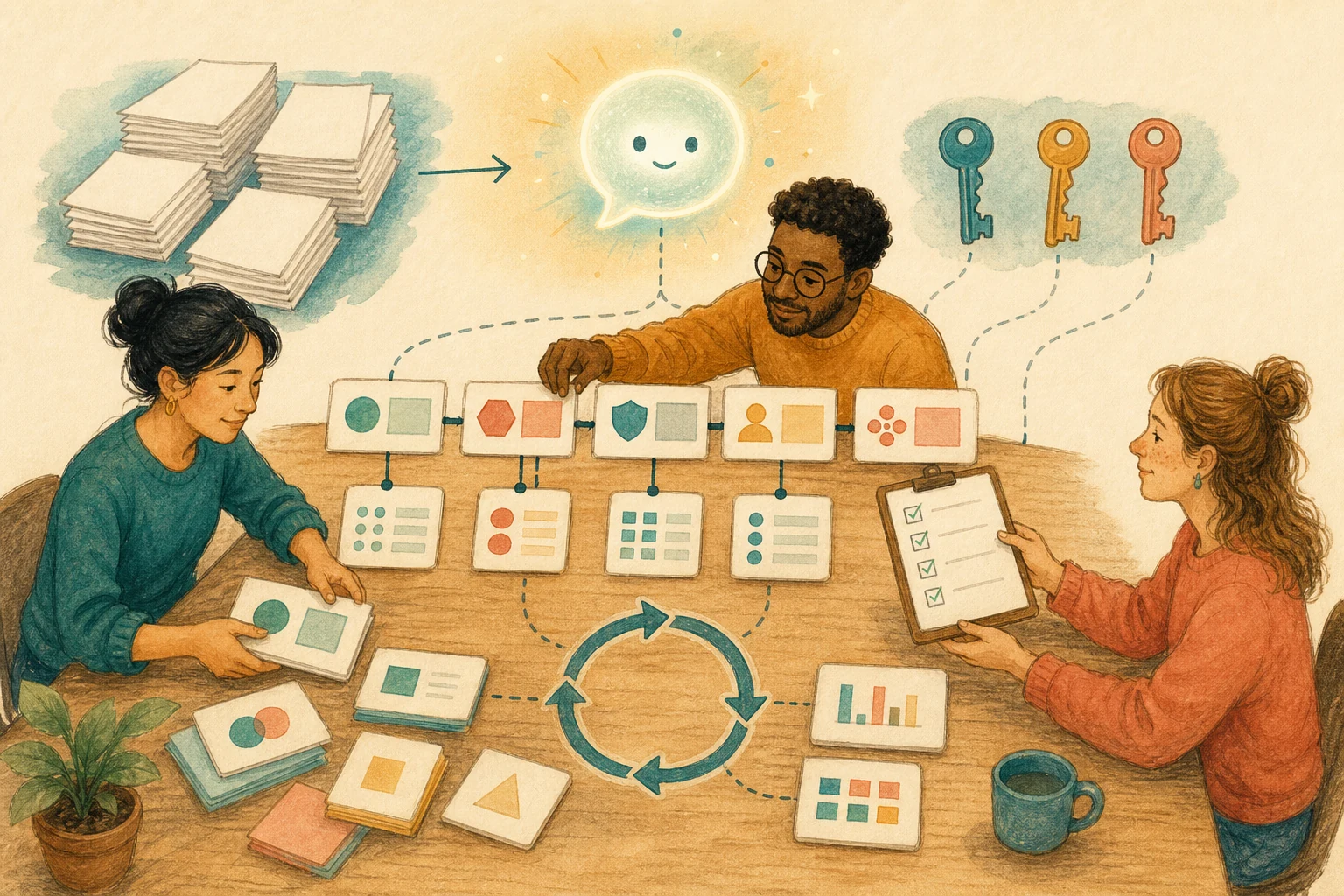
On June 30, 2026, Anthropic launched Claude Science, positioned as an AI workbench for scientists. It can connect to biology databases and run code on researchers’ own compute clusters, but the official announcement spends the most space on what it leaves behind: every figure comes with the code and environment that produced it, a plain-language description of how it was made, and the full conversation history. A reviewer agent also checks citations and calculations and flags figures that don’t match their underlying code.
TechCrunch’s headline puts it directly: this time Anthropic is betting on workflow, not a new model.
The direction applies beyond science. Any work where AI reads data, runs calculations, and produces charts or reports can be checked with the same question: months from now, when a colleague gets this chart, can they redo it with the same data and steps without asking the AI? If not, the chart is just a conclusion that can’t be verified or corrected.
Looking right isn’t the same as being checkable
You ask AI in a chat window to analyze some sales data, and it returns a nice trend chart and three conclusions. It looks fine, but if someone asks next month “where did this number come from,” all you can say is “AI calculated it.” Which version of the data, which rows were filtered out, which formulas were used: all of it sits in a conversation you may not be able to find anymore.
Whether a result is right is one thing; whether it can be checked is another. The latter decides whether someone else can take it over, whether you can answer when a manager asks, and whether you can find the faulty step when an error turns up.
Attach five things to every AI output
You don’t have to wait for a dedicated workbench. Starting now, require a short handoff record with every AI output that will be handed over:
Data sources: which files, URLs, time ranges, and versions were used, and who put them in.
Steps: three to five lines on what filtering, transformation, and calculation were done. If AI wrote code, save the code itself.
Limits: what wasn’t verified, where data was insufficient, or where AI may have misjudged.
Outputs: charts, tables, and summaries, with the main conclusion marked.
Next steps: who reviews, who can rerun it, and under what conditions it can be used externally.
AI won’t necessarily produce identical results every time. With these five things, when results differ tomorrow, the team can at least tell whether the data changed, the steps changed, or the model changed. Citations in reports need to be traceable in the same way; see For Reports Written With AI, Check the Citations Before Polishing the Prose.
Let the task decide how much to record
Quick rewrites, brainstorming, and meeting notes don’t need to be traced; a chat window is enough.
Analyses, reports, and charts that affect decisions should at least keep data sources, versions, prompts, and outputs.
Only work that reads multiple data sources, runs code, and passes to someone else needs workbench-level records: every step rerunnable, every chart matching its code.
Conclusions involving personal data, regulation, budgets, medicine, or public release need complete records plus a person responsible for confirming each key conclusion.
If the team doesn’t yet have the second-level habit of keeping a trail, adopting a full workbench right away usually gets messy. Starting with handoff records is more practical than buying a tool first.
Complete records don’t make the result correct
Complete records don’t mean correct results. Code that reruns doesn’t mean its logic is right; Claude Science added a reviewer agent precisely because records alone aren’t enough. Important conclusions still need to be seen by someone who knows the field.
Also, Claude Science is currently in beta, available only on some paid plans, and must be enabled by team admins. This article is about the direction it represents, not a recommendation that every team adopt it now. If your issue is the format of AI summaries handed to colleagues, see A Tidy AI Summary Does Not Mean a Teammate Can Take Over.
AI handoff card
I want the analyses, charts, and reports my team makes with AI to be reproducible and checkable by colleagues months later.
The method comes from this article: https://boosterminiclass.com/en/posts/claude-science-workbench-audit-handoff/
Its view: whether an AI output can be handed over depends on whether a colleague, months later, can redo it with the same data and steps without asking the AI. Every output that will be handed over should come with data sources, steps, limits, outputs, and next steps.

First ask me: which kinds of analyses or reports the team most often asks AI for, who receives the results, and whether we currently keep data versions and code.
Then:
1. Classify this work into four levels, "chat is enough," "needs a trail," "needs to be rerunnable," and "needs human confirmation," with reasons;
2. For work at "needs a trail" and above, design a handoff record template with data sources, steps, limits, outputs, and next steps;
3. Take one recent AI output and list what information is missing for a colleague to redo it;
4. Suggest a minimal practice to start this week, such as a fixed place to store code and data versions.
Don't recommend buying specific tools; start with what our existing tools can do.
References
- Anthropic official announcement: Claude Science, an AI workbench for scientists — https://www.anthropic.com/news/claude-science-ai-workbench (2026-06-30)
- TechCrunch: Anthropic’s Claude Science bets on workflow, not a new model, to win over scientists — https://techcrunch.com/2026/06/30/anthropics-claude-science-bets-on-workflow-not-a-new-model-to-win-over-scientists/ (2026-06-30)
- MIT Technology Review: Claude Science is Anthropic’s newest flagship product — https://www.technologyreview.com/2026/06/30/1139987/claude-science-is-anthropics-newest-flagship-product/ (2026-06-30)