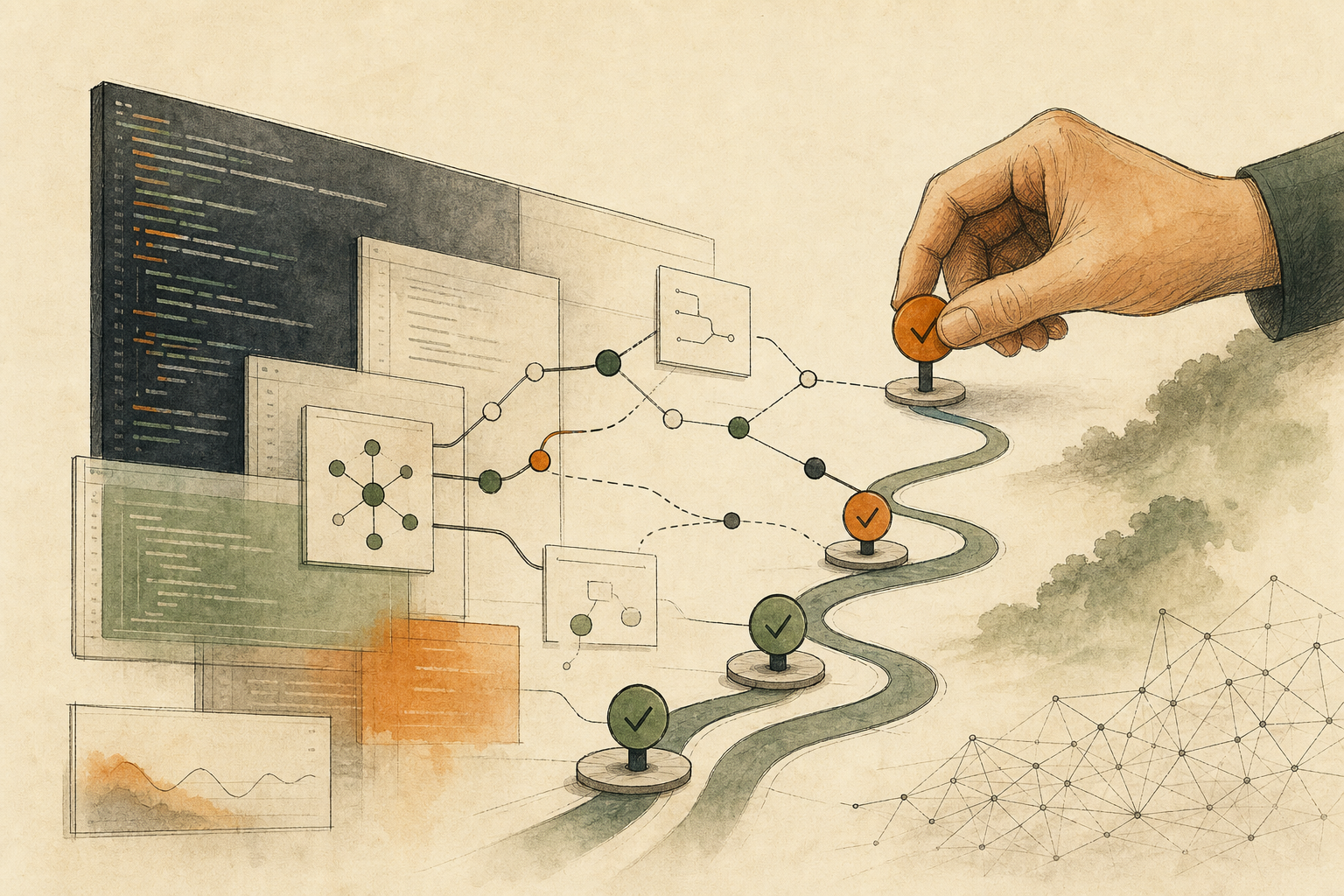


Before dinner, you notice a small bug on your phone. In the old workflow, you might write it down and wait until you are back at your desk. Cursor for iOS changes that: you can choose a repo, meaning a software project, launch a cloud agent, keep steering an agent already running on your computer, and even merge a pull request (PR), the review-and-merge flow for code changes. The convenience has a risk: a quick “small fix” from the train can touch permissions, billing, or deployment settings; on a small screen, it is also easy to skim a summary and press merge. The useful question is not “Can I code from my phone?” It is: Which tasks are safe to observe, which can be delegated to an agent, and which need a full review environment before approval?
That does not mean the phone has become a better IDE. It means coding-agent work — an AI helper reading code, changing files, and running checks — is becoming a queue you can start, steer, and review away from the desk. Whether you can approve the result depends on the evidence and guardrails available, not on whether the device is literally a desktop.
This article uses a few engineering terms through the lens of review. A cloud agent is a coding agent running in a remote environment. A diff shows the before-and-after change so a reviewer can see what actually moved. Artifacts are the evidence the agent leaves behind, such as screenshots, test results, logs, or demos.
Without that boundary, convenience becomes a new approval risk. A small mobile prompt can expand into permission changes, billing logic, migrations, or deployment settings. A small screen can also make it too easy to skim a summary and press merge without reading the real diff. On the other hand, a tablet or laptop can be enough when you can inspect the diff, test results, risk surface, and rollback path clearly. The real boundary is review quality, not the word “desktop.”
This lesson turns “Coding agents now start from a phone: what can you watch, delegate, or approve?” into one practical reader question: Cursor for iOS lets developers launch and supervise coding agents from a phone, but teams need separate observe, delegate, and full-review boundaries first. Use the rest of the article to document what should happen before the team proceeds.
First, separate three phone roles
Cursor describes the iOS app as a way to launch and manage always-on agents from anywhere. It can start cloud agents, use Remote Control for an agent running on your computer, run cloud agents in isolated virtual machines, and show artifacts such as demos, screenshots, logs, and diffs.
Those are useful capabilities. The risk is that the same phone now plays three different roles.
- Observer: Check status, notifications, screenshots, logs, and diff summaries; the risk is seeing the summary but missing the real diff or a failed test.
- Delegator: Hand a well-scoped small task to a cloud agent, such as docs, tests, or bug reproduction notes; the risk is a vague prompt that lets the agent expand the scope.
- Approver: Leave follow-ups, approve a PR, or merge; the risk is turning small-screen review into a shortcut around final checks. If CI/CD, tests, branch protection, and rollback are mature, approving a small low-risk PR from a phone can be reasonable; the unsafe pattern is approving without enough evidence.
Before enabling this workflow broadly, decide which of these roles each person is allowed to use from a phone.
A three-level release table
Use a simple table before mobile agent work becomes normal.
| Level | What is allowed | Required limit |
|---|---|---|
| Observe only | Check agent state, notifications, demos, logs, and diff summaries (e.g. see whether a long task is blocked; read test output) | No code edits, no merge, no config changes |
| Delegate to the agent | Start small, reversible, well-scoped tasks from the phone (e.g. docs, tests, typo fixes, small bug reproducers) | Prompt must name the file scope and say “no deploy”; the agent opens a PR instead of shipping directly |
| Require full review | Anything touching permissions, billing, data, migrations, deployment, or security-sensitive code (e.g. OAuth scopes, billing, migrations, CI/CD, production config) | It does not have to be a desktop; a tablet or laptop is fine if you can inspect the diff, checks, blast radius, and rollback path |
This table is not meant to slow the team down. It keeps the mobile app as a clean work entry point instead of a shortcut around review.
Where to start
Start with small work that has a clear boundary and an easy rollback path.
- Watch status: Let the phone receive notifications when an agent finishes, needs input, or fails tests.
- Delegate small work: Allow docs, small tests, and reproducible bug notes first.
- Add context: Use voice or text to say which files not to touch, that deployment is not allowed, and that the agent should open a PR only.
- Keep merge in a full review environment at first: For the first week, do not merge from the phone; learn whether the artifacts are enough.
- Define when phone approval is allowed: If CI/CD is green, tests are complete, the diff is small, rollback is clear, and branch protection blocks risky paths, low-risk PRs can become phone-approvable.
- Review samples: Look back at a few mobile-started tasks each week and check whether scope, tests, and review quality held up.
If the team keeps reopening mobile-started work on a larger screen to read logs, inspect diffs, or check risk, that is not failure. It tells you the phone is better for starting work and adding context, while final approval needs a fuller review environment.
If you already spend the full day at a desk with a complete IDE, this app does not need to become part of your daily flow. Its value is concentrated in the small gaps away from the workstation; without that situation, staying with the existing workflow is completely reasonable.
The useful takeaway
Cursor for iOS makes a coding agent feel more like a work queue you can pick up anywhere. TechCrunch and The Next Web frame it the same way: developers can start, supervise, and adjust agents without sitting at the desktop.
For a small team, the practical lesson is simpler:
A phone is good for starting and tracking work; final approval depends on whether the evidence and guardrails are complete.
Once “observe only,” “delegate to the agent,” and “require full review” are written down, mobile coding agents become a controlled entry point instead of another place where approval boundaries blur.
AI handoff card
Use this technical workflow check to sort your next step This is not a summary prompt. Use it to map the article back to your workflow, constraints, data, and decision goal.
I want to apply this BMC mini lesson to my own situation: Coding agents now start from a phone: what can you watch, delegate, or approve?

Specific problem this article handles: Cursor for iOS lets developers launch and supervise coding agents from a phone, but teams need separate observe, delegate, and full-review boundaries first.
Article URL: https://boosterminiclass.com/en/posts/cursor-mobile-agent-approval-boundary/

Do not only summarize the article. First ask me 3 questions to clarify:
1. the real workflow or decision I am dealing with;
2. which data, permissions, accounts, costs, or external actions are involved;
3. whether I need a stop/go decision, a trial checklist, a handoff template, or a risk tier.

Then check my situation with this article-specific framework:

Please output:
- one sentence on whether I should proceed, run a limited trial, or pause;
- a comparison table applying the framework to my case, with ready / missing evidence / needs human review;
- one smallest step I can take today;
- where I need an owner, log, rollback path, or human review.
If the AI skips constraints or sources, ask follow-up questions before using the output.
References
- Cursor Blog, “Build from anywhere with Cursor for iOS,” 2026-06-29.
- Cursor Changelog, “Cursor Mobile App for iOS,” 2026-06-29.
- TechCrunch, “Cursor now has a mobile app for guiding your coding agent on the go,” 2026-06-29.
- 9to5Mac, “Cursor releases iPhone and iPad app following recent acquisition by SpaceX,” 2026-06-29.
- The Next Web, “Cursor launches iOS app so developers can spin up coding agents from their phone,” 2026-06-29.