You open a design AI tool and type, “make it more premium.” A few seconds later, an image appears. The lighting is nice, the colors feel polished, and the composition looks much more complete than a blank canvas.
Then you place it in a website hero and realize there is no room for the headline. You shrink it into a social preview and the subject becomes unclear. You send it to a brand reviewer and they point out a shape that looks too much like a fake logo. The problem is not always that the tool is bad. It is that “looks good” was mistaken for “works here.”
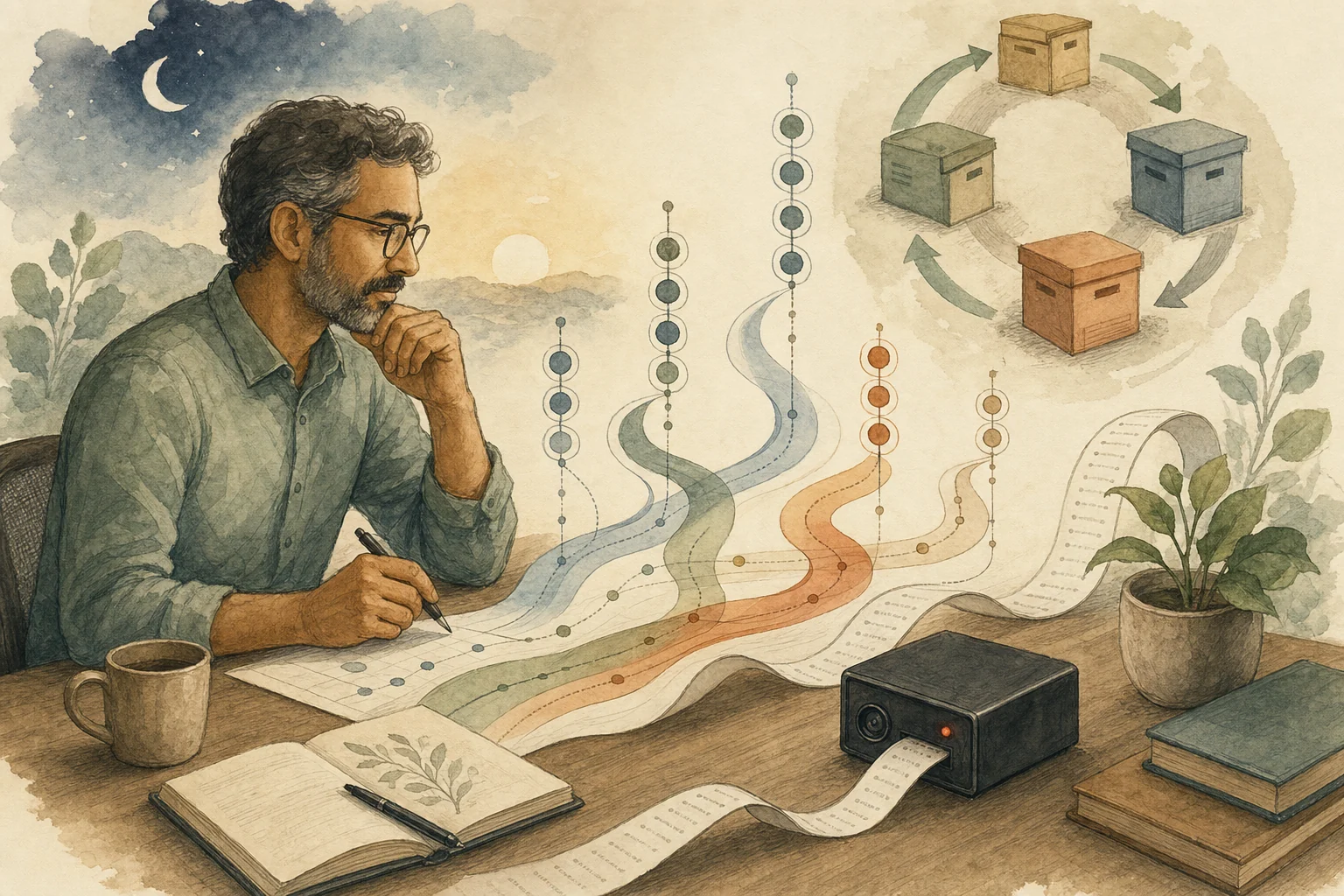
The Verge described Adobe’s conversational design agent as closer to a “mediocre design intern.” That is a useful operating model. An intern can produce several directions quickly, but they should not receive only “make it nicer.” They need the goal, constraints, references, and lines they must not cross. Adobe’s Firefly AI assistant is also framed as help inside the creative process, not as a replacement for art direction.
So the important question is not which design AI to switch to. The important step is to translate your taste preference into a reviewable work instruction before generation begins.
This lesson turns “Design AI Is Not a Taste Button; Say What the Image Must Do First” into one practical reader question: Design AI can produce attractive drafts quickly, but attractive does not mean usable. Before using it for a site, ad, deck, or brand asset, define the purpose, constraints, placement, and review standard. Use the rest of the article to draw what should happen before the team proceeds.
Start with the job, not the style
Many weak design prompts begin with adjectives: premium, techy, warm, professional, playful. Those words are not useless, but they become meaningful too late. If you have not said where the image will appear, who will see it, and what message it must support, the AI can only guess a familiar style pattern.
A steadier starting point is plain: is this image for an article cover, presentation opener, ad asset, product page, or social post? Will the reader see it quickly on a phone or study it on a desktop? Should the image help them understand a feature, a risk, a mood, or a brand impression?
Those answers decide usability more than “make it better.” A website hero may need open space for type. A deck opener may need the eye to land on one idea. An ad asset may need to avoid anything that looks like a button or fake interface. When the job is clear first, the AI draft has something to be judged against.
Then say what must not appear
Design AI tends to fill space. It may add text, marks, interface fragments, hands, decorations, and elements you never requested because they make the image look more complete.
For production material, the most dangerous problem is often not ugliness. It is the extra thing that should not be there. Fake text can make an image unusable. A fake logo can block brand approval. A crowded composition can fail cropping. A style too close to a known brand can create avoidable risk.
A good brief therefore names boundaries clearly: no text, no logos, no fake UI, no identifiable people, enough crop space, readable mobile thumbnails, and no imitation of a specific brand to the point of confusion. These constraints sound less exciting than style words, but they decide whether a draft can move forward.
Treat the first pretty image as a draft, not an answer
The main temptation of design AI is that the first image already looks finished. Because it feels complete, it is easy to stop asking whether it is actually usable.
A better habit is to treat the first round as material for a design review. Do not only ask whether you like it. Ask more concrete questions. Once it sits in the layout, is the main message still clear? When it is reduced, can the important subject still be recognized? Is there fake text or a symbol that should not exist? Does the style conflict with existing brand material? If it needs revision, should the whole image be regenerated, or should composition, color, or a local element be adjusted?
When you can answer those questions, AI has actually saved time. When you cannot, you are only sending “make it nicer” back to the tool and creating more images to hesitate over.
Where design AI fits
Design AI is useful for early exploration: cover directions, mood tests, internal discussion visuals, and lower-risk article or deck concepts. In that phase, speed is valuable because the goal is to see options quickly.
But if the asset will appear in an official ad, main brand visual, legally sensitive material, product interface, paid campaign page, or any place that needs precise text and rights review, the generated result should not ship by itself. You still need human refinement, layout integration, brand review, and rights judgment.
That does not mean design AI is forbidden. It means its position should be clear. It can accelerate exploration; it cannot replace your judgment about purpose, constraints, and quality.
The next time you want to type “make it look better,” pause first. Rewrite it as: where will this image appear, who will see it, what must it communicate, what must not appear, and how will we know it is usable? Design AI is not a taste button. It is more like a fast intern. The clearer the work instruction, the more likely it is to produce a draft you can judge, revise, and actually place in the layout.
AI handoff card
Use this tool trial decision to sort your next step This is not a summary prompt. Use it to map the article back to your workflow, constraints, data, and decision goal.
I want to apply this BMC mini lesson to my own situation: Design AI Is Not a Taste Button; Say What the Image Must Do First

Specific problem this article handles: Design AI can produce attractive drafts quickly, but attractive does not mean usable. Before using it for a site, ad, deck, or brand asset, define the purpose, constraints, placement, and review standard.
Article URL: https://boosterminiclass.com/en/posts/design-ai-assistants-need-human-art-direction/

Do not only summarize the article. First ask me 3 questions to clarify:
1. the real workflow or decision I am dealing with;
2. which data, permissions, accounts, costs, or external actions are involved;
3. whether I need a stop/go decision, a trial checklist, a handoff template, or a risk tier.

Then check my situation with this article-specific framework: Define the asset’s use case, audience, placement constraints, brand boundaries, and review standard before generation; decide which outputs are exploration drafts and which can move into human refinement; avoid asking design AI to guess vague taste requirements.

Please output:
- one sentence on whether I should proceed, run a limited trial, or pause;
- a comparison table applying the framework to my case, with ready / missing evidence / needs human review;
- one smallest step I can take today;
- where I need an owner, log, rollback path, or human review.
If the AI skips constraints or sources, ask follow-up questions before using the output.
References
- The Verge: Adobe’s conversational AI agent is a mediocre design intern — https://www.theverge.com/tech/939686/adobes-conversational-ai-agent-is-a-mediocre-design-intern
- Adobe Help: Firefly AI Assistant overview — https://helpx.adobe.com/firefly/web/firefly-ai-assistant/firefly-ai-assistant-overview.html