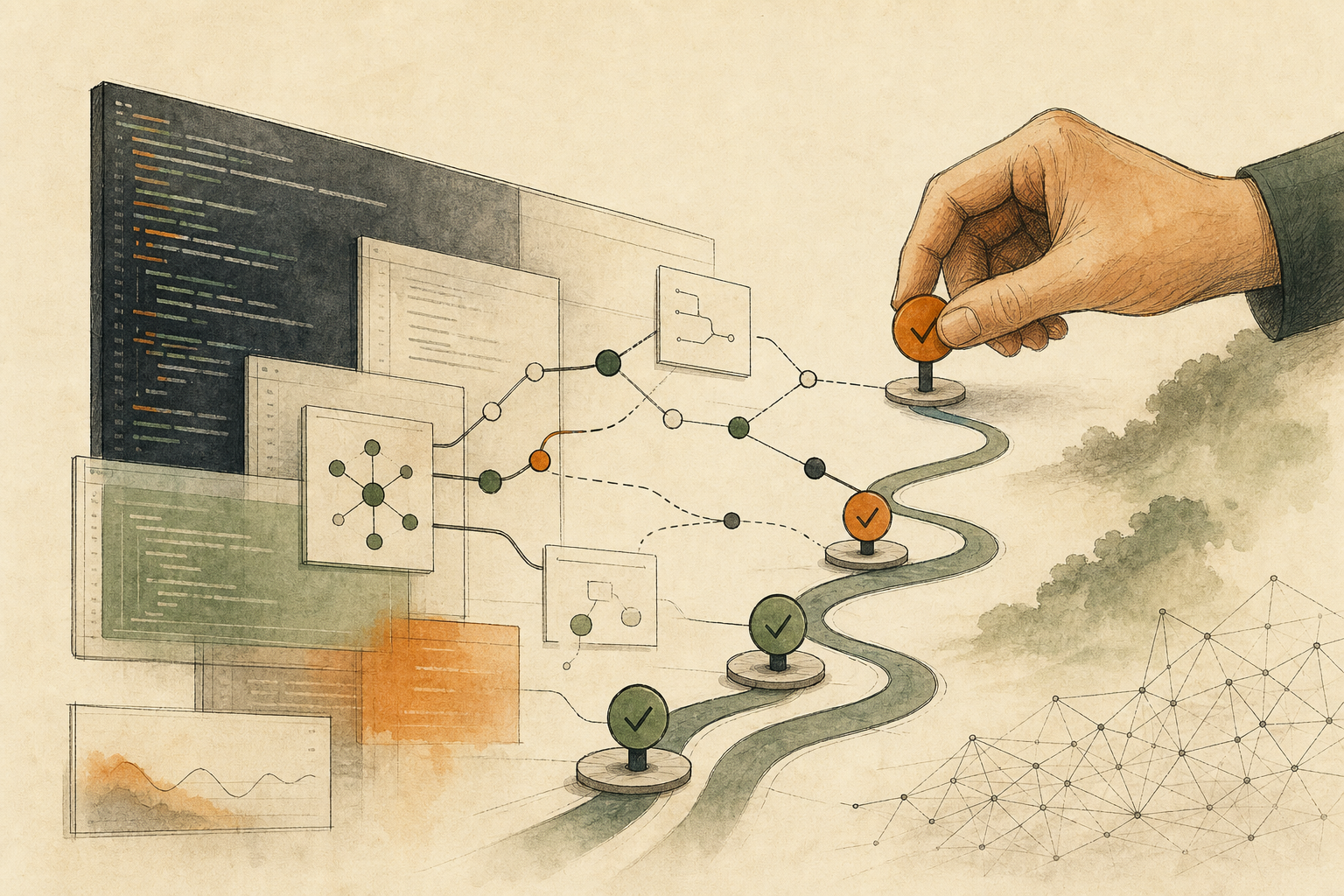

Package a service as a Docker image, run a security scan, and the report is often a wall of red: known vulnerabilities in the base image, outdated packages, problematic Dockerfile instructions, overly broad container permissions. The open-source tool DockSec is built to handle exactly this kind of report; a May 2026 article reported it had been adopted as an incubator project by OWASP (the Open Worldwide Application Security Project). It runs scanners such as Trivy, Hadolint, and Docker Scout locally, merges duplicate findings, ranks them by severity and likelihood of exploitation, then uses AI to explain each problem and suggest a fix.
What’s most worth borrowing from this tool is the line it draws for itself. According to the project documentation, its auto-fix applies only mechanical Dockerfile changes, keeps a backup first, and rescans afterward; it won’t choose base image versions, move secrets, or edit deployment configuration files, and it refuses to edit files with uncommitted changes unless forced.
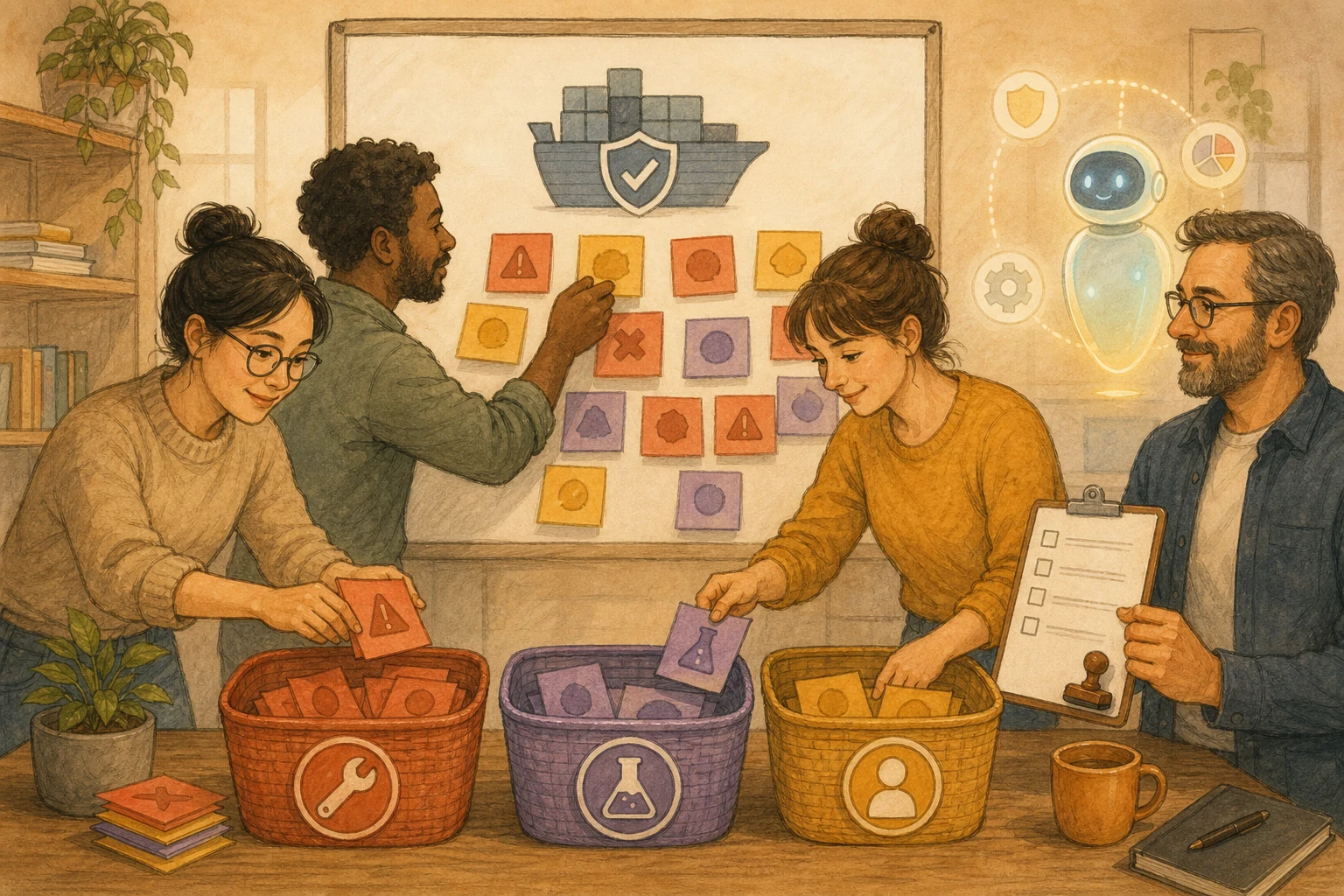
Teams can adopt the same line: mechanical changes that are easy to spot and roll back if wrong can be left to AI; decisions that change container behavior, such as switching base images, changing runtime permissions, or editing deployment settings, need a person to test and approve them.
One line of change often reaches further than that line
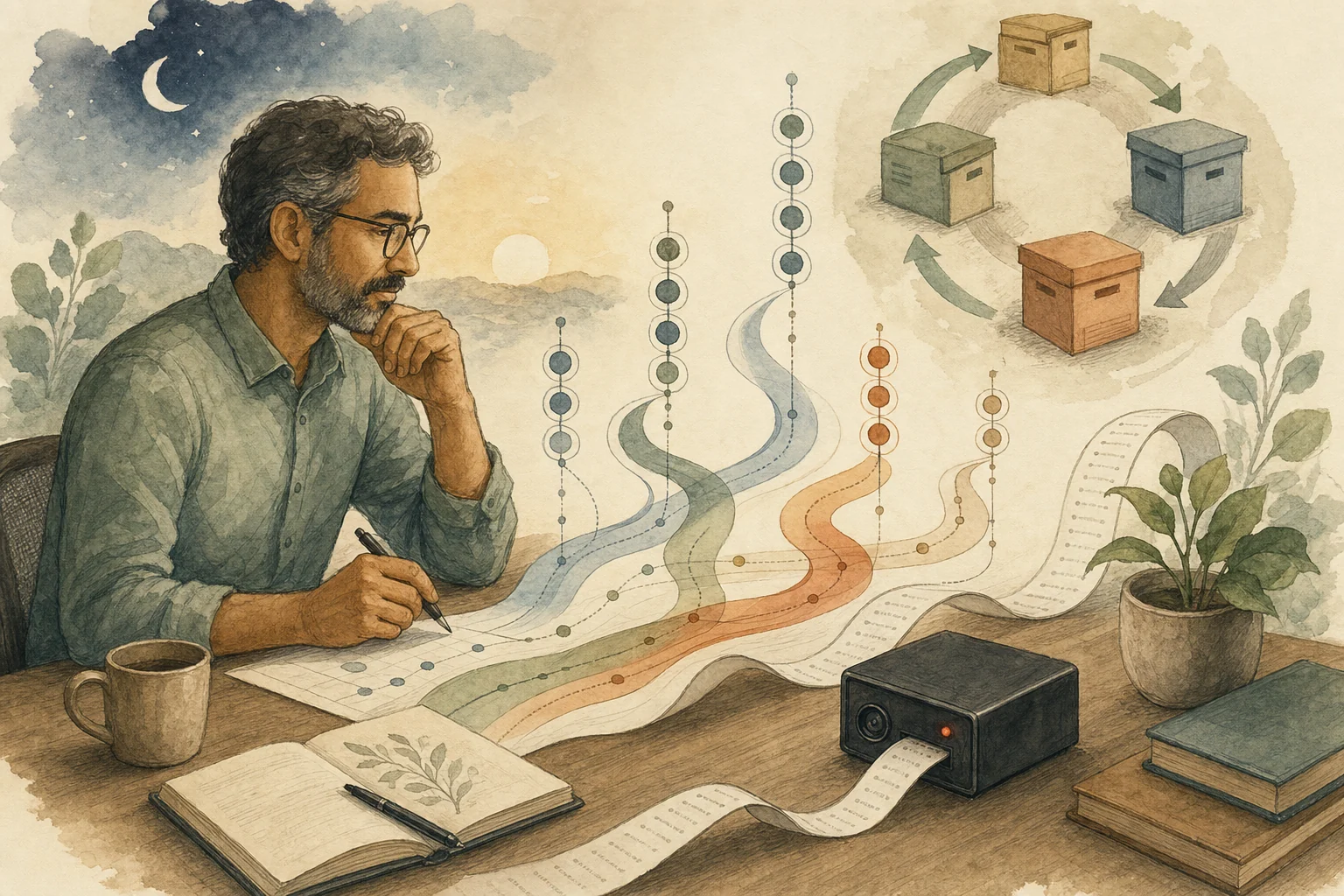
AI can turn a vulnerability description into plain language and add a one-line upgrade command, which looks like a time saver. But changes inside containers often reach far beyond that one line. Switching base image versions can replace dozens of system packages at once and change behavior you already validated; switching the container to a non-root user can leave the service unable to read a directory and fail to start.
None of this shows up in the scan report; you only find out by running it. DockSec doesn’t pick base image versions for you precisely because that choice requires knowing the service and testing it.
Classify first, then decide who makes the change
Mechanical changes: for example Dockerfile style suggestions, removing unnecessary package caches, or pinning version tags. Mistakes are easy to see from build failures or diffs, so AI can make these changes, as long as the diff is visible and can be rolled back.
Behavior-changing changes: switching base images, upgrading major system packages, changing the container’s runtime user, changing exposed ports. These need to run in a test environment and be approved by the service owner.
Data boundary: before turning on AI explanations, know what gets sent. According to DockSec’s documentation, AI mode sends the content of the Dockerfile or compose file plus a summary of vulnerability counts to the model; values that look like secrets are masked by default. If your Dockerfile contains internal addresses or settings that shouldn’t leave, use the scan-only mode without AI, or a model running locally.
With many findings, first check whether they’re actually reachable
A vulnerability in the scan results isn’t necessarily used when your service runs. When ranking, first ask whether someone is already exploiting it, whether the service executes that code, and whether outside input can reach it; see Don’t Rank Vulnerabilities by Score Alone: Check Execution Paths and External Input First. Once the order is set, whether an AI-generated fix can go live depends on whether you can roll back if something goes wrong; see AI Can Write Security Patches; Whether They Ship Depends on Whether You Can Roll Back.
The tool’s line still has to be judged against your service
DockSec is an open-source project built by an individual and still in incubation; its features and defaults may change. This article cites its current public documentation, so check the latest project docs before adopting it. The line the tool draws is a useful reference, but what counts as “mechanical” still depends on your service: the same one-line change can carry very different risk in different services.
AI handoff card
Our Docker image scan produced a big batch of findings. I want AI to help organize them while drawing a clear line between changes AI can make and changes a person must approve.
The method comes from this article: https://boosterminiclass.com/en/posts/docker-ai-security-scanner-human-fix-gate/
Its view: mechanical changes that are easy to spot and roll back if wrong can be left to AI; decisions that change container behavior, such as switching base images, changing runtime permissions, or editing deployment settings, need a person to test and approve. Before turning on AI explanations, know which file contents will be sent to the model.

Review, read-only, only the Dockerfile, deployment settings, and scan reports I've authorized. Don't modify files or run builds.
1. Classify findings by source: base image, packages, Dockerfile style, or runtime permissions and exposed ports;
2. Split each category's suggested changes into "mechanical" and "behavior-changing," with reasons;
3. Check whether the Dockerfile and settings contain anything that shouldn't be sent to an external model, such as internal addresses or secrets, and recommend scan-only mode or a local model;
4. List what behavior-changing changes need to be verified in a test environment, and who approves them.
Don't choose base image versions for me; only list candidates and what to test.
References
- GitHub (official OWASP project): OWASP/DockSec — https://github.com/OWASP/DockSec [accessed: 2026-10-11]
- Open Source For You: OWASP-Backed Open Source DockSec Uses LLMs To Fix Docker Vulnerabilities Faster — https://www.opensourceforu.com/2026/05/owasp-backed-open-source-docksec-uses-llms-to-fix-docker-vulnerabilities-faster/ (2026-05-27)
- Docker Docs (official): Docker Scout — https://docs.docker.com/scout/ [accessed: 2026-10-11]