

Cross-language meetings have a familiar tension: the conversation may sound smooth, but when the topic turns to money, dates, responsibility, or a customer promise, one question appears in the back of your mind. Can that translated sentence actually be used to make a decision?
On June 9, 2026, Google announced Gemini 3.5 Live Translate. Google described it as a real-time speech-to-speech translation model that can detect more than 70 languages, preserve a speaker’s tone, rhythm, and pitch, and gradually appear in Google Translate, Google Meet, and developer tools such as the Gemini Live API and Google AI Studio. Ars Technica and MarkTechPost also described it as a streaming translation system: it does not wait for a full sentence before replying, but produces translation while listening, usually a few seconds behind the speaker.
That can make many situations easier. International team meetings may not need to wait for line-by-line interpretation. Support teams can understand a caller’s intent before deciding where to route the case. Classes and livestreams can help more people follow along. But the smoother the tool feels, the easier it is to forget one thing: a fluent translated voice is not the same as a traceable official record.
This lesson turns “Cross-Language Meetings May Feel Smoother; the Confirmation Point Still Matters” into one practical reader question: Gemini 3.5 Live Translate makes voice translation smoother, but small teams still need confirmation points for money, dates, responsibility, and customer promises. Use the rest of the article to separate what should happen before the team proceeds.
Mini lesson: keep AI in the understanding layer, not the commitment layer
The best use of real-time voice translation is to open a conversation that would otherwise stall. Greetings, background context, product demos, course comprehension, and first-pass support triage are good places for AI to lower the language barrier.
The risky part is not that translation will sometimes be imperfect. The risky part is failing to separate “I understand the direction” from “we have agreed.” Voice translation can miss negations, conditions, product names, technical terms, or numbers. Because the output is spoken, an error can also be harder to replay and inspect than a text mistake.
So do not judge this kind of tool only by how natural the demo sounds. Set a working rule first: AI can help people enter the same context, but once the conversation starts creating money, deadlines, access rights, medical, safety, legal, or customer commitments, it needs to pause and move into text or human confirmation.
Treat one meeting as three zones
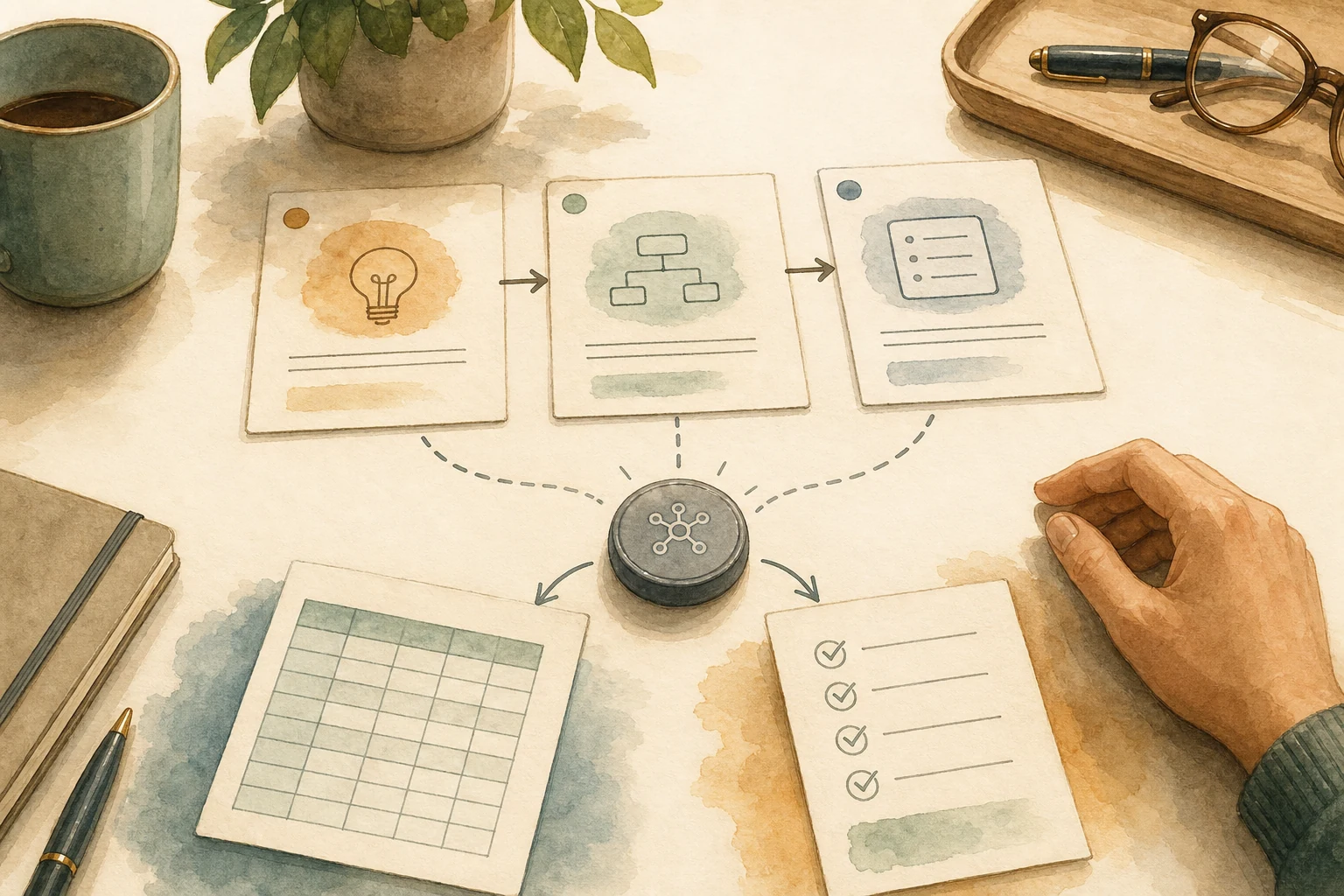
A cross-language meeting does not need a single yes-or-no answer to “Can we use AI translation?” It is more useful to split the meeting into three zones.
- Green zone: understanding only. Openings, background, ordinary Q&A, and product demos. AI translation can help everyone enter the same context; if something sounds strange, ask the speaker to restate it.
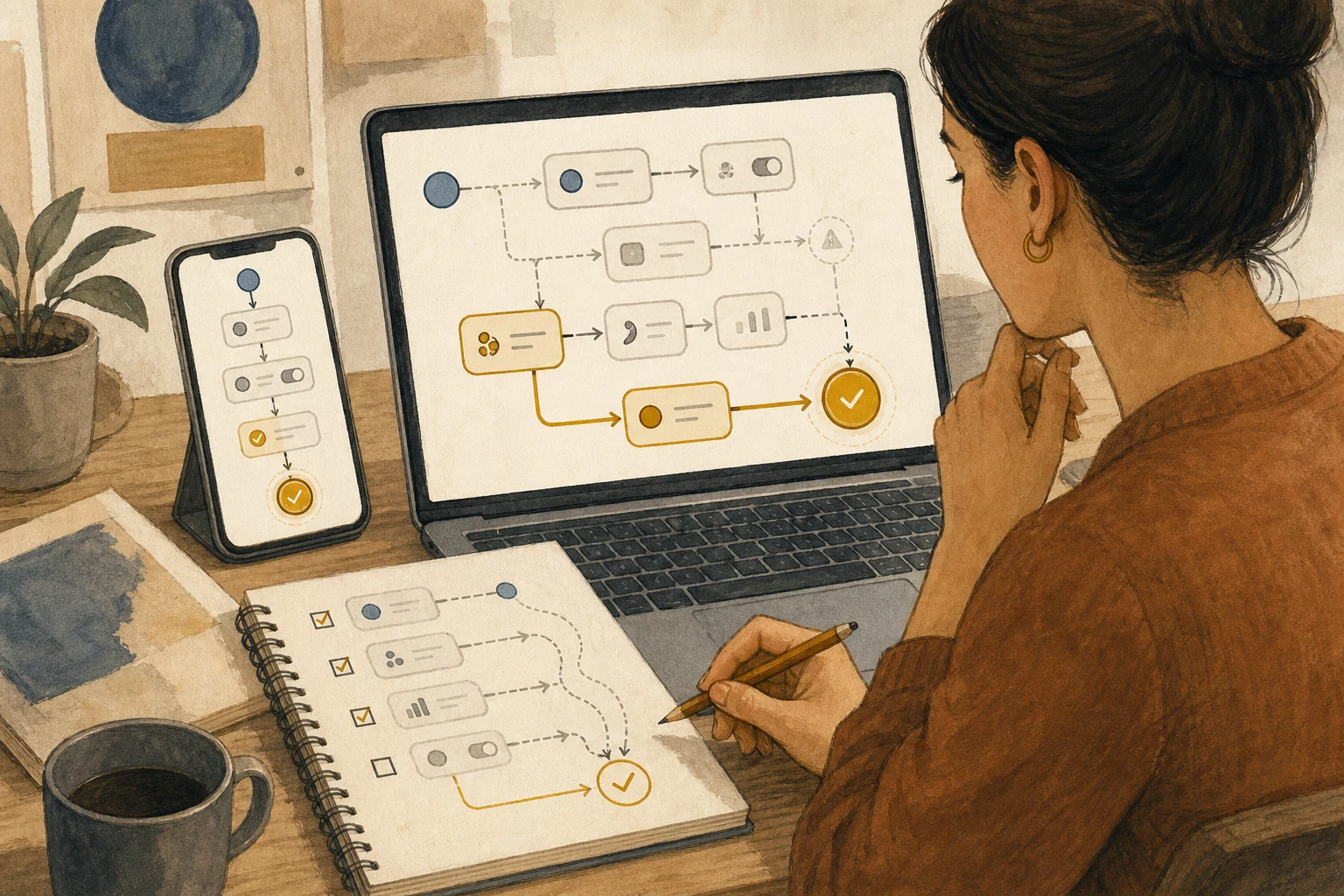
- Yellow zone: understand first, leave a trail. Task ownership, dates, numbers, specifications, and next steps. AI can help people follow the discussion, but the team should write down owners, dates, numbers, and responsibilities after the meeting and ask both sides to confirm them.
- Red zone: never rely only on the translated voice. Quotes, contracts, refunds, health, safety, personal data, warranties, and formal customer promises. These should move to official documents, human interpretation, sentence-by-sentence confirmation, or a pause until the details can be checked.
This split keeps AI translation useful without handing formal responsibility to a tool simply because it sounds natural.
Small teams usually miss the ending, not the language
Imagine an international product meeting where AI translation helps both sides move quickly through requirements. After the call, everyone feels that they understood the conversation. But nobody turns “deliver the test build by next Wednesday,” “use the existing quote for now,” and “the customer will provide the data” into written confirmation. Three days later, both sides discover that they remembered different versions of the agreement.
This is not only an AI problem. Meetings in the same language also fail this way. Cross-language meetings add another layer: each person may remember not the original words, but the version that AI translated at the time.
A safer workflow adds a fixed confirmation point. When any of the following appears, do not let the meeting simply move on:
- Numbers: price, quantity, percentage, discount, milestone.
- Dates: delivery day, reply deadline, launch time, cancellation window.
- Responsibility: who does the work, who approves, who promises externally.
- Sensitive content: personal data, medical, legal, safety, refund, warranty.
You do not need to stop the entire meeting every time. But someone should ask for a restatement and confirm the item in writing afterward.
Before rollout, name the person who can pause the call
If you want to use Gemini 3.5 Live Translate or a similar tool in internal meetings, support, or teaching, the most practical preparation is not a long policy document. It is naming one person who is allowed to pause the conversation.
That person does not need to know every language. Their job is to notice risk signals: people start discussing price, delivery, account actions, refunds, health or legal advice, or the AI translation becomes confusing several times in a row. When those signals appear, they move the meeting from real-time conversation into a confirmable process.
The line can be simple:
This part affects money / dates / responsibility. Let’s not rely only on voice translation. Please put the detail in writing, and we will confirm it once more.
That sentence is not glamorous, but it turns AI translation from “sounds smooth” into something a team can responsibly use.
Change one thing today
Do not start by putting real-time translation into the hardest, highest-risk workflow. Choose a low-risk situation first: an internal cross-language meeting, an informal product demo, or course comprehension.
During the test, watch one thing: when numbers, dates, or commitments appear, does the team naturally pause to confirm them? If everyone keeps talking, the tool may be smooth but the workflow is not ready. If someone can capture the key sentence, ask for confirmation, and put it into the follow-up notes, the process is much safer to expand.
BMC’s recommendation: treat real-time voice translation as a bridge into the conversation, not as the final version of every decision. A bridge helps people reach each other faster; before anyone signs, pays, promises, or delivers, there still needs to be a confirmation point that can be checked later.
AI handoff card
Turn this tool trial decision into your own checklist Copy this into your own AI tool. It asks about your context first, then turns this article’s decision frame into an action checklist. BMC will not see what you paste.
I want to apply this BMC mini lesson to my own situation: Cross-Language Meetings May Feel Smoother; the Confirmation Point Still Matters

Specific problem this article handles: Gemini 3.5 Live Translate makes voice translation smoother, but small teams still need confirmation points for money, dates, responsibility, and customer promises.
Article URL: https://boosterminiclass.com/en/posts/gemini-live-translate-meeting-checklist/

Do not only summarize the article. First ask me 3 questions to clarify:
1. the real workflow or decision I am dealing with;
2. which data, permissions, accounts, costs, or external actions are involved;
3. whether I need a stop/go decision, a trial checklist, a handoff template, or a risk tier.

Then check my situation with this article-specific framework: 1. Which meeting, support, teaching, or cross-language collaboration scenario do I want to use real-time voice translation in? 2. Which parts are only for shared understanding, and which parts create commitments, prices, legal, medical, safety, or customer decisions? 3. Who checks translation errors, how do we leave written records, and when do we switch back to a human? 4. A pre-launch checklist for meeting boundaries, human confirmation, and do-not-switch conditions for real-time voice translation.

Please output:
- one sentence on whether I should proceed, run a limited trial, or pause;
- a comparison table applying the framework to my case, with ready / missing evidence / needs human review;
- one smallest step I can take today;
- where I need an owner, log, rollback path, or human review.
Before using the checklist, have a human verify evidence, owner, and rollback path.
References
- Google Blog: Gemini 3.5 Live Translate is here — https://blog.google/innovation-and-ai/models-and-research/gemini-models/gemini-live-3-5-translate/
- Ars Technica: Google announces Gemini 3.5 Live Translate for instant voice-to-voice translation — https://arstechnica.com/ai/2026/06/google-announces-gemini-3-5-live-translate-for-instant-voice-to-voice-translation/
- MarkTechPost: Google Releases Gemini 3.5 Live Translate, a Streaming Speech-to-Speech Audio Model Covering 70+ Languages Across Meet, Translate, and the Live API — https://www.marktechpost.com/2026/06/09/google-releases-gemini-3-5-live-translate-a-streaming-speech-to-speech-audio-model-covering-70-languages-across-meet-translate-and-the-live-api/
- 9to5Google: Gemini 3.5 Live Translate rolling out to Google Meet and Translate — https://9to5google.com/2026/06/09/gemini-3-5-live-translate-meet/