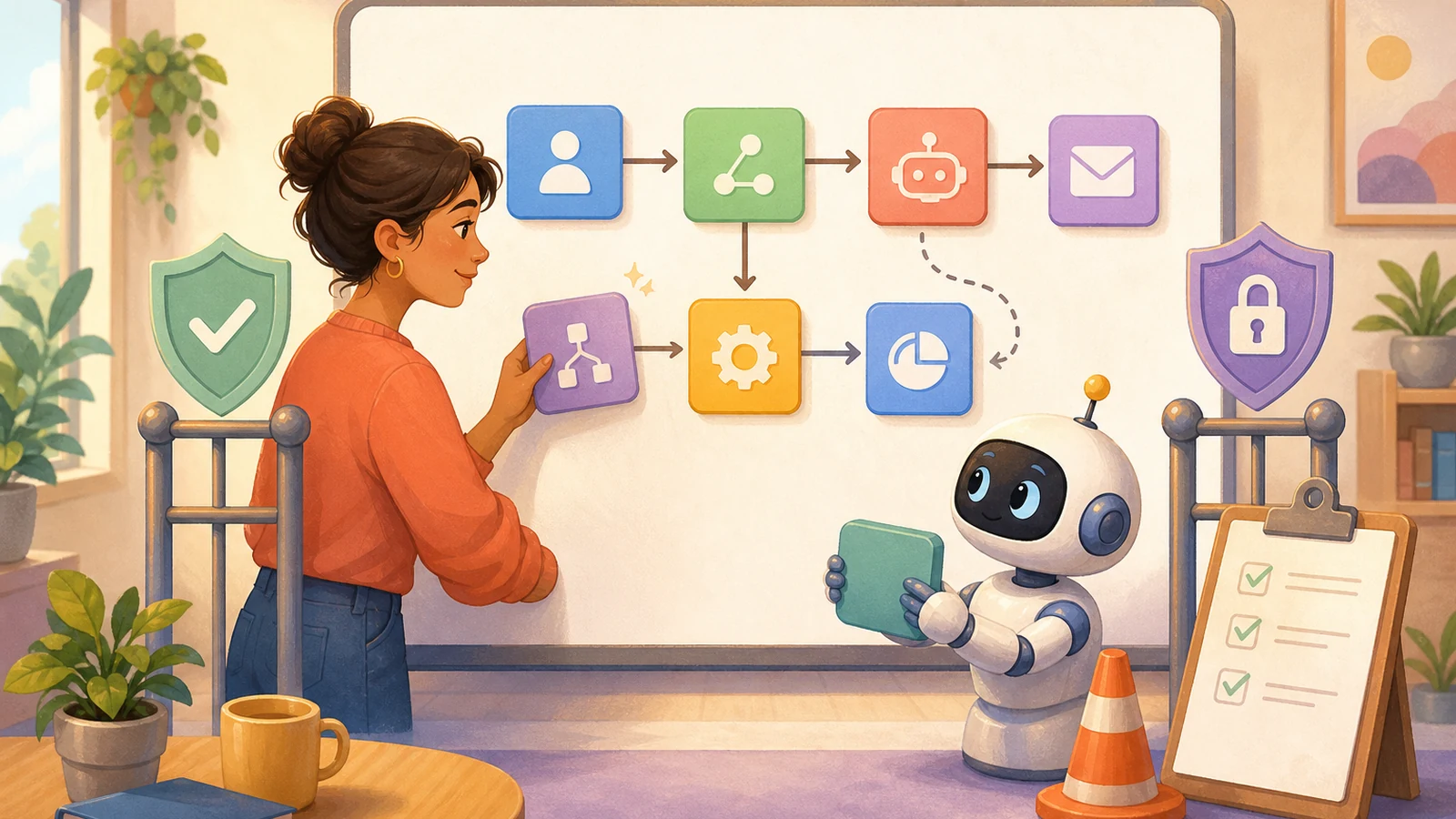
In May 2026, the work management company Asana acquired StackAI for $75 million, a company that lets businesses build AI assistants without writing code. Its assistants connect to existing systems such as Salesforce, Slack, and Google Workspace to pull data. Asana’s own AI Teammates, according to its official page, can search, read, and write across more than ten connected apps, including Gmail, Slack, and HubSpot; when building a custom one, you define its role, add skills, and grant access, choosing its scope based on the builder’s existing permissions.
This means more people without engineering backgrounds will build their own AI assistants that carry out several steps in a row. As the barrier drops, one thing is easy to skip: connecting to a tool doesn’t mean AI should do everything in that tool.
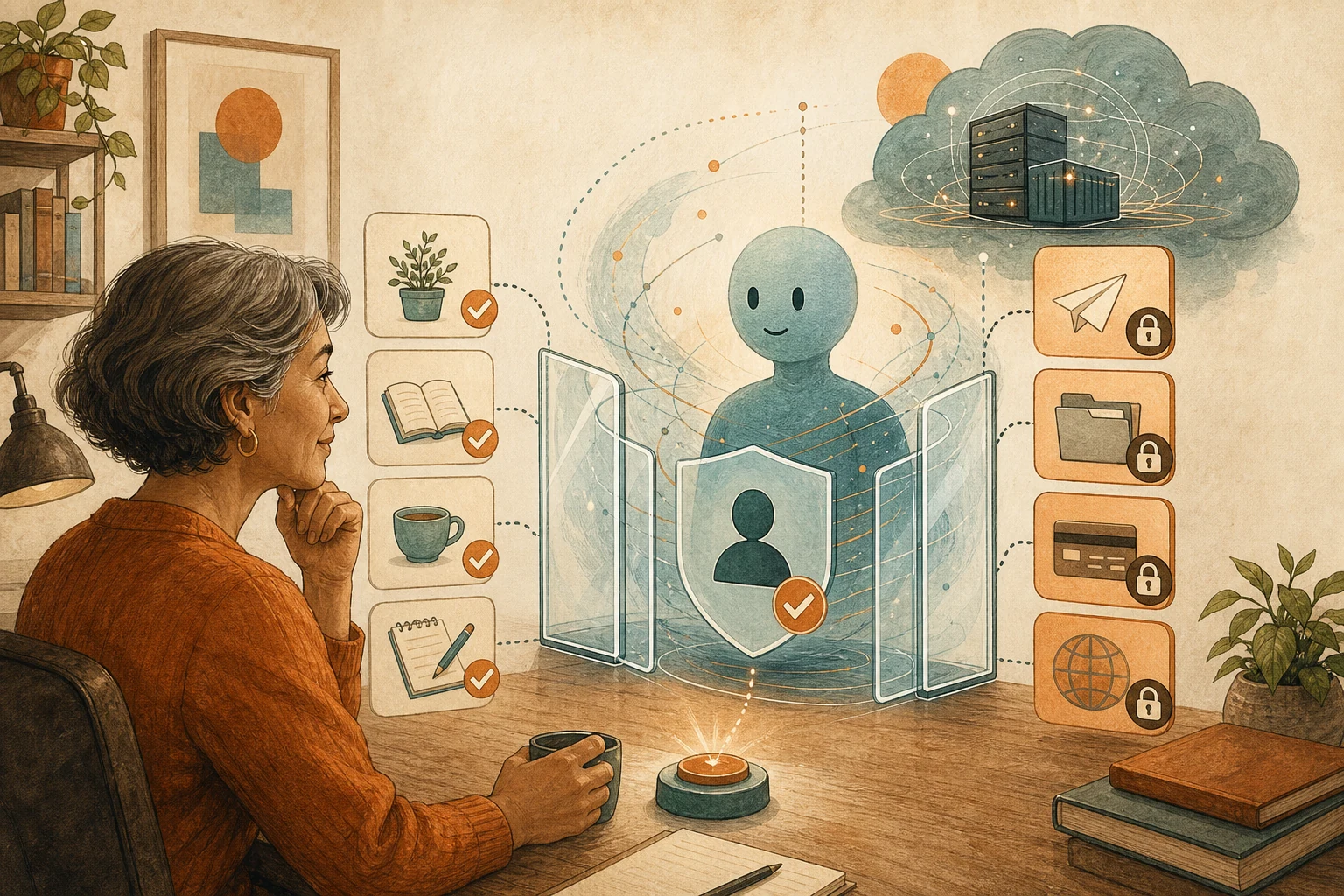
The same assistant, in the same system, might just read project status, or it might change deadlines, export lists, or email customers. These actions have entirely different consequences and shouldn’t share one level of permission. So whoever builds the assistant should assign permissions by action, not by connection.
Smooth tests only prove the normal path works
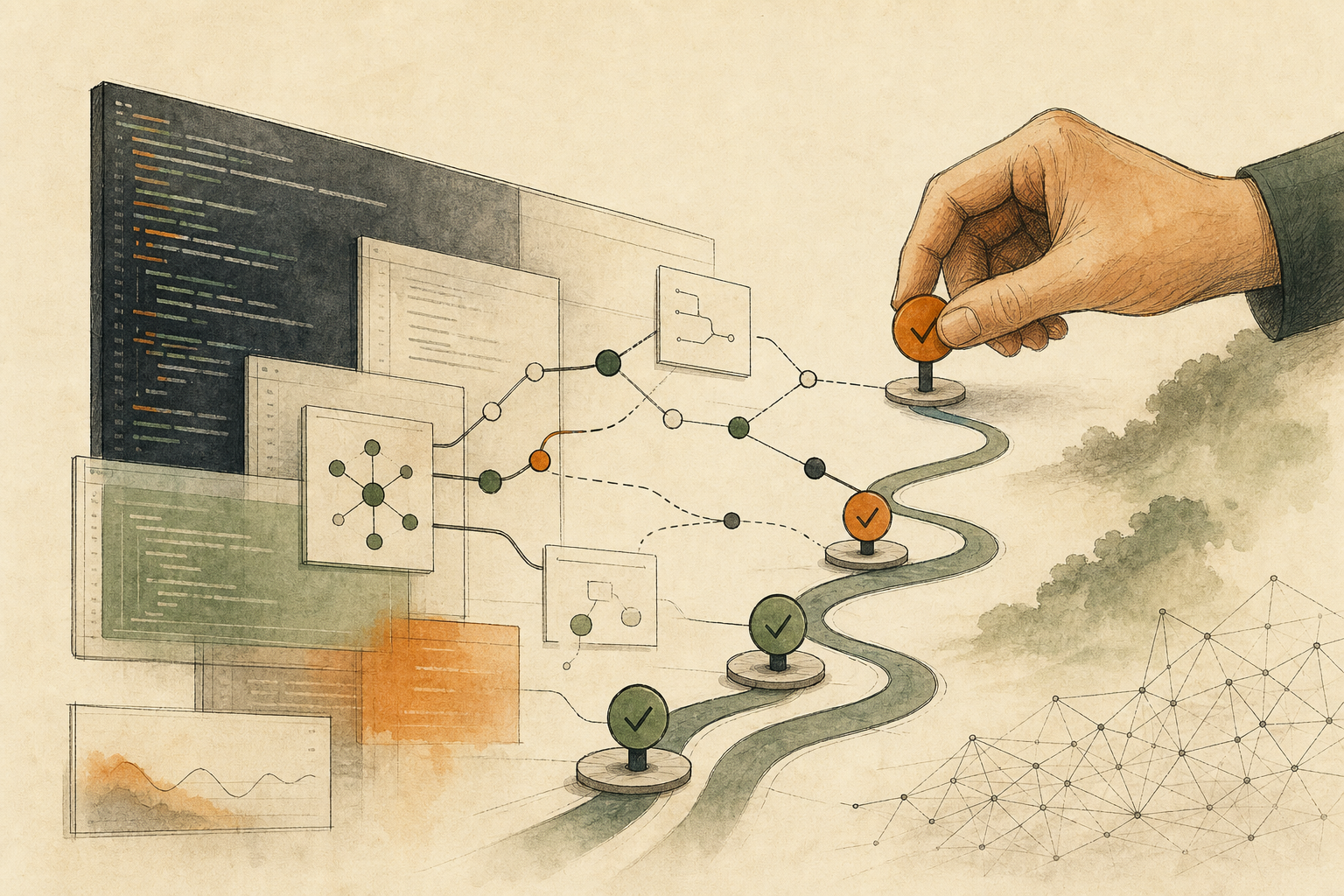
You build an assistant that reads customer emails, creates tasks, assigns owners, and finally sends a reply. Several tests go smoothly, and the team wants to remove the human check before sending to save the daily approval clicks.
Smooth tests only show the normal path works. An internal task created in error can be deleted; an email sent on the company’s behalf can’t be recalled and may affect customer relationships and contractual commitments. OWASP, an international community that catalogs AI security risks, lists three sources of “excessive agency”: AI getting functions it doesn’t need, getting more permissions than necessary, and carrying out high-impact actions without independent confirmation.
Sort every action into three tiers
List each action the assistant actually takes and sort it by consequence:
Automatic: reading non-sensitive data, creating draft tasks, adding internal labels. Mistakes are easy to fix, but keep logs and change summaries.
Automatic within limits: changing owners, adjusting deadlines, reordering priorities. Set conditions, such as only specific projects or at most ten items at a time; anything outside the limits or affecting other teams’ commitments goes to a person.
Draft only, released by a named person: emailing customers, publishing content, approving payments, exporting customer lists, changing account permissions. The assistant prepares the content; a named owner checks the recipient, content, and attachments, then sends it. When that person is unavailable, the workflow should wait in a visible state rather than skip ahead on a timeout.
The approval screen can’t just be a “continue?” button. It should show what the assistant is about to do, what data it relied on, and whether it can be undone; see Before Connecting AI to a Workflow, Define When It Should Stop and Ask a Person.
Make it fail on purpose before launch
Testing only with correct data, working services, and an always-available approver doesn’t prove the workflow stops safely when something goes wrong. Pick a low-risk task and, without touching production data, simulate each of these: a required field missing, two sources contradicting each other, an approver not responding, and an external system returning a failure.
Watch where it stops, and whether a person taking over can understand what happened. For cleaning up when a workflow only partly completes, such as a task created but its notification not sent, see When Automation Stops Halfway, Find Out What Already Happened Before Rerunning.
The tiers depend on your team and your data
The tiering standard depends on your team and data; these examples aren’t the only answer. Passing a trial also doesn’t mean the assistant can expand freely from then on: adding connected tools, raising volume limits, or changing internal drafts into direct external sends all call for re-tiering and retesting.
Asana’s page also notes that admins can choose who can create and modify AI Teammates. That control matters, because in no-code tools, whoever builds the assistant decides what it can do.
AI handoff card
I've built (or am about to build) an AI assistant with a no-code tool, and want to assign permissions for each of its actions before launch.
The method comes from this article: https://boosterminiclass.com/en/posts/no-code-agent-builders-need-workflow-guardrails/
Its view: connecting to a tool doesn't mean AI should do everything in it. Grant permissions by action: what runs automatically, what runs automatically within limits, and what only produces drafts released by a named person. Before launch, make it fail on purpose and see where it stops.

First ask me: the workflow the assistant handles, which tools it connects to, and the current state of testing.
Then:
1. List the actions the assistant actually takes in each tool;
2. Sort them into "automatic," "automatic within limits," and "draft only, released by a named person," with reasons, and write limit conditions for the second tier;
3. For each third-tier action, list what the approval screen must show and who the owner is;
4. Design four failure trials: missing required field, contradicting sources, unresponsive approver, external system failure, and where you expect it to stop in each.
Don't actually change the tool's settings; only give the classification and test plan.
References
- TechCrunch: Asana acquires no-code agent-builder StackAI — https://techcrunch.com/2026/05/28/asana-acquires-no-code-agent-builder-stack-ai/ (2026-05-28)
- Asana official product page: AI Teammates — https://asana.com/product/ai/ai-teammates [accessed: 2026-10-11]
- OWASP Gen AI Security Project: LLM06:2025 Excessive Agency — https://genai.owasp.org/llmrisk/llm062025-excessive-agency/ [accessed: 2026-10-11]