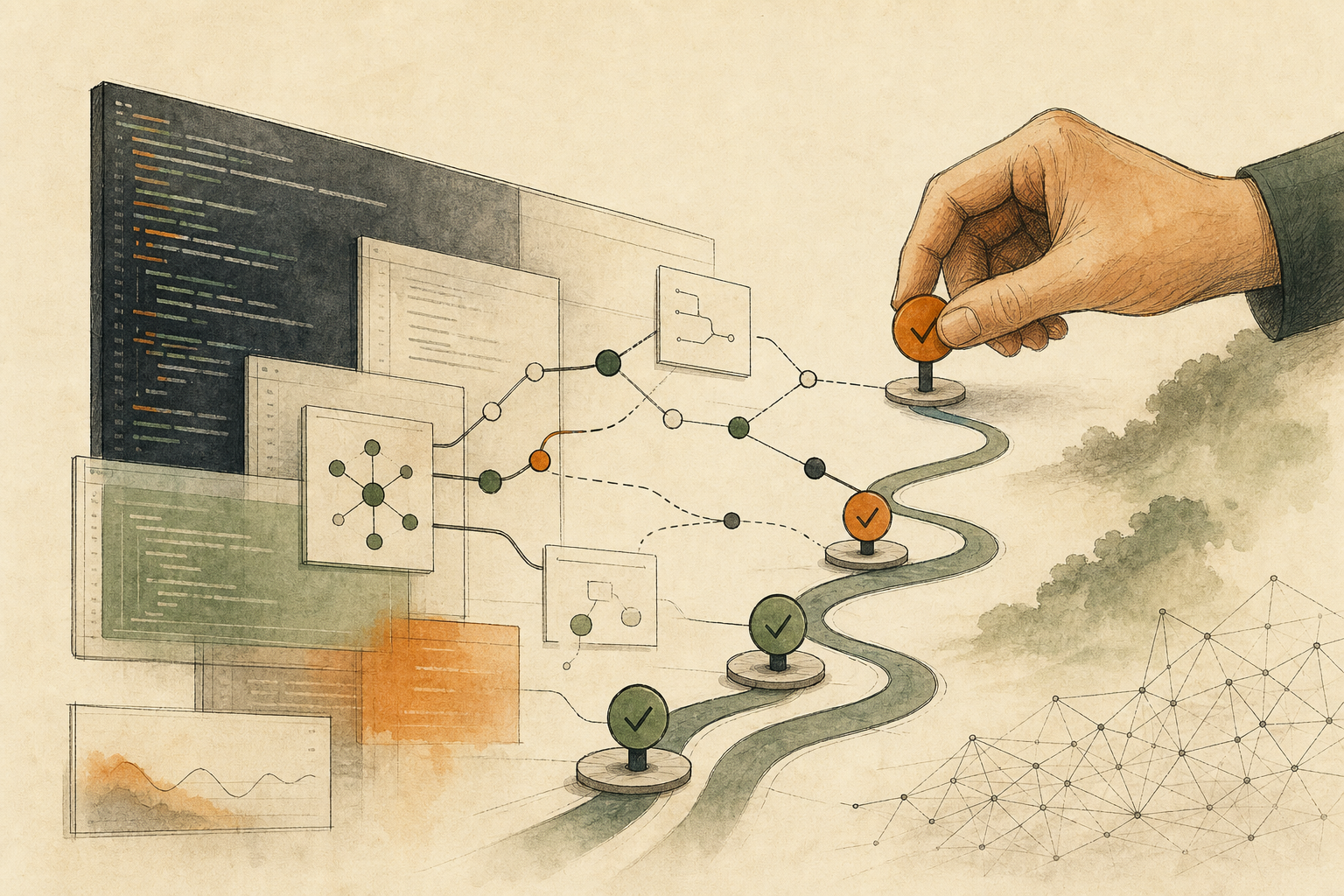
In the middle of the night, a data pipeline fails halfway through. You open the logs and see a single ERROR line, or a scatter of old print() calls: no time, no location, and no sign of which batch was being processed when it failed.
How good your logs are depends on whether the logs alone can answer four things: when, where, what happened, and what data was involved at the time. The test is simple: replay your last incident and see what’s missing.
The first reaction many people have is to switch logging tools, for example to Loguru, popular in the Python community. But Python’s built-in logging can do almost all of it; switching mainly saves setup effort. Find out what’s missing first, then decide whether to switch.
A single “processing failed” line says nothing
Pipeline incidents are hard to investigate usually because context is missing: you don’t know which batch, which step, or which modules were involved. A line saying “processing failed” might as well not exist.
The opposite problem is logging too much. Write full request bodies, tokens, passwords, or personal data into logs, and the logs themselves become a new source of leaks.
Replay the last incident against seven elements
Levels: whether debug, info, warning, and error are distinguished. Without levels, logs are either too noisy or too empty.
Time and location: whether each entry has a timestamp, file, function, or line number.
Written to files, with rotation: output only on screen disappears. Files should rotate by size or date, with a retention period. Python’s official documentation provides handlers that rotate by size or time.
Full exception records: failures should leave a complete traceback, not just “an error occurred.”
Context IDs: request IDs, batch IDs, and pipeline steps should accompany each entry so you can follow the flow across modules.
Structured format: output as JSON or fixed fields so it can be searched and aggregated.
Sensitive data: tokens, passwords, personal data, and customer content must not be written in directly.
Take the logs from the last incident and check each item. Whatever you can’t check off is what to add next.
Where built-in logging and Loguru each save effort
Python’s built-in logging can achieve all of the above; its weakness is cumbersome setup: handlers, formats, levels, context, rotation, and JSON all have to be wired up yourself. When setup is a hassle, small tools easily fall back to print().
Loguru wraps these more simply: one line sets file rotation and retention, one parameter outputs JSON, bind() attaches IDs to log entries, and catch() records errors automatically. But its official documentation specifically warns that the error diagnosis feature (diagnose) is on by default and writes variable values at the time of the error into the log, which may leak sensitive data in production. Before switching, decide how to handle that setting.
Teams with mature logging setups don’t need to rewrite just to switch tools. For new small tools or scripts, Loguru may reach the same elements faster.
This list covers a single program
This checklist covers the logs of a single program. If a workflow spans several services, you also need centralized log collection tied together with a shared ID, which is beyond what one library can solve.
Logs help you know what happened; they don’t clean up for you. For deciding whether a workflow that failed halfway, after partly writing data, can be rerun, see When Automation Stops Halfway, Find Out What Already Happened Before Rerunning. For keeping records so colleagues can redo an analysis later, see Charts Made With AI Should Be Reproducible by a Colleague Months Later.
AI handoff card
I want to check whether the logs of a Python service or data pipeline are good enough to find the problem when something fails.
The method comes from this article: https://boosterminiclass.com/en/posts/python-loguru-logging-pipeline-debugging-checklist/
Its view: good logs let you answer, from the logs alone, when, where, what happened, and what data was involved. Replaying the last incident shows what's missing. Built-in logging can do almost all of it; Loguru mainly saves setup effort, but its diagnose option writes variable values into error logs by default.

Review, read-only, only the code and logging configuration I've authorized. Don't modify files.
1. Find where logging is configured and how it's used, and mark places still using print;
2. Check each of seven elements, levels, time and location, file rotation, full exception records, context IDs, structured format, and sensitive data, citing files and line numbers;
3. If I provide logs from an incident, judge whether they alone answer the time, location, what happened, and the data involved, and which element is missing;
4. Recommend filling the gaps with built-in logging or switching to Loguru; if you recommend Loguru, explain how to set diagnose and handle sensitive data.
Don't copy any tokens, passwords, or personal data from the logs into your reply.
References
- Python official documentation: logging — Logging facility for Python — https://docs.python.org/3/library/logging.html [accessed: 2026-10-11]
- Python official documentation: Logging Cookbook — https://docs.python.org/3/howto/logging-cookbook.html [accessed: 2026-10-11]
- Loguru official documentation: Overview — https://loguru.readthedocs.io/en/stable/overview.html [accessed: 2026-10-11]