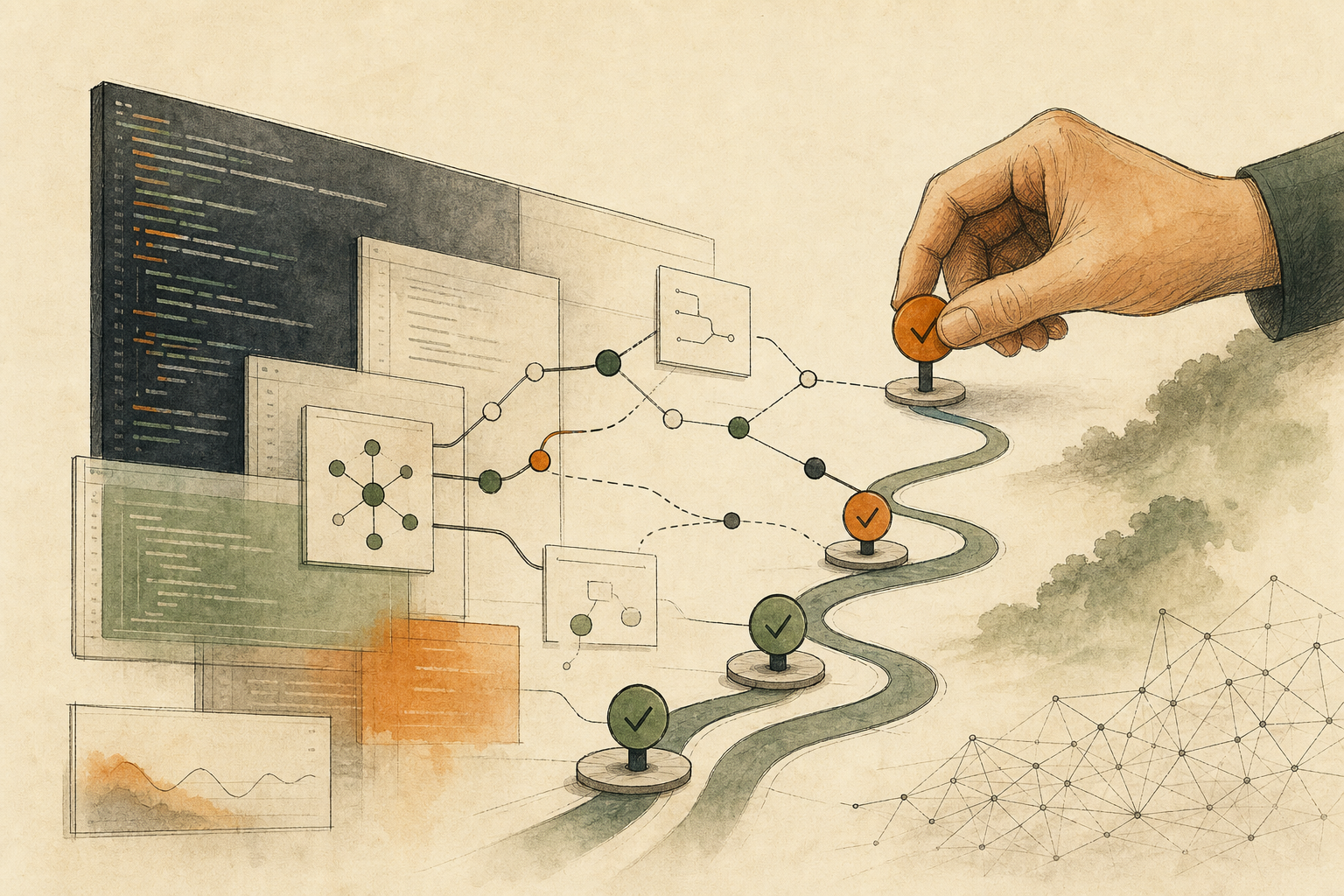

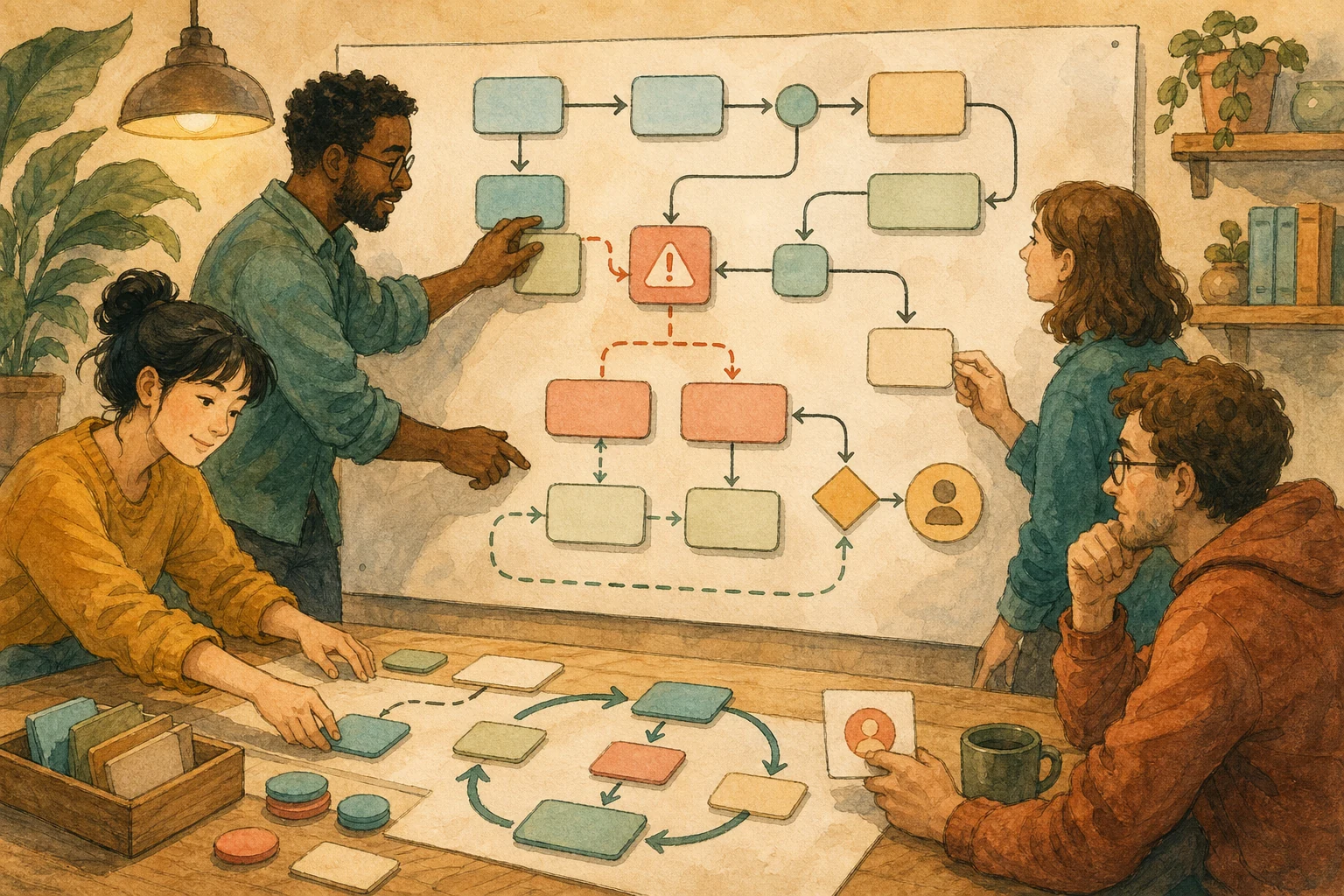
A customer submits a form. The automation creates a customer record, opens a task for the support team, and sends a confirmation email. Its final step—updating the payment or CRM status—times out.
The dashboard says the run failed, but three real-world actions may already be complete. Running the workflow from the beginning could create a duplicate customer, assign a second task, and send the same email again. The urgent question is therefore not simply how to restart the run. It is how to determine what happened, contain the effects that should not be repeated, and decide who may authorize the next attempt.
Cloudflare put this issue in focus on 2026-06-25 with saga-style rollbacks for Cloudflare Workflows, its platform for long-running, multi-step application flows. Work performed through step.do() can be paired with compensation logic that runs when a later step fails. Although that implementation is new, the production rule applies far beyond one platform: every consequential workflow step needs observable evidence, a safe way to retry or compensate, a stop condition, and a person responsible for the recovery decision.
A retry fixes an interruption, not its aftermath
Retries are useful when an operation has left no external effect. If a read-only API request fails because of a brief network problem, trying it again may be entirely reasonable. The request did not send a message, create an object, change a balance, or alter an official record.
The calculation changes once the workflow has acted outside itself. An account, order, invoice, ticket, or internal task may exist even if the workflow never received the success response. A customer may already have read an email or SMS. Payments, refunds, loyalty points, inventory, CRM data, or permissions may already have changed. An AI agent may have edited files, opened a pull request, or instructed another tool to continue working.
A blind rerun cannot distinguish between an action that never happened and one that succeeded without returning confirmation. That is how recovery attempts produce duplicate orders, repeated notices, conflicting records, or a second financial mutation.
Saga-based recovery addresses this by giving completed work a compensating action when a later transaction fails. Compensation is not always a perfect reversal. Restoring an old database value could overwrite legitimate concurrent work, and a delivered customer message cannot be unread. The appropriate response may instead be to cancel an order, flag a record, issue a correction, isolate uncertain output, or transfer the case to a person.
For each step, start with the failure the team most wants to avoid:
| Step and external effect | What can go wrong after an interruption | Recovery contract to define in advance |
|---|---|---|
| Read or validate without changing state | A temporary service error prevents completion | Retry only up to a stated limit, then stop and record the error |
| Create an account, task, ticket, order, or invoice | The object exists, but a lost response causes the workflow to create another | Store the external ID and search for the existing object before any new create request |
| Send an email, SMS, or customer notice | A later failure leads to the same message being sent again | Block further sends, place the case in review, and prepare a correction if needed |
| Change money, points, inventory, CRM data, or permissions | Another attempt duplicates the change or leaves authoritative data inconsistent | Lock the affected record and require its owner to reconcile the evidence before another mutation |
| Invoke an AI agent or external tool | The tool completes its action, but the workflow loses confirmation and downstream work continues | Preserve the action log, isolate uncertain output, and hold all dependent actions for human review |
The purpose of this contract is not to guarantee that every effect can be erased. It is to ensure that a failed run enters a known recovery state instead of becoming an improvised full rerun.
Make the recovery decision from evidence
A step is easier to recover when it is idempotent: repeating the same request produces no additional effect after the first successful application. For example, if an order number already has an associated fulfillment task, submitting that same order number again should return the existing task rather than create a second one. Cloudflare’s workflow guidance recommends this property because durable execution may repeat a step after an interruption.
Many external services do not provide that guarantee automatically. The workflow must then retain enough evidence to reconstruct the run: its run ID, the start and completion state of each step, external object IDs, relevant error details, and the current recovery status. A single red “failed” label cannot tell an operator whether money moved, a customer was contacted, or another system accepted a command.
Evidence still needs an owner. An alert should reach someone with the authority and context to approve, correct, or stop the next action—not merely a name listed in documentation. When an AI agent edits code or invokes development tools, Before Letting an AI Agent Write Code, Put Checkpoints into the Task shows how to place review before another consequential action so the reviewer can inspect what changed.
Permission design should enforce the same boundary. The ability to revise a draft does not imply permission to email customers, alter payments, or modify access. Always-On AI Assistants Need Permission Boundaries explains why tool authority and handoff conditions must be explicit before an incident, rather than inferred while a failed run is waiting.
This standard applies to Cloudflare Workflows, GitHub Actions, Zapier, n8n, internal scripts, and AI agents connected to external tools. If the system cannot show which effects occurred, select an appropriate compensation, and identify who may approve further action, it is not ready to make those changes unattended. It should stop at a draft, pending, or review-task state.
Choose one automation already in use and find its most consequential state-changing step. Record three things: the evidence that proves whether the step ran, the action that would contain or correct its effect, and the person who must approve another attempt. Defining one verifiable recovery path today is safer than promising to handle every possible error later.
AI handoff card
Begin with the automation definitions, repository files, project configuration, execution logs, or operational records that are already available in the current environment. Perform read-only discovery first. Do not start or retry a workflow, edit a file, send a message, change a permission, or mutate any external record.

Select one multi-step flow that can create an object, contact a customer, change money or inventory, update authoritative data, or invoke an external agent or tool. Find its most consequential recovery weakness yourself. Quote the direct evidence behind your finding, such as a file path, configuration key, run ID, log entry, or external record identifier, and clearly separate observed facts from inference.

Explain what may already have happened at the affected step. Determine whether a repeated request is demonstrably idempotent; if it is not, choose the suitable compensation category: cancel, mark for review, correct, isolate, or hand off. Also identify the evidence required for recovery, the condition that must stop automatic execution, and the human role that must approve further action. Write “To confirm” for any unsupported field. If essential material is inaccessible, ask no more than one targeted question about the missing location or access instead of asking me to assemble an input package.

Conclude with exactly one decision: Proceed, Limited trial, or Pause. Give a brief evidence-based reason and one immediately usable next step that remains read-only and causes no production mutation. Customer communications, financial or inventory changes, permissions, official records, and external-tool actions are mandatory human checkpoints; never execute or retry them without explicit authorization and a verified recovery path.
References
- Cloudflare Blog: How we built saga rollbacks for Cloudflare Workflows — https://blog.cloudflare.com/rollbacks-for-workflows/
- Cloudflare Docs: Rules of Workflows — https://developers.cloudflare.com/workflows/build/rules-of-workflows/
- Microservices.io: Pattern: Saga — https://microservices.io/patterns/data/saga.html
- Microsoft Learn: Compensating Transaction pattern — https://learn.microsoft.com/en-us/azure/architecture/patterns/compensating-transaction