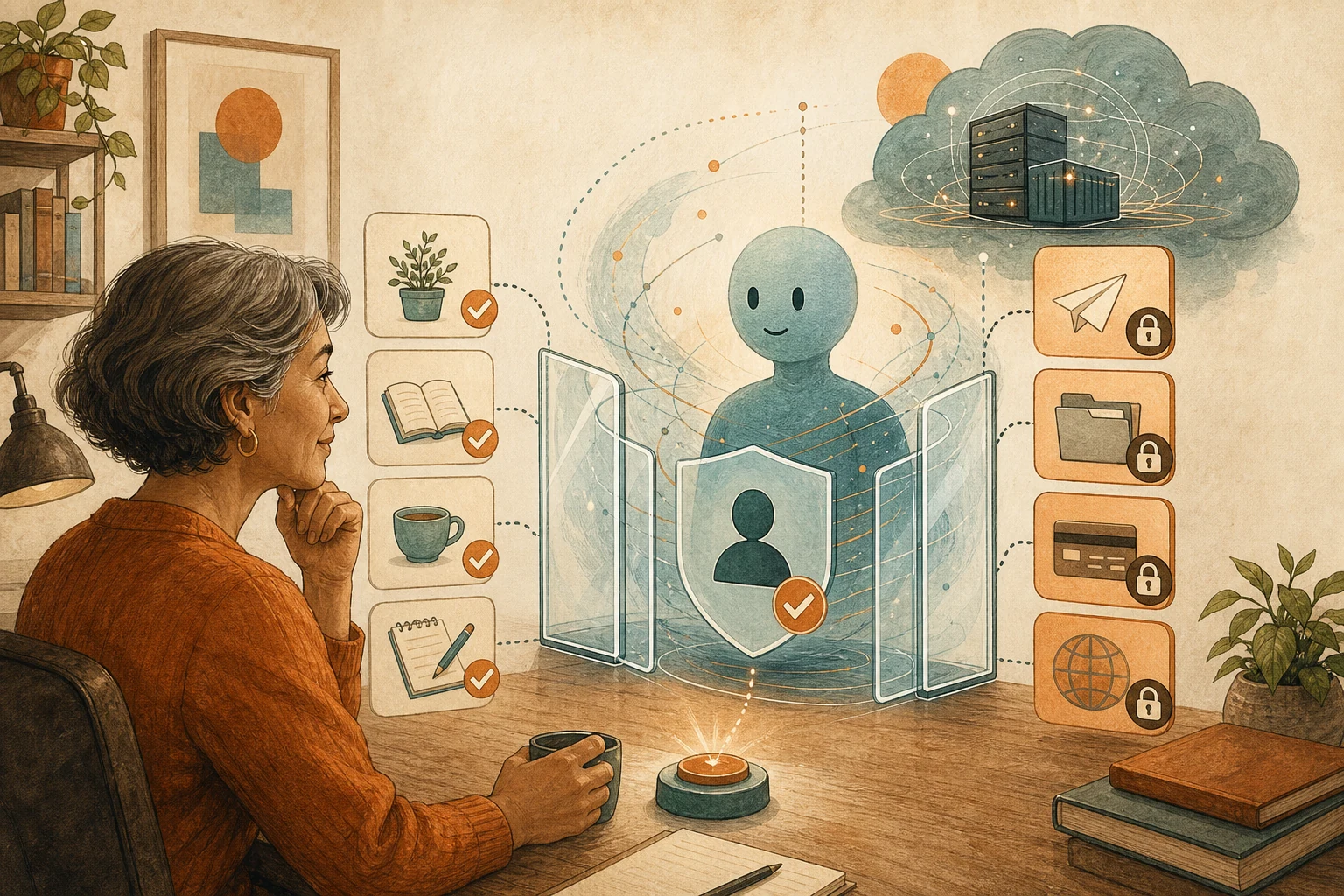
An always-on assistant acts while you're away, and the vendor defines which actions are high-stakes. Before connecting main accounts, write your own list: read only, draft only, wait for your yes.
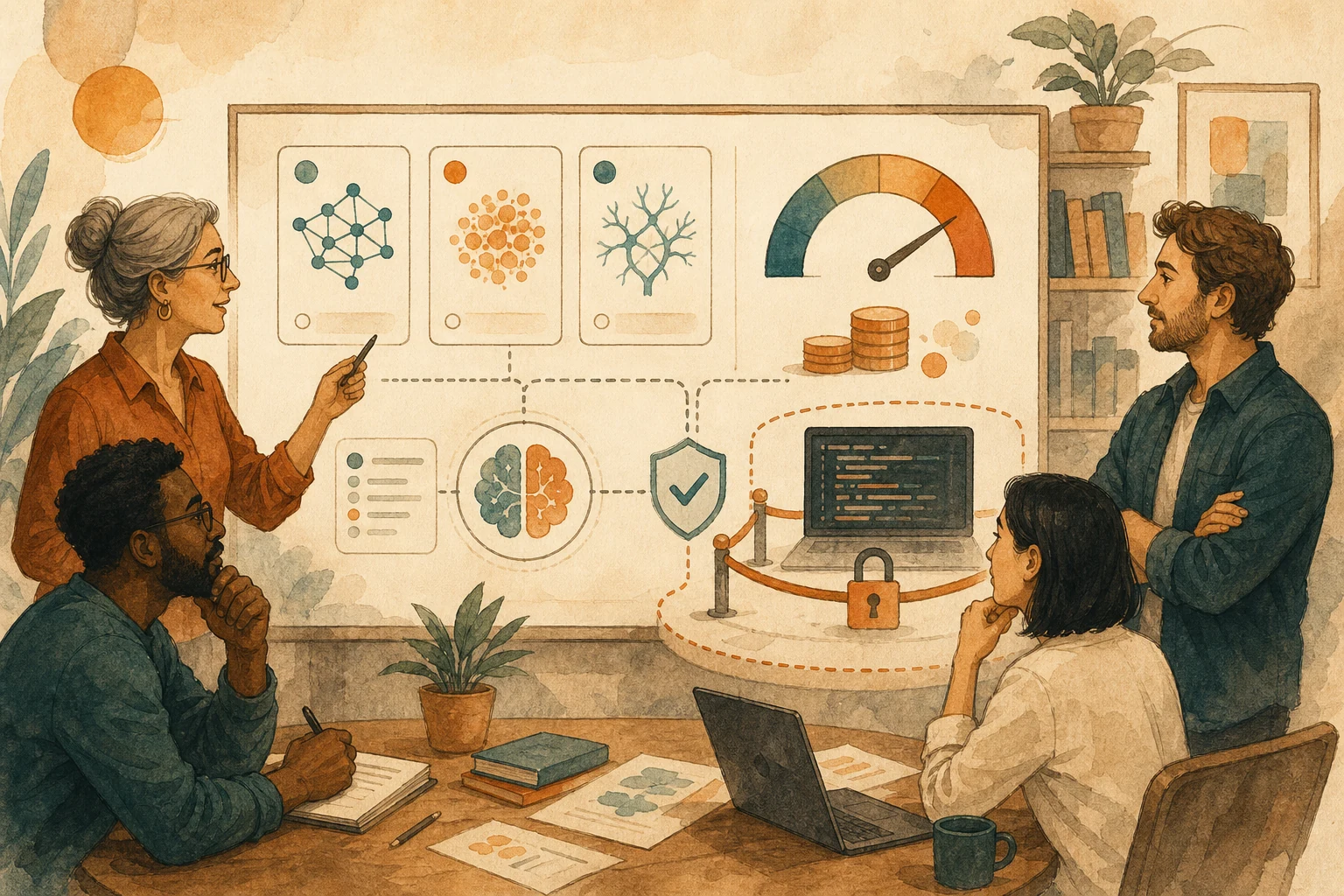
Copilot bills by usage from June 2026: completions stay free, chat and agents cost, with no cheap-model fallback. Decide whether to stop or pay when credits run out, and who gets the priciest mode.
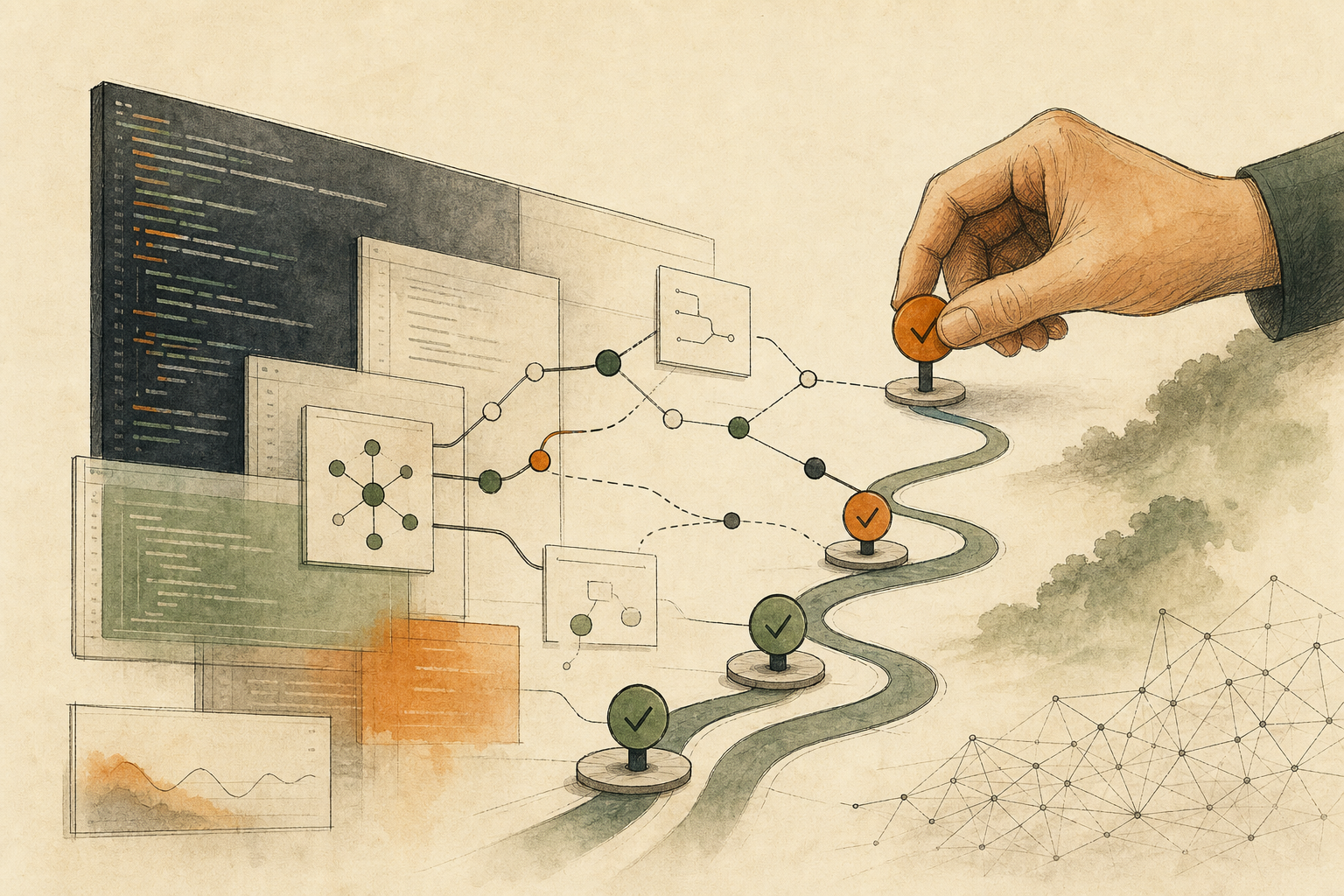
Coding agents can now go from issue to pull request, and AI can even approve the result. So the human checkpoint moves earlier: hand a task over only if you can describe its first independently reviewable diff.
Adobe's Firefly assistant runs multi-step edits across its apps from one sentence; a reviewer called it a mediocre design intern. Before generating, write the art direction as checkable conditions.
A New York startup cleans homes free if it can film the work and license the footage for robot training. Blurring hides faces, not your home's layout. Ask who gets it and whether you can delete it.
Glean passed $300M in ARR pitching lower AI bills. Savings count only if an old cost can be canceled on a set date or a measurable work metric drops; anything else is an experiment cost.
Redesigned Microsoft 365 Copilot answers faster and more clearly. But tidy isn't a handoff: teammates need decisions, owners, deadlines, sources, and gaps. Put those fields in the prompt; mark the rest "to confirm."
When AI should stop can't depend on it saying "I'm not sure." Make stops visible events: missing fields, conflicting sources, an outbound next step, unknown state. Leave a record others can pick up.
Whether a site needs an API or MCP depends on whether AI must read public content, look up changing data, or act for someone. Each carries different duties; most sites should first fix the public pages AI reads.
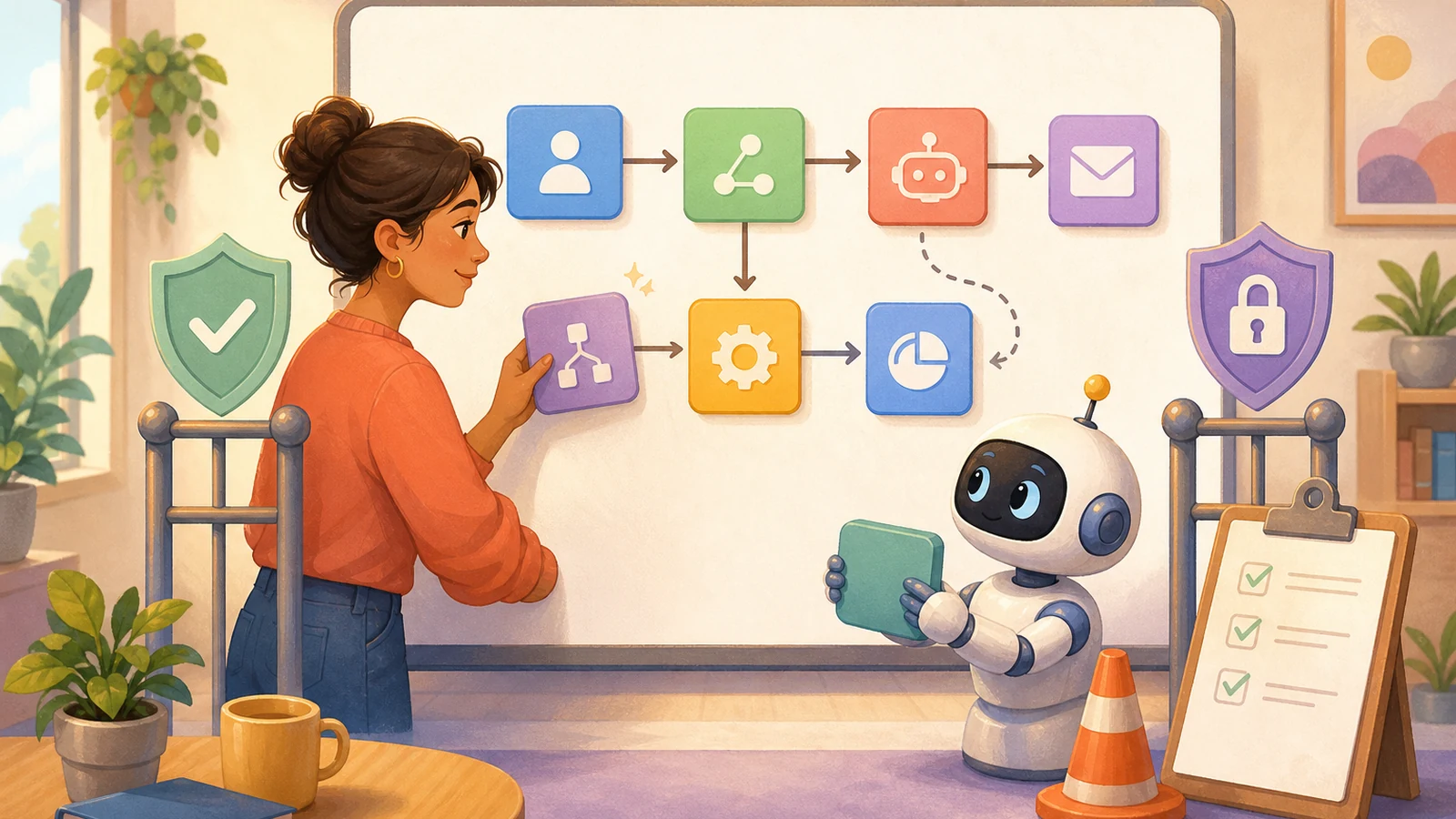
Asana bought no-code agent builder StackAI; its AI Teammates read and write across 10+ apps. Connecting a tool doesn't mean AI should do everything in it. Assign permissions per action, then test failures.
Fine-tuning on documents that keep saying a claim is false can still teach the claim; models learn the negation mainly when it's inside the sentence. Store true/false status in fields or rewrite the data.